
Listen to this post: How to Stay Safe Online as a Fully Remote Worker
Picture this: you settle on your sofa with a hot cuppa, fire up your laptop for the day’s work, and tap into your emails. One message from your “boss” urges you to click a link right away. You do, and suddenly your files lock up or your bank details vanish. Sounds scary? It happens more than you think. In 2026, phishing drives 60% of cyber attacks on remote setups, while ransomware strikes 29% of home devices. Unsecured home Wi-Fi opens doors in 38% of cases, and dodgy VPN configs cause 17% of leaks. These numbers come straight from fresh 2025 reports projecting into this year, when remote work exposes you to threats like AI-boosted fakes and personal gadgets without office shields.
Home offices lack the firewalls and quick IT fixes of company buildings. You mix work with family Netflix or kids’ games on the same router. Hackers love that. This post breaks it down: spot the top dangers hitting home workers, fortify your setup with solid tech, and lock in daily habits that block most attacks. By the end, you’ll have clear steps to shield your job and data. No more second-guessing that dodgy email.
Spot the Biggest Threats Targeting Home Workers
Remote work turns your lounge into a target. Hackers scan for weak spots like old routers or shared family laptops. In 2026, boards project a rise in hits because 92% of IT experts say home setups amp up risks. No central security means one slip spreads fast. Think about it: have you checked your Wi-Fi password lately?
Top dangers include phishing with AI twists, ransomware via sneaky downloads, busted Wi-Fi, slack passwords, VPN flaws, bring-your-own-device holes, deepfake calls, and DDoS floods. Each preys on home isolation. For a quick scan, here’s how they stack up:
| Threat | How It Works | Remote Risk Boost |
|---|---|---|
| Phishing | Fake emails/links steal logins | 62% of breaches from home clicks |
| Ransomware | Locks files after bad downloads | 29% start on unprotected homes |
| Unsecured Wi-Fi | Hackers snoop on open networks | 38% of router attacks at home |
| VPN Misconfigs | Leaks data through poor setups | 17% of cloud access fails |
| BYOD Flaws | Personal devices mix work/personal | 73% of workers use risky gadgets |
These pull from remote work cybersecurity statistics for 2026. Home amps them because no mate spots the odd pop-up or IT swoops in.
Phishing and AI Tricks That Fool You Fast
Phishing hides in emails that mimic your team. “Urgent payroll update,” it says, with a link to a fake site grabbing your login. Now AI crafts perfect fakes: boss voices in videos begging for cash transfers. It fuels 60% of company worries and 62% of breaches.
Spot them by odd sender names, links that hover to weird sites, or panic pressure. A real case saw remote staff click “CEO” mails, costing firms $4.56 million a pop. Hover, don’t click; forward to IT.
Ransomware Locking Your Files for Cash
This malware sneaks via email attachments or dodgy sites, then encrypts your drive and demands Bitcoin. Home devices catch 29% of these, as BYOD skips antivirus. Your laptop slows, files vanish, a note pops: “Pay or lose it all.”
Remote hits hard with no quick office rescue. One 2025 wave fried home routers in 38% of attacks, halting work weeks. Signs include draggy speeds or unknown processes. Back up offline to fight back.
Set Up Your Home Office Like a Fortress
Turn your desk into a bunker. Strong Wi-Fi and VPN stop 38% of snoops, while updates plug 17% of VPN gaps. Picture a thief rattling your door: solid locks bounce them off. Start with basics like WPA3 routers and company VPNs. Use work apps only, encrypt drives, dodge personal email for jobs.
Steps keep it simple. Swap default router logins, flip auto-updates on, grab antivirus that scans real-time. Benefits stack: traffic hides, holes seal. Your setup now shrugs off probes that floor others. For UK firms, check top 10 cyber threats facing businesses in 2026.
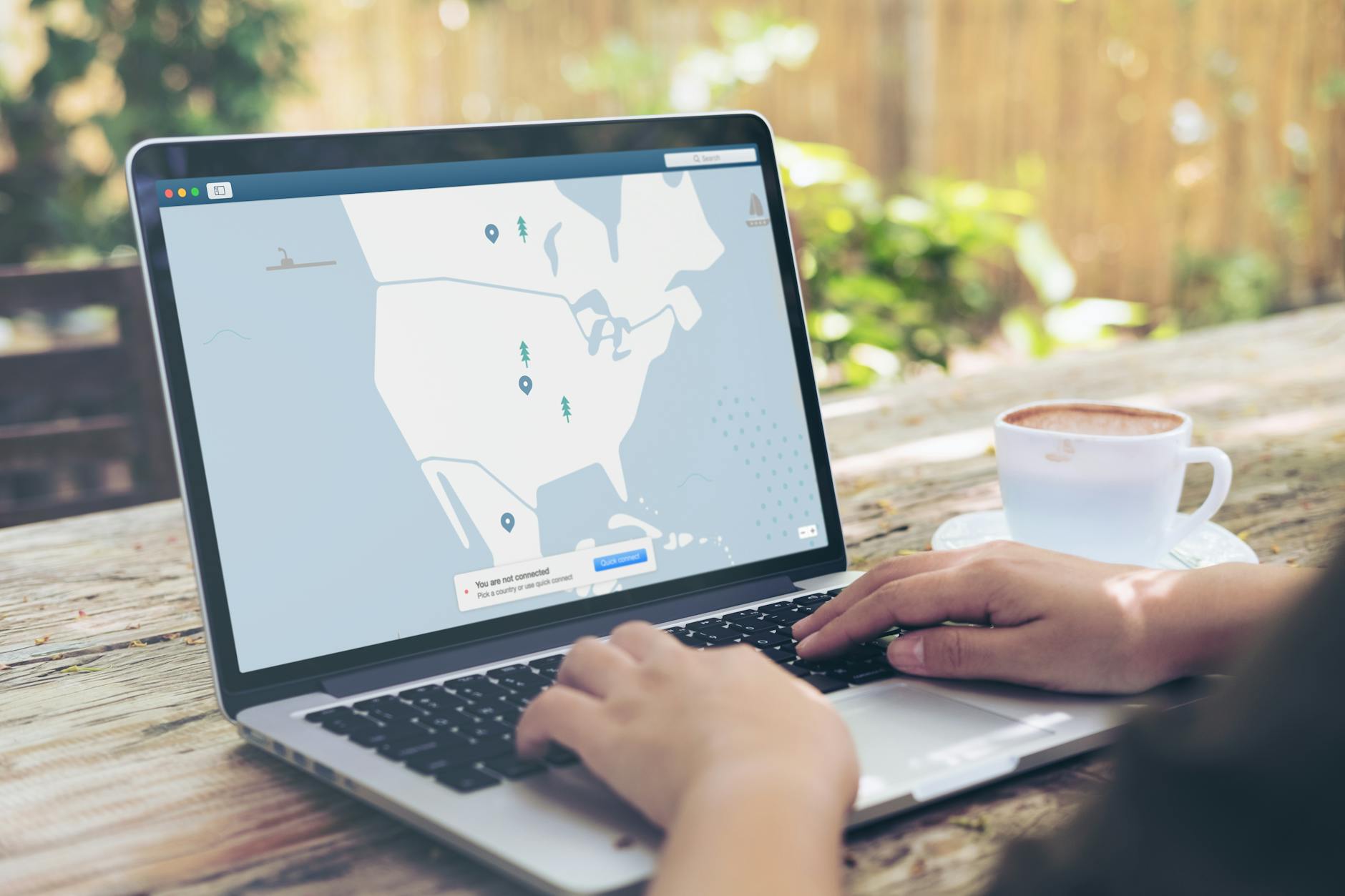
Photo by Kevin Paster
Lock Down Wi-Fi and Fire Up a VPN
Ditch weak signals first. Log into your router (try 192.168.1.1), set WPA3 encryption, craft a long passphrase with numbers and symbols. Hide your network name too; no broadcasts invite probes.
Skip public coffee shop nets entirely, or tunnel them via VPN. Always run company-approved VPN for work: it masks your IP, scrambles data. Test config with IT; bad ones leak in 17% of cases. This slashes Wi-Fi theft by 38%, as hackers hit easier targets. Your Zoom calls and files stay private, even on the train.
Patch Everything and Add Antivirus Shields
Outdated software begs trouble. Enable auto-updates on Windows, macOS, apps, browsers. Restart weekly to grab patches blocking ransomware paths.
Pick antivirus like company-endorsed tools with AI scans; they catch 73% more BYOD threats. Scan downloads before opens, quarantine suspects. Run full sweeps Sundays. These fix 9% of malware slips from home browsing. No more “update later” excuses.
Build Habits That Keep Hackers Out Daily
Tech alone won’t cut it; you must act smart. Strong routines stop 80% of login breaches. Use unique passwords, MFA, question every ask. Make it routine: check logs mornings, report weirdness fast. Train via free quizzes online. This becomes your normal, turning suspicion into a shield.
Zero-trust mindset rules: verify before you share. No quick Slack transfers without a call. Data shows trained staff dodge most traps.
Passwords and MFA: Your First Defence Line
Ditch “password123”. Craft 16-character monsters like “BlueDog!Rain42Coffee#”. Use a manager app (Bitwarden or LastPass) to store uniques per site; it auto-fills safe.
Add MFA everywhere: app approvals beat texts, as SIM swaps fool SMS. Change work ones quarterly. This crushes guessing or keylog steals in 80% of tries. Logins now need your phone tap too.
Train Yourself to Question Every Request
Adopt zero-trust: that “boss” video call demanding wire transfers? Ring the real number to check. AI deepfakes fool eyes; voice quirks or odd backgrounds tip you off.
Do monthly drills: fake phishing tests from sites like Google’s. Report fishy mails same day. Humans plug the weakest link. Spot public shares of creds? Shut it down. Practice turns doubt into instinct.
Staying safe online as a remote worker boils down to three wins: grasp threats like phishing at 60% and ransomware at 29%, build a tech fortress with VPNs and patches, and wire in habits like MFA and checks. These slash most 2026 risks per fresh data.
Act now: enable MFA on your top accounts, update that VPN, scan for updates. You’ll work free from worry, thriving in joggers from any spot. Safe remote life means focus on tasks, not threats.
Fancy more quick tech insights? Subscribe to CurratedBrief for daily briefs on cybersecurity shifts. Share your top tip below; what’s kept you secure?