
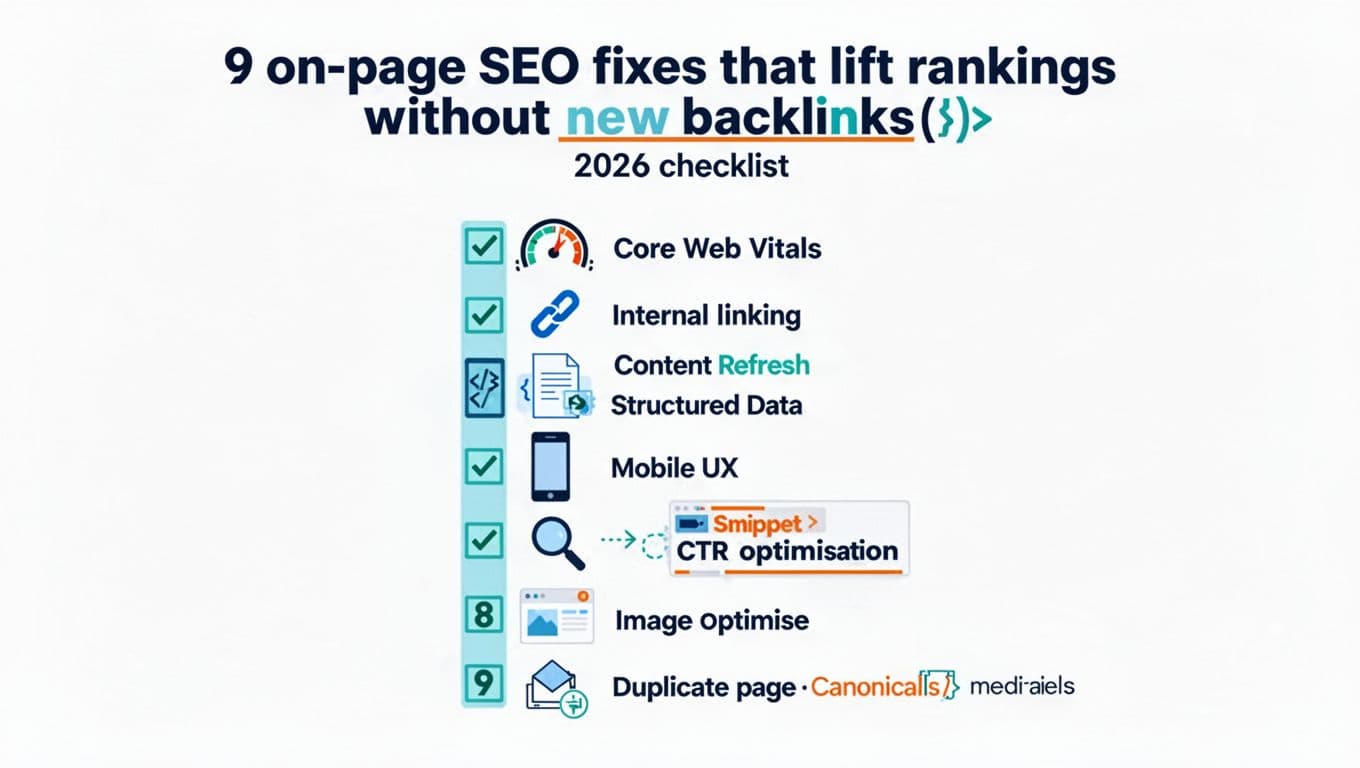
Listen to this post: 9 on-page SEO fixes that lift rankings without new backlinks (2026 checklist)
Search engine rankings don’t always fall because your competitors got more links. Often, your pages just stop being easy to read, fast to load, and clear to index.
The good news is that on-page SEO fixes still produce clean, measurable lifts in organic traffic in 2026, especially for SMB and mid-market sites with ageing content and messy templates. Better yet, these changes tend to compound, because they improve crawling, engagement, and how well your pages answer queries.
Below is an on-page SEO checklist of nine fixes you can implement with the tools you already use, like Google Search Console, Lighthouse, a crawler, and your CMS.
Fix the “page experience tax”: Core Web Vitals, mobile UX, and media weight
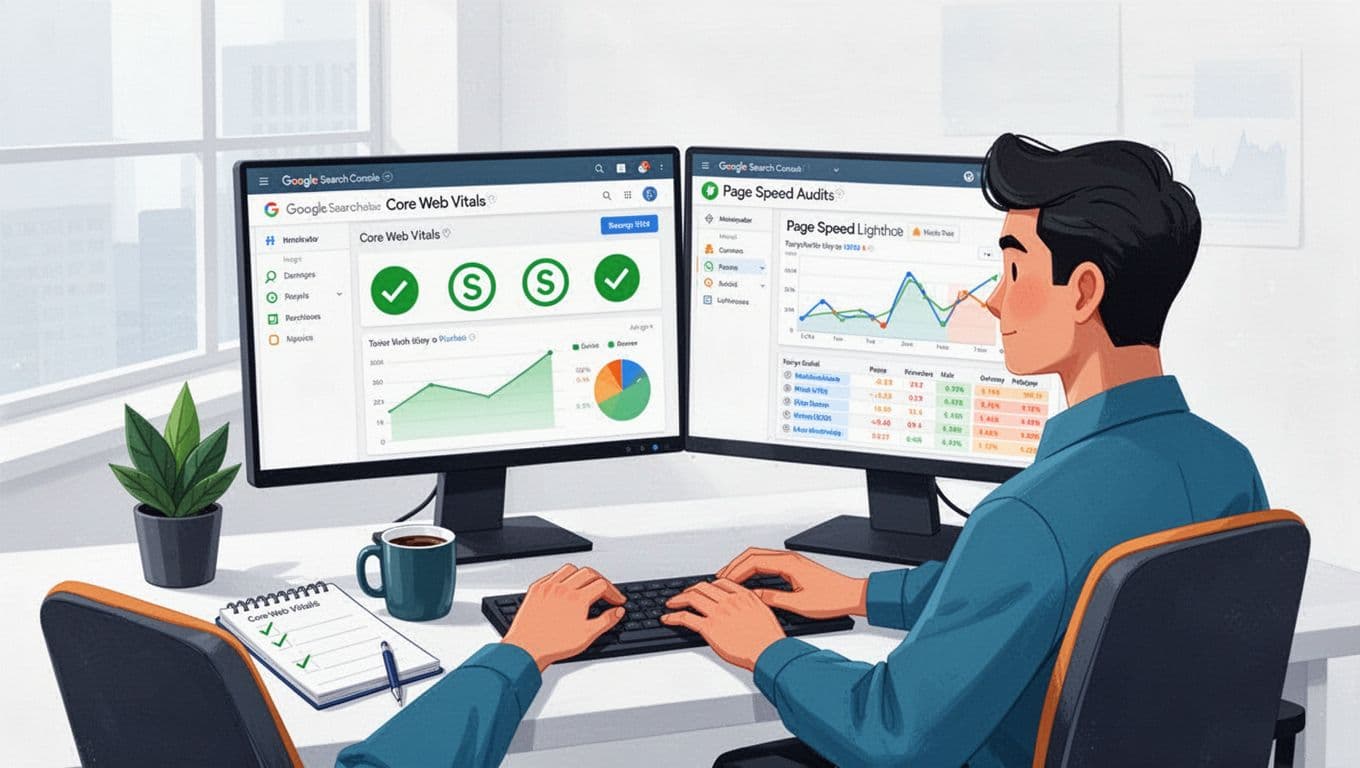
When a page feels heavy, people bounce. Google sees that too, through real-user signals and crawl behaviour. Start here because technical SEO lays the foundation for page experience and improves everything else downstream.
1) Pass Core Web Vitals on the templates that matter most.
In 2026, the practical targets are unchanged: keep LCP around 2.5s or less, INP around 200ms or less, and CLS under 0.1 for optimal user experience. Use Google Search Console’s Page Experience and Core Web Vitals reports to find the worst templates, then confirm causes in Lighthouse or PageSpeed Insights with a page speed audit. Common wins include compressing hero images, using modern formats (WebP/AVIF) with image alt text, enabling caching, and reducing server response time (TTFB).
2) Cut JavaScript and third-party drag before you “optimise”.
Many sites fail CWV because of tag bloat, chat widgets, heatmaps, and A/B tools all firing at once. Remove what you don’t need, then delay what you do. Load non-essential scripts after user interaction, and strip unused CSS from large frameworks. If you can only do one thing this week, audit third-party scripts by cost (ms) and keep the ones that pay rent.
3) Make mobile pages feel thumb-friendly and mobile-friendly, not just “responsive”.
Check real devices. Fix menus that cover content, sticky bars that steal space, and pop-ups that block reading. Increase spacing around links, keep font sizes comfortable, and avoid jumpy layouts when ads load. Then confirm that the mobile HTML contains the same main content as desktop, because mobile-first indexing still punishes “pared down” pages.
A quick way to prioritise is to focus on pages that already get impressions. This table is a simple workflow:
| What to fix | Where to spot it | Best tool to confirm | Why it lifts rankings |
|---|---|---|---|
| Slow LCP pages | GSC CWV report | Lighthouse | Better engagement and crawling |
| High INP pages | CrUX patterns | Lighthouse Performance | Fewer delays on taps and clicks |
| Layout shift | GSC CWV report | WebPageTest or Lighthouse | More stable reading experience |
| Heavy images | Page audit | DevTools Network | Faster above-the-fold load |
Once you ship changes, expect some movement within 7 to 21 days on smaller sites. On larger sites, wait for a full crawl cycle.
Align content with intent, refresh what’s fading, then earn more clicks from the same rankings
A page can load fast and still underperform if it answers the wrong question. This is where many “stuck” keywords live.
4) Re-match search intent by rewriting the first screenful.
Open the query in an incognito browser and scan the top search engine results. Are they guides, lists, tools, category pages, or product pages? Match the format to align with search intent. Then tighten your opening: state who it’s for, what it solves, and what the reader will get in the next minute. Add a short “definition” line near the top for terms that trigger quick answers. This helps humans and also makes extraction easier for AI Overviews.
5) Refresh and consolidate content instead of publishing more.
Use Search Console to find pages with falling clicks, rising impressions but flat clicks, or high impressions on page 2. Let keyword research guide content refreshes by adding missing subtopics and long-tail keywords, update facts, and improve examples. To boost content quality, if you have three similar pages fighting each other, merge them into one stronger page and redirect the others, or keep one and set the rest to noindex if they must exist. Run a crawl (Screaming Frog or Sitebulb) to find thin pages, orphaned URLs, messy parameter variants, and suboptimal URL slugs.
6) Improve your search snippet without touching backlinks.
Your title tag and meta description in the search engine results decide whether a ranking is worth anything. Use the Performance report in Search Console to filter queries with high impressions and low CTR, then update your title tag, meta description, and other on-page copy incorporating your primary keyword and target keywords that influences snippets:
- Put a crisp answer in the first 2 to 3 sentences.
- Add a short comparison table or a pros/cons section when the query suggests evaluation.
- Use clear header tags that mirror how people phrase questions.
For broader patterns, compare your approach with a reputable checklist like the Semrush on-page SEO checklist for 2026, then translate the ideas into your own templates and workflow.
A useful rule: change one major element per page (intent, structure, or consolidation), then wait long enough to judge it. Otherwise, you won’t know what caused the lift.
Strengthen crawling and understanding: internal links, structured data, and canonicals
Once performance and intent are solid, the remaining wins come from how your site “hangs together”. Think of it like a city map. Good roads make every building easier to reach.
7) Build internal links that behave like signposts, not decoration.
Start with pages that already have authority (often your home page, category pages, and top guides). Add internal links from them to priority pages, using anchors that describe the destination in plain English. As a quick set of rules:
- Link from broad pages to specific pages (hub to spoke) to build topical authority.
- Keep anchors varied, but consistent in meaning.
- Add internal links where they help the reader make a next step, not in random paragraphs.
- Fix orphan pages first, because they’re often “invisible” without internal links.
If you’re planning a wider clean-up, a structured guide like the SEOlogist on-page SEO checklist (2026) can help you sequence audits without missing basics.
8) Add schema markup (structured data) that matches the page, then test it.
Schema markup doesn’t guarantee rich results, but it reduces ambiguity. Use it where it fits the content, not where you wish it did. Common wins include Article, FAQPage, Product, LocalBusiness for local SEO, and BreadcrumbList. Keep it valid and consistent with visible content, then test it properly in Google’s rich results tools.
A minimal FAQ example (keep your own answers short and visible on the page) looks like:
{"@context":"https://schema.org","@type":"FAQPage","mainEntity":[{"@type":"Question","name":"What is INP?","acceptedAnswer":{"@type":"Answer","text":"INP measures how quickly a page responds to user interactions."}}]}
9) Fix duplicates with canonicals and index controls, so Google stops guessing.
Duplicate or near-duplicate pages dilute signals. Typical culprits include faceted navigation, tracking parameters, printer-friendly pages, and “tag” archives that copy category content. Choose one preferred URL per topic, then:
- Set a self-referencing canonical on the preferred page.
- Canonicalise duplicates to the preferred version, or
noindexthem if needed. - Use consistent internal links to the preferred URL (don’t link to the messy version).
Watch the Coverage/Indexing reports and your crawl stats after changes. Also check the XML sitemap and robots.txt file to ensure search engines can properly process canonical signals. Rankings can wobble for a week or two while Google re-processes signals, especially after consolidations.
For an extra perspective on what tends to matter most right now, see this breakdown of on-page SEO factors to focus on in 2026, then pick the few that match your site’s problems instead of trying to do everything at once.
Conclusion: make the page easier to load, easier to read, and easier to trust
If you want better search engine rankings without new links, stop treating pages as isolated documents. Treat them like products: performance, clarity, and upkeep all matter.
Start with Core Web Vitals and mobile UX, then fix intent and refresh decaying pages, then tighten internal links, schema, and canonicals. Track changes in Search Console, annotate releases, and give each batch enough time to settle. The compound effect of following an on-page SEO checklist for these on-page SEO fixes is hard to beat, because you’re improving the same pages that already earn impressions while enhancing user experience through AI search optimization.