

Listen to this post: Paywalled Content SEO in 2026: A Flexible Sampling Setup Guide
If your best work sits behind a subscription, paywalled content SEO can feel like selling through frosted glass. People can sense value, but they still need a clear view before they commit.
The good news is that ranking paywalled pages in 2026 is still very possible. The trick is simple in theory, but easy to get wrong in practice. Show enough to earn the click, mark the page clearly for Google, and avoid technical setups that make your paywall look deceptive.
What Google expects from paywalled pages in 2026
The core idea hasn’t changed. Google still supports flexible access models, and its Flexible Sampling guidance remains the main reference point for publishers. You can let readers see part of a page, or a limited number of pages, without opening the whole archive for free.
What has sharpened in recent guidance is the handling of JavaScript paywalls. If your site sends the full article in the first response and then hides it with an overlay, you create a messy signal. Google may struggle to tell the difference between a real paywall and content cloaking.
That means your setup should check access first, then reveal the full article only when the user qualifies. In other words, don’t put the whole cake on the table and then throw a cloth over it.
You also need clear markup. Add structured data that tells Google the page contains paywalled content. Let Googlebot crawl the page, control previews with data-nosnippet or max-snippet where needed, and keep your teaser honest. A strong practical guide to SEO for paywalled content shows how easily teaser copy, snippets, and access rules can drift apart.
Flexible sampling isn’t a loophole. It’s a trust signal. Google needs to understand what is free, what is restricted, and when access changes.
How to set up flexible sampling without harming conversions
Start by picking the model that matches your business. Most publishers use either metering or lead-in access.
Here’s the quick comparison:
| Model | How it works | Best for |
|---|---|---|
| Metering | Readers get a set number of free articles before the wall appears | News sites, broad-topic publishers |
| Lead-in | Readers see the opening section of each article, then hit the wall | Analysis, features, premium newsletters |
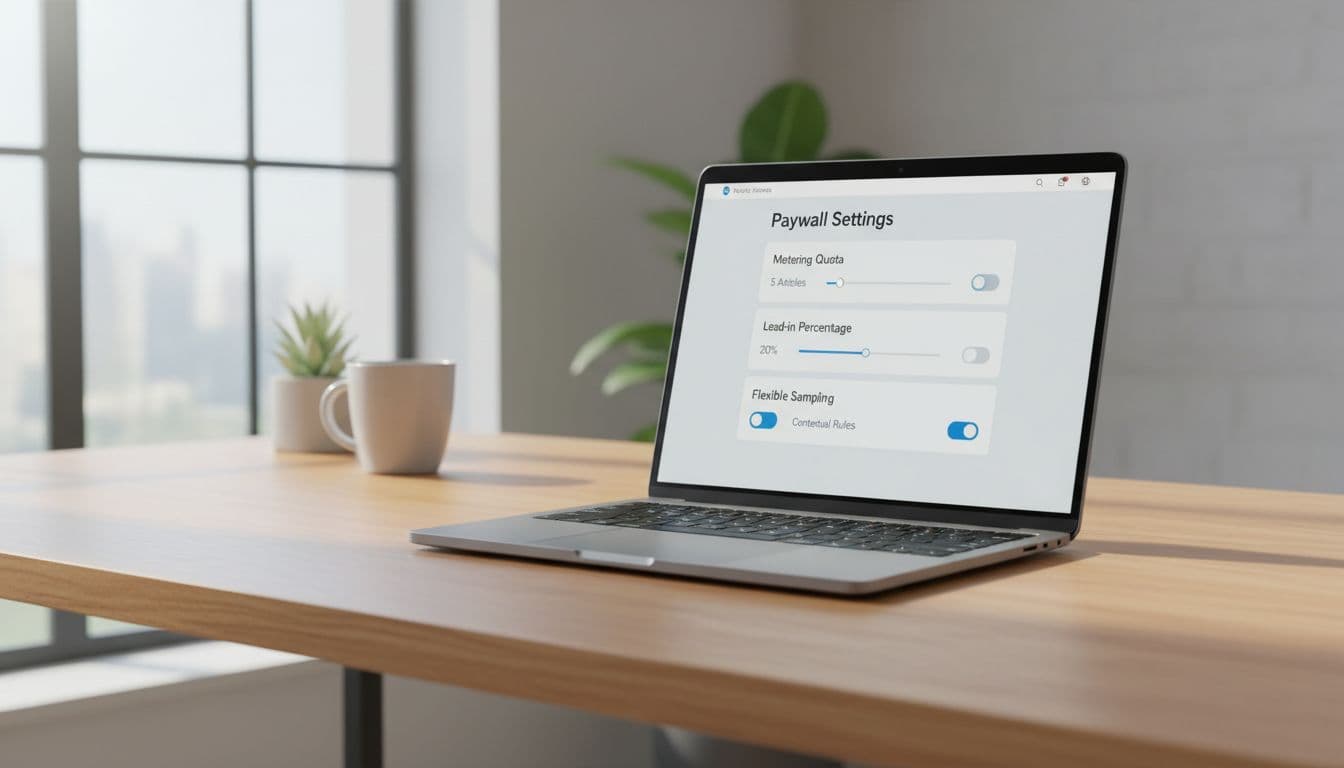
For most sites, lead-in works better for search because it aligns with intent. A reader lands, understands the topic, and sees enough proof to decide whether the rest is worth paying for. Metering, on the other hand, can work well when loyalty matters more than single-article conversion.
Set it up in this order:
- Define the preview. Show the headline, intro, key context, and maybe one data point or takeaway. Don’t make the preview so thin that the page feels empty.
- Gate the rest cleanly. Trigger the paywall after the preview, not before it loads. If JavaScript runs the wall, make sure access checks happen before full content appears.
- Add paywall markup. Use structured data so Google understands that restricted content is intentional, and validate it — a paywall marked up wrongly reads as cloaking.
- Control snippets. If search results reveal too much, cap the preview with snippet controls instead of blocking the page.
- Test the rendered page. Check how Google sees the page, then compare that view with what a logged-out user gets.
On WordPress, this gets easier when the base stack is stable. Good WordPress hosting helps avoid caching problems that expose the wrong version of a page. If you’re building topic clusters around premium articles, LinkBoss for internal linking can help connect free previews, category pages, and subscriber-only pieces.
Your teaser copy matters too. If you draft intros with an AI writing tool for editorial workflows, keep a human editor on the final pass. The preview must match the full article’s promise, tone, and depth.
How to measure results and avoid common paywall SEO mistakes
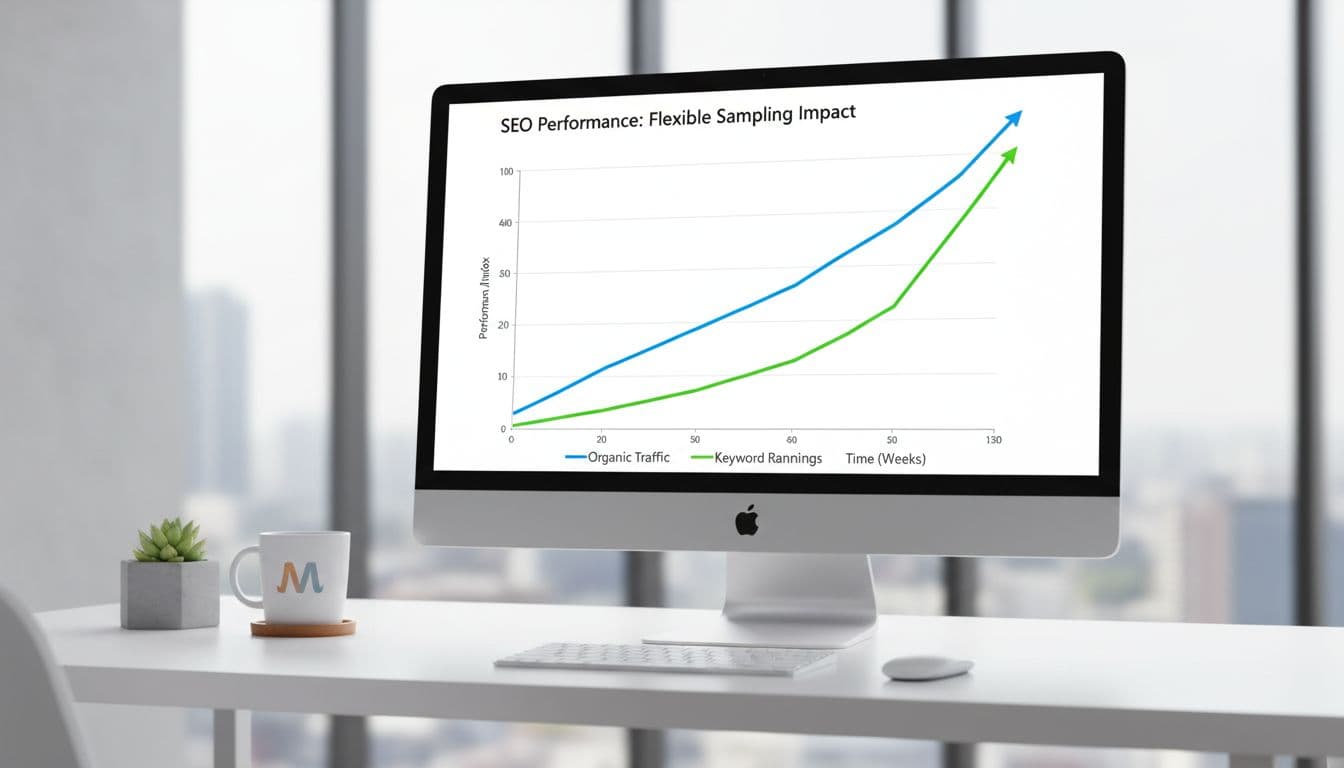
Once the setup is live, track more than rankings. Search visibility means little if the paywall kills engagement.
Watch these signals first: impressions, click-through rate, subscription starts, logged-out bounce rate, and pages per free user. If impressions rise but conversions drop, your teaser may attract the wrong click. If rankings stall, Google may not fully understand the page or render it properly. This publisher-focused explanation of flexible sampling is a useful second opinion when you’re checking the basics.
The most common mistakes are plain, but expensive:
- Blocking paywalled URLs in robots.txt: Google can’t index what it can’t crawl, and robots.txt was never a paywall.
- Showing full HTML, then hiding it later: This creates weak trust signals.
- Using vague lead-ins: Searchers click, feel misled, and leave.
- Caching the wrong page state: Logged-out visitors may see subscriber content, or subscribers may hit the wall.
- Forgetting snippet controls: Search results can reveal more than you intended.
There’s also a conversion angle beyond the article itself. If your model blends subscriptions and email capture, a Beehiiv newsletter platform can support a softer path into paid access. Some readers won’t subscribe on day one, but they may join a list and convert later.
The simple rule to follow
Paywalls don’t hurt search on their own, messy implementations do. If Google can crawl the page, understand the restriction, and see a fair preview, you’re on solid ground.
So keep the preview useful, keep the wall honest, and keep testing the rendered page. In 2026, paywalled content SEO still rewards publishers who balance access, clarity, and trust.
If you syndicate premium pieces to partners, read this next to our guide on canonical tags for syndicated news — paywalls and syndication together are where duplicate-content problems usually start. And if paywalled pages are dropping out of the index entirely, the cause is more often a crawl or rendering fault than the wall itself.