
Listen to this post: How to run a fully remote lifestyle from your laptop (without chaos)
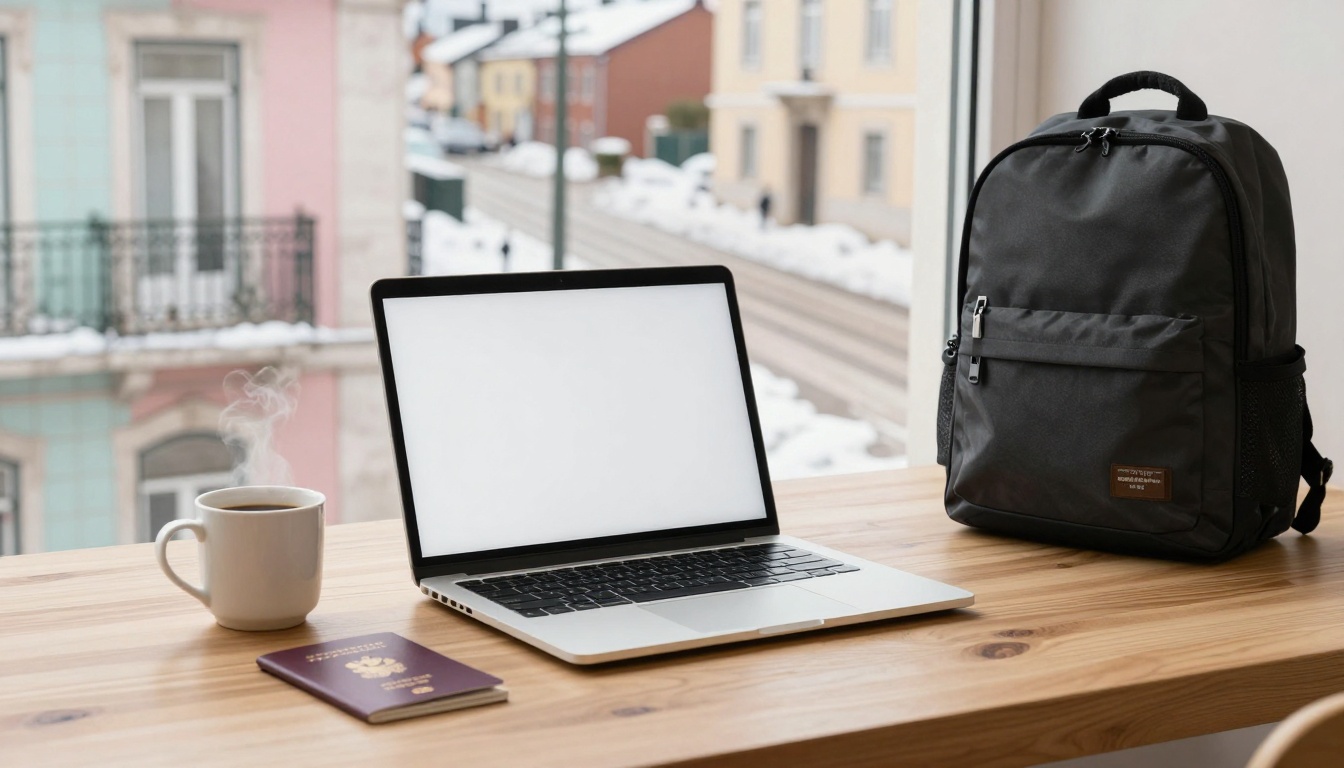
One month you’re in a quiet flat in Lisbon. Next month it’s a snowy morning in Helsinki, watching trams glide past while your coffee cools beside your laptop. The view changes, the language changes, the supermarket brands change, but your workday still needs to run like clockwork.
A fully remote lifestyle from your laptop isn’t just “work from anywhere”. It’s freedom built on systems. Income that doesn’t wobble every week, a setup that survives dodgy Wi-Fi, and routines that stop you from burning out or drifting into isolation.
This guide gives you a practical plan: how to choose laptop-friendly work, set money rules, pack a reliable kit, run your week like a pro, and handle travel and safety basics without turning your life into an admin job.
Set the foundation: work, income, and rules that keep you free
Remote life collapses when one thing keeps failing: the money, the boundaries, or the energy. So the first goal isn’t “move abroad”. It’s to build a steady base that makes travel feel normal, not frantic.
Start with one primary income stream. One. You can add extras later, but if you begin with five side hustles, you’ll spend your best hours context-switching and chasing invoices.
Next, decide your rules before you book flights:
Work hours: Pick a daily window that matches your clients, your team, and your body clock.
Communication: Set expectations (reply times, meeting days, and what counts as urgent).
Minimum monthly income: A number that covers rent, food, bills, insurance, and a bit of life.
Remote freedom comes from saying “no” early. If you accept late-night calls twice a week, you’ll build your entire travel plan around someone else’s calendar.
Choose a laptop-friendly job that fits your skills and time zone reality
In 2026, many “remote” jobs still have hidden strings. Some need UK-only residence, some expect you online during a specific window, and some don’t care where you are as long as the work lands on time.
Laptop-friendly options that commonly travel well:
- Remote support and operations roles (support analyst, operations coordinator, customer success support)
- Customer service (chat and email support, sometimes phone-based)
- Freelance writing and marketing (content, newsletters, SEO, ads support)
- Virtual assistance (inbox, scheduling, research, basic reporting)
- Design and video editing (strong demand, but heavier laptop needs)
A fast way to choose your lane is to ask three blunt questions:
What can you do for two hours a day, even when tired? That’s your “portable skill”.
What pays reliably? Not what sounds fun, what people actually budget for.
What can you prove quickly? A portfolio beats a promise every time.
If you’re job hunting in the UK, it helps to watch real listings rather than vague advice. Browse live remote postings on DWP’s Find a job remote search or a curated board like The Work From Home Hub job listings to see which roles are genuinely “fully remote” and what they require.
Build a simple money plan: emergency fund, taxes, and a travel budget you can stick to
Your budget is your seatbelt. It’s the boring thing that keeps you safe when plans change.
Keep it simple:
Emergency fund: Aim for 3 to 6 months of core costs (rent, food, essential bills).
Tax pot: Keep a separate account and move a set percentage into it as soon as you’re paid.
Weekly money check-in: Ten minutes, once a week, to review spending and upcoming bills.
Remote travel gets cheaper when you slow down. Staying 3 to 6 weeks in one place often cuts costs, reduces stress, and gives you time to find a stable work spot.
Also budget for the unglamorous stuff: travel insurance, health costs, replacement cables, and the occasional “I need a quiet co-working day” fee. If you want a realistic picture of what remote teams look for in devices (and why), this overview of best laptops for remote workers in 2026 is useful because it frames laptop choices around work needs, not hype.
Your laptop setup: gear, apps, and internet that won’t fail you

Photo by Alesia Gritsuk
A remote lifestyle works best when your kit is light and repeatable. You should be able to turn any table into a decent workspace in ten minutes, then pack up just as quickly.
Think of your setup like a touring band. You don’t want “perfect studio sound”. You want something that works in any venue.
Pick a travel laptop that matches your work, not your ego
A good travel laptop is boring in the right ways: strong battery, reliable build, and enough power for your job. In early 2026, the trend is clear: efficient chips (Apple M4, Intel Core Ultra), strong webcams and mics, and Wi-Fi 6E or Wi-Fi 7 in newer models.
Examples that fit different needs:
MacBook Air M4: A strong choice for most people doing docs, research, calls, writing, marketing, and light creative work. It’s light and typically excellent on battery.
MacBook Pro (14-inch class): For heavier video editing, motion graphics, and design work where performance matters every day.
Dell XPS 13 or 14: Premium Windows option that travels well.
ASUS Zenbook 13: Often a good value pick for portable Windows work.
Acer Swift Edge 14: A sensible choice if you want ultra-light without jumping to a premium price.
Two things matter more than raw speed: battery life and weight. If your laptop dies after a few hours, you’ll spend your days hunting sockets like it’s your second job.
For broader comparisons, PCMag’s editors keep an updated list of the best laptops for 2026, which can help you sanity-check specs and pricing before you buy.
Your backup plan matters too. If your laptop breaks, what happens next?
- Keep key logins in a password manager so you can recover fast.
- Store important files in the cloud plus one offline copy.
- Know the nearest official repair option in your next city.
Carry a small “save the day” kit for power, backups, and calm calls
This isn’t about carrying more. It’s about carrying the right small things.
A compact kit that saves your week:
USB-C hub: Extra ports when you need HDMI, SD, or Ethernet.
20,000mAh power bank: For long travel days and power cuts.
Noise-cancelling headphones: Clearer calls, less fatigue.
Travel mouse: Your wrist will thank you.
Compact laptop stand: Better posture, better airflow.
External SSD (example: Samsung T7): Fast backups without drama.
Spare cables and a spare charger: The cheapest insurance you’ll ever buy.
Set a simple backup routine you’ll actually do:
- Daily: critical files sync to cloud.
- Twice a week: copy your “current projects” folder to the SSD.
- Monthly: check you can restore a file, not just upload it.
Internet is the real lifeline. Build a two-track plan:
Primary: accommodation Wi-Fi that you test as soon as you arrive.
Backup: phone hotspot plus a local SIM or an eSIM for data.
Before calls, do a quick speed check, then take five minutes to set yourself up. Camera at eye level, headphones on, notifications off. Calm looks professional, even if you’re in a tiny rental kitchen.
Run your week like a remote pro: routines, deep work, and staying social
The risk of remote travel isn’t just bad Wi-Fi. It’s the slow drift. Days blur together, work spreads into evenings, and social life shrinks to delivery apps and scrolling.
A good routine gives you edges. Work starts, work ends, and your brain learns to relax again.
Use a weekly rhythm that protects focus time and keeps clients happy
The biggest productivity upgrade isn’t an app. It’s deciding when you do certain types of work, then repeating it until it sticks.
A simple rhythm many remote workers swear by:
| Day / Block | Focus | Why it works |
|---|---|---|
| Monday (half day) | Admin and planning | Clears the noise before deep work |
| Tue to Thu (mornings) | Deep work blocks | Best energy, fewer meetings |
| Tue to Thu (afternoons) | Calls and collaboration | Predictable meeting window |
| Friday (half day) | Wrap-up and next week | Stops weekend “just one more thing” |
For async work (which keeps time zones sane), be clear and written:
Written updates: a short daily note in your team chat or client thread.
Clear deadlines: dates and times, not “ASAP”.
Tidy task list: keep one main list, not five scattered ones.
Also set a hard stop time. Remote work expands to fill whatever space you give it. If you don’t close the laptop, it never feels like you’ve finished.
Avoid the lonely laptop trap: build community wherever you land
Loneliness isn’t always loud. Sometimes it’s just noticing you haven’t had a real conversation in three days.
Treat community like a routine, not a mood. Make it easy to repeat:
Co-working days: even once a week helps.
Local classes: cooking, pottery, gym sessions, anything with a regular crowd.
Walking clubs: low effort, good for daylight and chat.
Language exchanges: practical and social at the same time.
Hobby meet-ups: board games, climbing, running, photography.
When you choose accommodation, don’t just think “pretty photos”. Check the things that protect your work and sleep:
Quiet at night: noise ruins energy fast.
A real desk or table: hunched sofa work adds up.
Reliable internet: ask for speed, not “yes we have Wi-Fi”.
If you can’t confirm Wi-Fi quality, plan a nearby fallback spot. One reliable café or co-working space can rescue a whole week.
Travel and safety basics: visas, health, and protecting your data on the road
This part isn’t glamorous, but it’s what stops small problems becoming expensive ones. Keep it grounded. You don’t need perfect planning, you need repeatable habits.
Plan moves like a grown-up: documents, visas, and keeping a home base
Visa rules change often, and they vary by passport. Check requirements early, then check again before you travel. Treat it like checking the weather, not like reading tea leaves.
A simple process that works:
Four to six weeks ahead: confirm entry rules, stay limits, and any proof you might need.
Copies of key documents: keep digital copies (securely stored) and one paper copy.
Home base: keep a stable address for banking and mail, even if it’s a family member or a mail service.
The biggest lifestyle upgrade is not moving too often. Staying 3 to 6 weeks per stop gives you time to work properly, rest properly, and live like a person, not a tourist dragging a suitcase.
Stay safe online and off: public Wi-Fi rules, backups, and common scams to avoid
Your laptop is your office, your phone is your keyring. Protect both.
Basic cyber rules that travel well:
Use a VPN on public Wi-Fi: especially in cafés, airports, and hotels.
Turn on 2FA: app-based authentication is safer than SMS where possible.
Use a password manager: strong, unique passwords without memorising them.
Encrypt devices and lock screens: set a short auto-lock timer.
Beware fake Wi-Fi names: “FreeCoffeeShopGuest” can be a trap.
Offline safety matters too:
- Don’t leave your laptop unattended, even for “two seconds”.
- Keep gear close on buses and trains.
- Watch for over-friendly distractions in crowded places.
Plan for recovery, not just prevention. If your phone is lost, you should be able to regain access to email, banking, and work accounts without panic. That usually means secure backups, recovery codes stored safely, and a second way to authenticate.
Conclusion: remote life is built, not wished for
Working from a laptop in different places isn’t magic, it’s a structure you carry with you. When your income is steady, your setup is reliable, and your routine protects your energy, travel stops feeling risky and starts feeling normal.
If you want a simple first-week action plan, do these five things:
- Pick one main remote role to pursue, and write your offer in one sentence.
- Set a minimum monthly budget, plus a tax percentage and an emergency fund target.
- Make your “save the day” kit list, then buy only what fills a real gap.
- Block two deep work sessions in your calendar and defend them.
- Set up VPN, 2FA, and backups before you travel anywhere.
Build the base first, then change the view.