

Listen to this post: Robots.txt Rules for News Sites That Prevent Deindexing in 2026
What can tank a news site’s visibility faster than a weak headline? A bad robots.txt file.
For publishers, one line can block breaking stories, image folders, or whole section pages just when Google needs them most. That makes robots.txt on news sites far less forgiving than it is on a small brochure site.
The cost is not just web search traffic. It can also weaken Google News pickup and slow recrawls on updated stories.
In 2026, the safest pattern is simple. Let crawlers reach live articles and their assets. Block only low-value or private areas. Then test every edit before it reaches production.
Why small robots.txt errors hit news publishers so hard
News sites live on speed. Google often revisits fresh sections within minutes, so a wrong rule can hurt traffic the same day. A stray Disallow on /news/, /latest/, or a date archive can slow discovery of newly published stories.
That matters because news pages change after first publish. Headlines tighten, facts get corrected, and timestamps shift. If Google can’t recrawl those URLs, you lose more than discovery. You also lose the chance to show the latest version.
Many teams still mix up crawling and indexing. robots.txt blocks crawling. It does not reliably remove a known URL from search. If a live article needs to disappear, return noindex, 404, or 410, and let Google fetch the page again.
Block a URL too early, and Google may keep a bare listing because it can’t re-check the page.
That is why Disallow: / remains the most dangerous line on a live news domain. It can happen during a redesign, a rushed plugin change, or a staging file pushed into production. One wrong character can also change a rule fast, as this syntax guide on wildcard rules explains.
WordPress newsrooms need extra care. Themes, SEO plugins, caches, CDNs, and server rules can all touch the file. If updates regularly overwrite technical settings, more stable WordPress hosting can cut down that risk during deployments.
The robots.txt rules news sites should keep in place
Google’s recent guidance still points to the same idea, keep the file lean and narrow. Allow live stories, main section pages, and image assets. Block admin paths, draft areas, preview URLs, and internal search pages that create crawl waste.
Also keep article images, CSS, and JavaScript accessible when they affect rendering or preview cards. A blocked image path can hurt thumbnail eligibility, while blocked resources can make pages harder for Google to process cleanly.
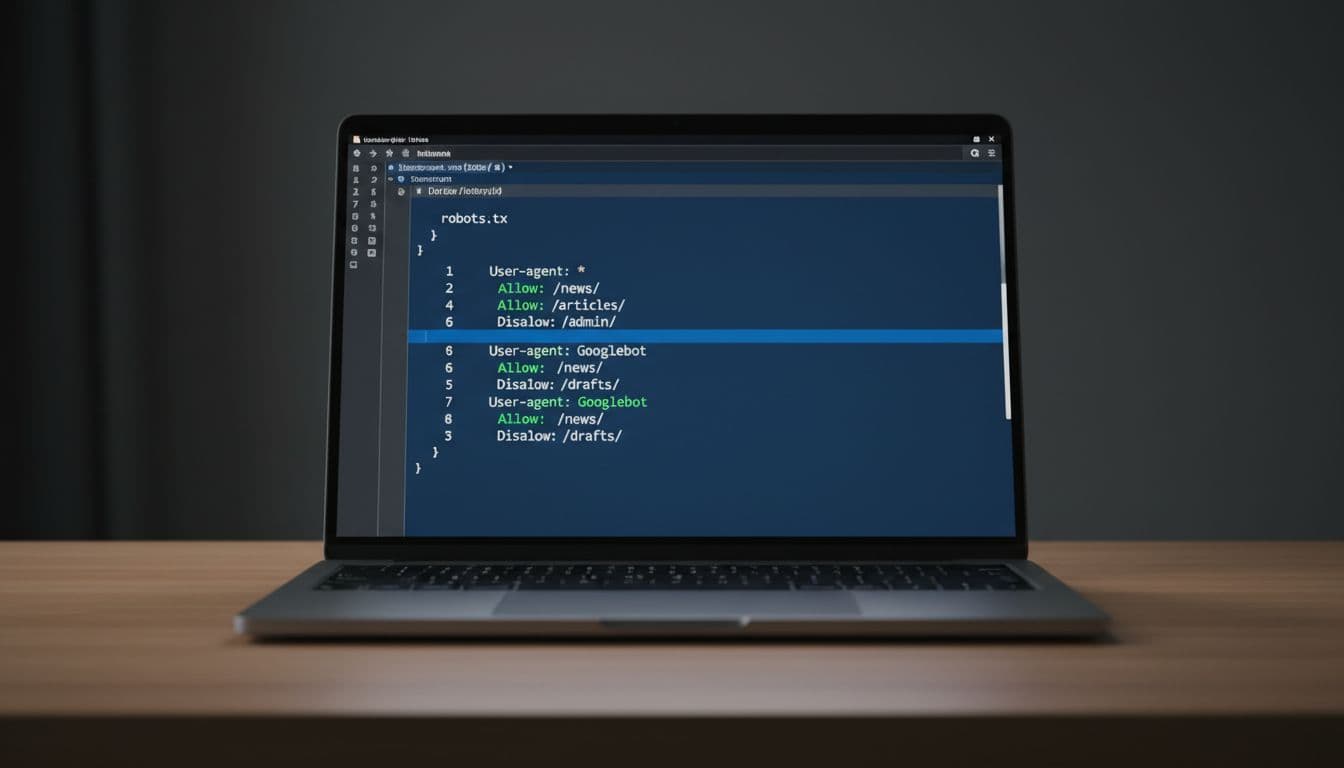
This quick table shows the safest pattern for most publishers.
| Path or rule | Use it on a live news site? | Why |
|---|---|---|
| Allow article and section paths | Yes | Google needs access to published stories and hubs |
Disallow /admin/ and login areas | Yes | These pages add no search value |
Disallow /drafts/, /preview/, or test folders | Yes | Stops unfinished stories from leaking |
| Disallow internal search URLs | Usually | Search result pages often bloat crawl space |
| Disallow image folders used in stories | No | Thumbnails and article images need to stay crawlable |
Disallow: / | No | This can trigger wide deindexing |
The main takeaway is simple, block with a scalpel, not a sledgehammer. On fast-moving sites, even paginated section pages can help discovery when they surface fresh stories.
Use Allow rules only when they reopen a needed subfolder inside a broader block. Avoid clever deny-all setups on live sites. They can work, but they are easy to misread under pressure. For extra examples, see TurboSEO’s 2026 robots.txt guide and this XML sitemap and robots.txt configuration explainer.
Also add your sitemap location at the bottom of the file. On busy publisher sites, that helps crawlers find the canonical URLs you actually want indexed.
Test every change, then watch the live site like a hawk
A clean file on your laptop means nothing if production serves a different copy. Cache layers, CDN rules, and redirects can all get in the way. So every robots.txt edit needs a release check.
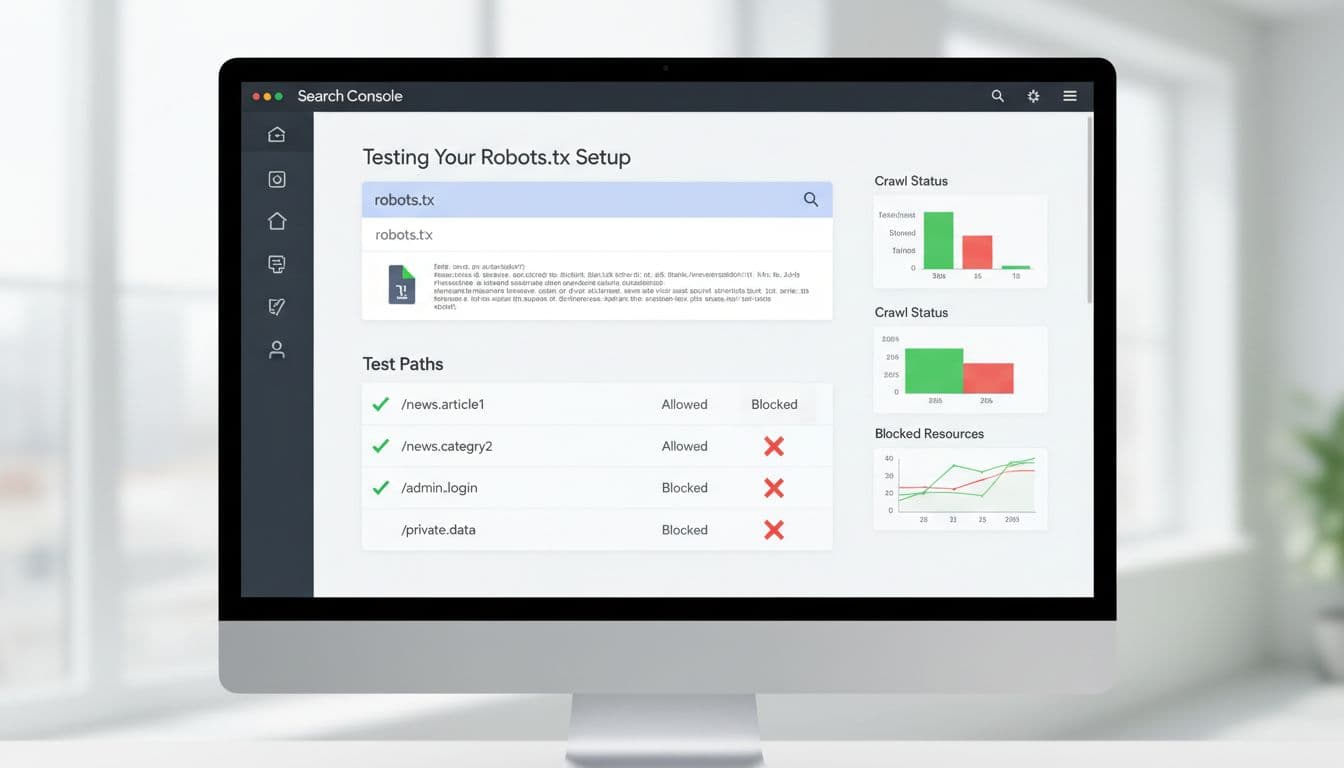
A simple review flow works well:
- Test article URLs, section pages, image URLs, admin areas, and search pages before publishing the file.
- Fetch the live
/robots.txtafter deployment and confirm it returns a200at the root domain. - Watch crawl stats, indexing patterns, and Google News visibility for the next 24 to 48 hours.
If you have server logs, review them after major edits. They show whether Googlebot is still reaching section fronts, article URLs, and image files at the rate you expect. That is often the fastest way to spot damage before rankings fall.
This is also the right moment to check staging habits. Keep staging on a separate domain or subdomain, and block that environment there, not on production. During site rebuilds, a managed IONOS web design service can help keep technical files under change control if your in-house team is stretched.
Watch for the traps that still catch publishers. Teams often use robots.txt to remove URLs that already exist in search. Others block /wp-content/uploads/ and then wonder why story images disappear from rich results. Some add AI crawler blocks with broad wildcards and accidentally catch folders that Google still needs. For a wider audit of crawl waste and sitemap alignment, this 2026 robots.txt configuration guide is a solid companion.
Keep the door open for the right crawlers
A good robots.txt file works like a sharp front-desk editor. It lets the right people through and turns the rest away without drama. Keep live stories, section hubs, and news images open. Keep drafts, admin areas, previews, and internal search out of the crawl. Then test every release, because on a news site, one line can decide whether tomorrow’s traffic arrives or vanishes.