


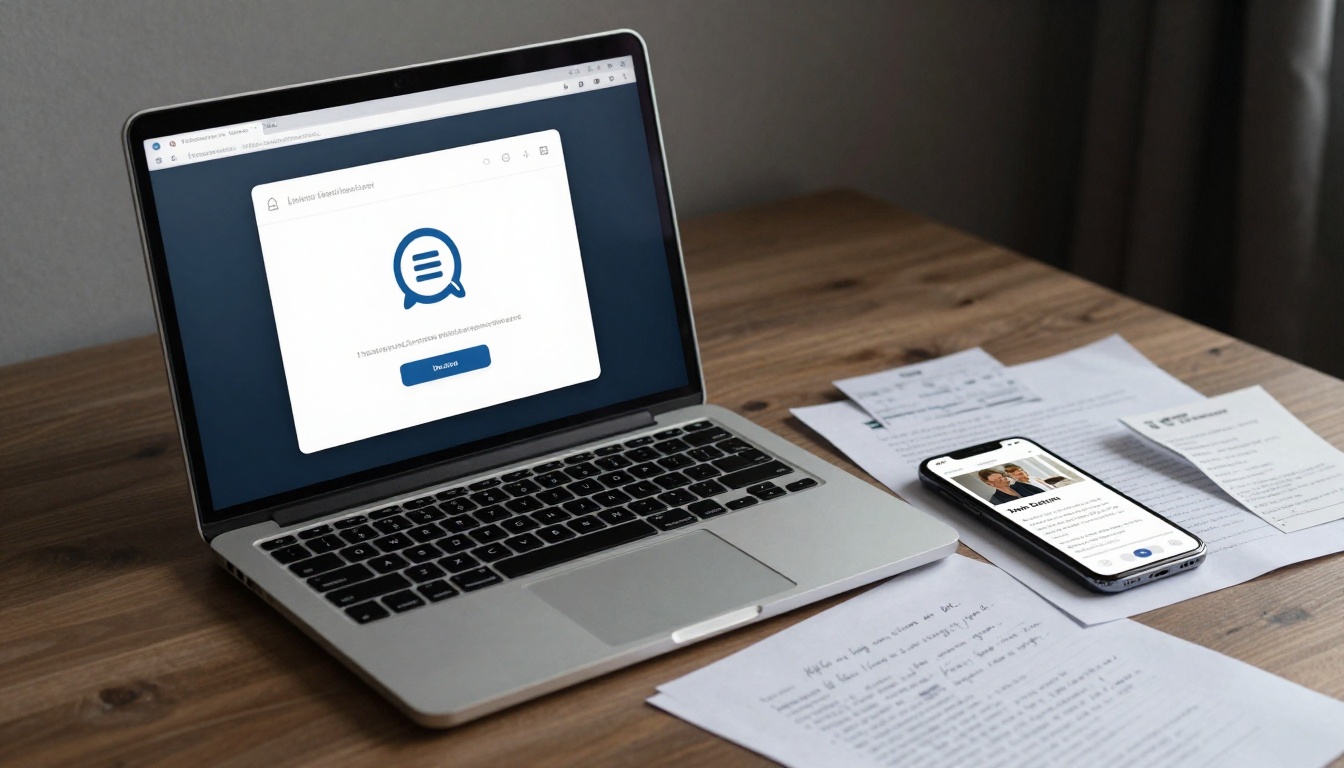

Listen to this post: OCR Scanning in Your Workflow: Vibeland Tool for Students and Pros
Picture this: a student in a dim dorm room snaps a quick photo of scribbled lecture notes scattered across a desk. Or a professional digs through a drawer full of crumpled receipts, dreading hours of manual entry. Enter OCR scanning, a simple tech that spots text in images and converts it to editable words. No more typing drudgery.
Vibeland’s OCR tool, tucked into its free browser extension at vibeland.co.uk, makes this effortless. Part of 16 handy productivity tools, it grabs text from photos, scans, or screenshots in seconds. Students cut note-taking time in half. Professionals zap expense reports without errors. You’ll save hours on homework, research, or admin tasks.
This piece shares real-world examples. See how it slots into daily routines for better focus and less hassle.
How Vibeland’s OCR Tool Works in Seconds
Install the Vibeland extension from your browser store. It sits ready in your toolbar. Spot an image with text? Snap it with your phone or drag it straight in.
Click the OCR button. The tool scans and spits out clean, copyable text. Printed pages, handwriting, even faded ink, it handles them with solid accuracy. No apps to switch or software to download. Just your browser.
Think of rescuing words from a balled-up memo. Upload the photo, and there they are, editable on screen. It supports JPG, PNG, and PDF formats too. Quick as a flash.
Key Features That Make It Stand Out
Vibeland nails tricky fonts, multiple languages, and smudged pages. Output lands ready for copy-paste into Docs or Sheets.
Unlike phone apps, it’s always open in your browser. No downloads mid-task. It processes much locally for privacy. For more on OCR basics, check this complete guide for 2026.
Users praise the speed over clunky alternatives.
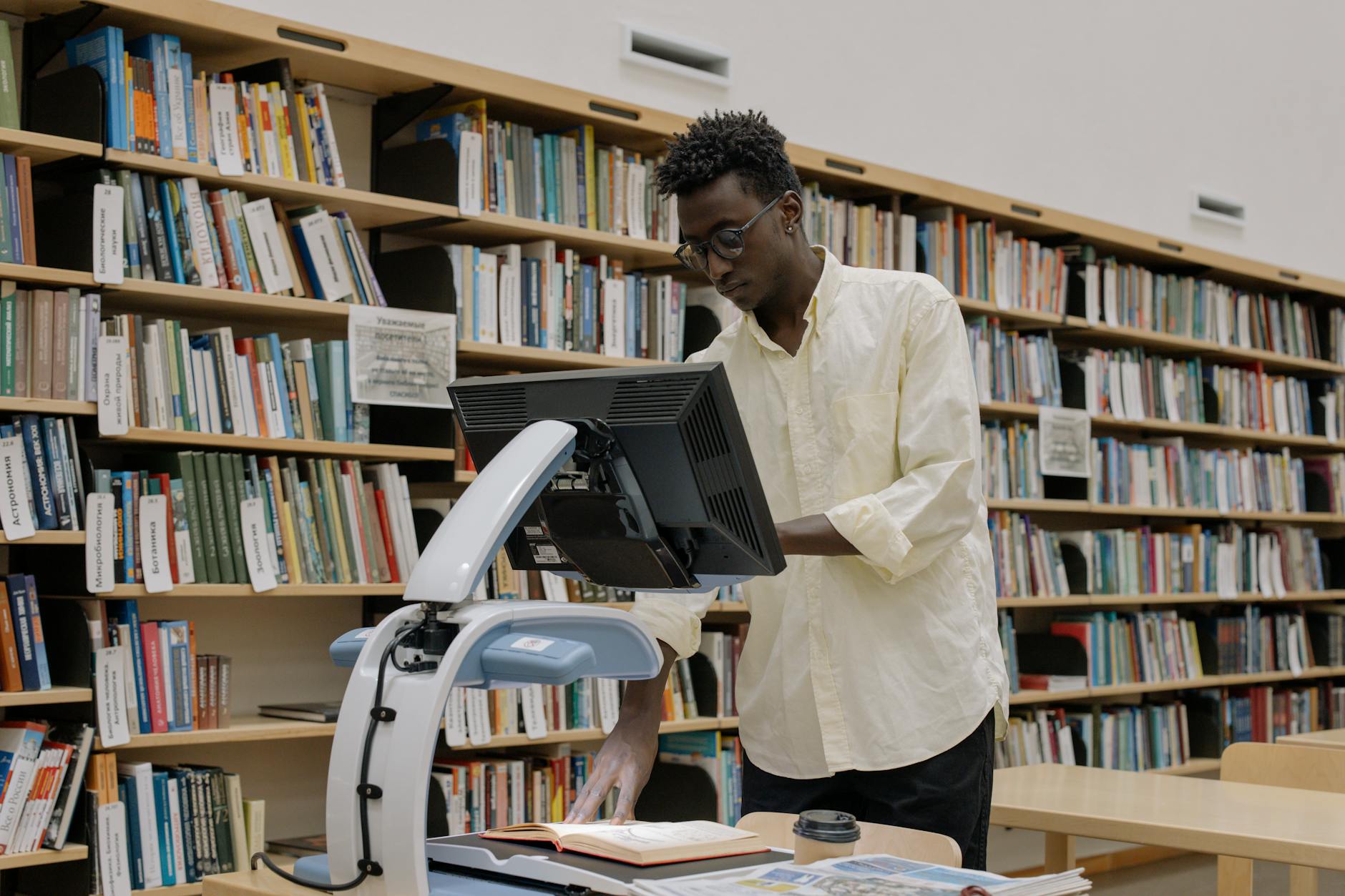
Photo by cottonbro studio
Game-Changing Uses for Students
Students juggle piles of notes and deadlines. Vibeland’s OCR turns chaos into order. Snap a photo, extract text, done. Hours back for study or sleep.
Turn Textbook Pages and Notes into Digital Gold
Grab your phone at the library. Photo a dense textbook chapter. OCR pulls every word into a doc. Highlight key bits or feed it to quiz apps.
Imagine a folder of crisp digital notes from a whole term. Searchable, shareable. No squinting at blurry pics.
Speed Up Homework and Research Tasks
Worksheets with long problems? Snap them. Paste extracted text into your essay or solver tool. Quotes from articles flow right in, no retyping.
One student shaved 30 minutes off nightly maths by scanning problems directly.
Organise Study Materials Effortlessly
Printed handouts from class or mates’ scribbles? Convert to searchable files. Group by topic for exam prep. Find that one formula fast.
Professional Wins: Streamline Work with OCR Scans
Pros waste days on data entry. Vibeland hands time back for client calls or strategy. Receipts, forms, reports, all digitised quick.
See practical OCR workflows for broader tips.
Scan Documents and Receipts in a Flash
Photo an invoice mid-travel. Extract dates, amounts, vendors. Drop into Excel. Zero typos from rushed typing.
A freelancer logs weekly expenses in minutes, not hours.
Build Reports from Printed or Handwritten Sources
Old meeting notes or legacy reports? Scan and edit into fresh decks. Client updates finish twice as quick.
Picture pulling boss’s handwriting into a polished summary.
Cut Data Entry Time for Forms and Contracts
Business cards at events? Snap, extract details, add to your CRM. Contracts’ fine print goes straight to emails or trackers.
Saves the grind of keying endless fields.
Tips to Make OCR Part of Your Routine
Pair it with good habits for best results. Snap daily stacks into folders. Link with Vibeland’s other tools like text summaries.
Start small: one receipt or note per day. Builds the habit.
Avoid Common Mistakes for Perfect Results
Use bright light and steady hands. Blurry shots fail. Check output for odd characters, tweak as needed.
Tricky cursive? Flatten the paper first. Clean scans yield spot-on text.
In short, Vibeland’s OCR fits any workflow. Students gain sharp, organised notes. Pros ditch dull entry for real tasks.
Grab the extension at vibeland.co.uk today. Test it on your next photo. Picture the free hours ahead, for hobbies or hustle.
What’s your first scan? Share in the comments. Your story might spark someone else’s win.