
Listen to this post: How Much Your Apps Really Know About You (and How to Limit It)
Picture this. You scroll Instagram during lunch. Your fitness app logs that morning run through the park. Meanwhile, the shopping app pings your location near the high street. In 2026, apps like Instagram, TikTok, Amazon, and Fitbit pull in vast details. They grab your precise location, contacts list, and daily habits. Most users never notice.
These apps know more about you than your best mate. They build profiles from your swipes and steps. Yet you hold the power to check and cut it back. This post breaks it down. First, the data they collect each day. Then, how they track across apps. Next, simple ways to review on iOS and Android. Finally, fixes to limit sharing. Apps data collection in 2026 feels endless, but real steps bring control.

Photo by Déji Fadahunsi
The Personal Goldmine Apps Dig Up Daily
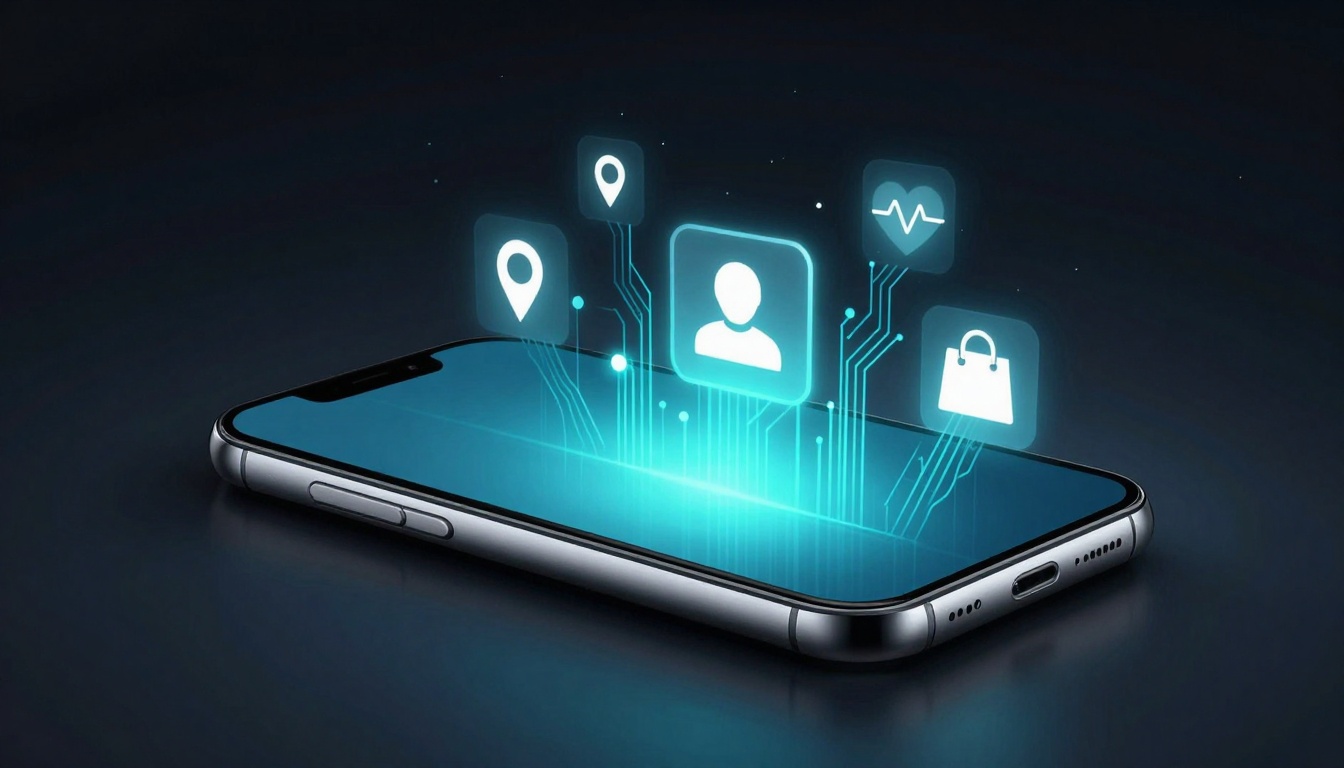
Apps turn your phone into a treasure chest. They scoop up contacts, GPS spots, device IDs, typing patterns, and interests. Take fitness apps like MyFitnessPal. They map your home from run routes and gym visits. Social apps like TikTok scan your contacts to suggest mates. Shopping ones like Amazon tie buys to your high street stops.
In 2026, people spend 4 hours 37 minutes daily on smartphones. Social apps claim half that time. Top ones access about 15 data points on average. They infer your age, income, even health from patterns. Why? Personalised ads fetch more cash. Profiles sell to third parties too. Your daily jog turns into bait for trainers or energy drinks.
Location Tracks That Map Your Life
Fitness apps log every step. They reveal your home, work, and favourite cafe. Shopping apps spot you near shops and push deals. Social ones tag spots to show routines. This builds a movement map. Ads follow you home. Imagine targeted flyers for your local gym.
Contacts and Habits They Steal Silently
Social apps read your phone book. They suggest friends from old numbers. Fitness trackers note session times and taps. Typing speed or swipes act as fingerprints. Call logs hint at relationships. Apps profile you without a sound.
Device Clues and Cross-App Links
Your phone ID links apps. A workout in Strava triggers gym ads in Amazon. Phone tilt shows if you drive or walk. Habits persist. One app’s data feeds another’s profile.
Sneaky Tracks: How Apps Follow You Everywhere
Apps link up through IDs and cohorts. They group users by habits. In 2026, AI spots patterns from in-app browsing. Search terms in one app feed ads in another. Your run data might tie to social shares, then shopping lists.
Third parties grab shares despite GDPR in the EU or UK rules. App tracking: Why it’s bad and how to stop it explains the chains. Risks grow. Profiles predict your next move. Limits matter to break the loop.
Cross-app funnels pull from fitness to finance. A logged workout leads to supplement ads. Global users hit 5.78 billion. Apps dominate with Instagram at 55% of adults. Control stops the spread.
Peek at Your Data: Check What Apps Know on iOS and Android
Review permissions now. iOS shows labels in the App Store. Android lists safety in Play Store. Average apps seek 15 points. Spot them fast.
| Platform | Key Check Path | Data Shown |
|---|---|---|
| iOS | Settings > Privacy & Security | Permissions, tracking status |
| Android | Settings > Apps > Permissions | Location, contacts, usage |
Tools like data checkers help too.
Quick Checks on Your iPhone
Open Settings. Tap Privacy & Security. See Location Services. Toggle per app. Check Tracking: turn off Allow Apps to Request to Track.
Visit App Store. Search an app. Scroll to App Privacy. It lists data like contacts, location, IDs. Note third-party shares. Control app tracking permissions on iPhone details steps.
- Go to Settings > [App Name].
- Review Photos, Microphone, etc.
- Set Never or While Using.
Takes two minutes per app.
Android Data Dive Made Simple
Head to Settings > Apps. Pick one. Tap Permissions. Revoke location or contacts.
Open Play Store. Find the app. Tap About > Data safety. See collected types: approximate location, purchase history.
- Settings > Google > Ads > Opt out of Ads Personalisation.
- Check app permissions list.
Spot hidden trackers.
Lock It Down: Easy Ways to Cut App Data Grabs
Revoke one permission today. Turn off tracking global. Use private DNS. Apps lose grip fast. You regain calm.
iOS blocks via ATT. Android opts out ads. Delete unused apps. VPN hides traffic.
| Feature | iOS | Android |
|---|---|---|
| Tracking Opt-out | Privacy > Tracking Off | Google Ads Settings |
| Permissions | Per-app toggles | App Info > Permissions |
| DNS Change | None native | Settings > Network > Private DNS |
California users request deletions too.
Master Permissions and Tracking Blocks
For each app: Settings > [App] > Permissions. Set location to Never. Contacts off unless needed.
iOS: Settings > Privacy > Tracking. Switch off. Reset ad ID in Privacy > Apple Advertising.
Android: Settings > Google > Ads. Opt out. Clear ad ID.
Apps beg less. Profiles fade. Prevent App Tracking: The Must-Know iPhone Setting shows the switch.
- Audit top 10 apps weekly.
- Deny non-essentials.
Network Shields with DNS and VPN
Set private DNS. iOS via profile or VPN app. Android: Settings > Network & Internet > Private DNS. Enter dns.adguard.com.
VPN encrypts all. Apps see less. Surfshark or CyberGhost block trackers. Set always-on.
- Install VPN app.
- Connect on Wi-Fi and mobile.
- Check no leaks.
Traffic blinds trackers. How to Avoid Being Tracked on iPhone and Android Devices lists picks.
Your phone feels lighter.
Apps map your life with ruthless detail. Location logs paint routines. Contacts build networks. Yet checks reveal it all. Permissions toggles and DNS shifts cut the flow.
Start small. Review one app today. Set private DNS tonight. In 2026, privacy tools sharpen. You stay ahead. Take charge now. Your data stays yours.