


Listen to this post: How to Separate Work Self and Home Self on One Laptop
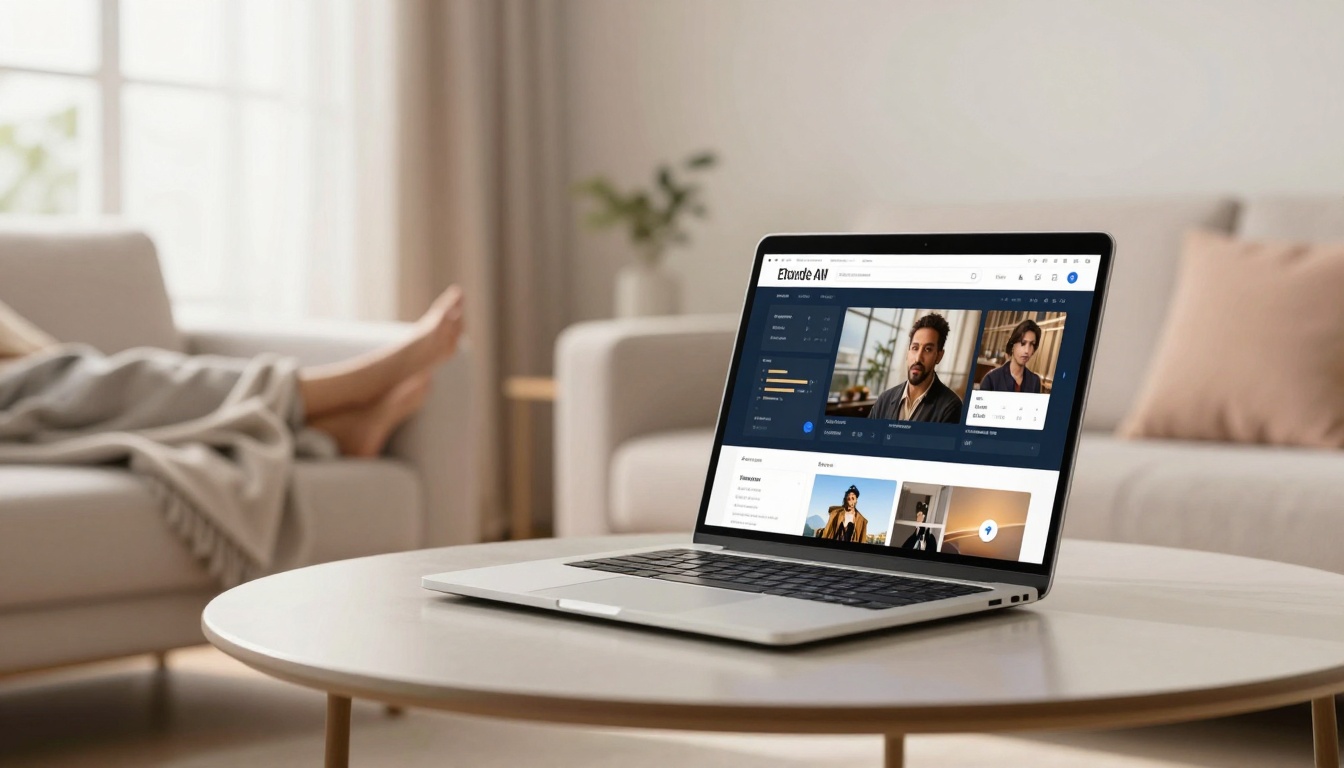
Picture this. You slump on the sofa after a long day. The laptop sits on your lap. You mean to queue up a film with the family. Instead, your finger drifts to that work email icon. One quick check turns into an hour. Sound familiar? In 2026, with remote work entrenched for 40% of UK staff, that single laptop blurs every line. Work spills into evenings. Home invades focus time. No wonder 88% of UK employees face burnout, and 80% of remote workers report hits to mental health.
Clear splits bring relief. Your brain unwinds. Stress drops. You reclaim evenings without guilt. Research shows boundaries boost satisfaction; trials cut burnout for 71% in shorter weeks. This post covers the mental gains first. Then laptop setups that work. Next, daily habits to build. Finally, apps that ease the switch. Simple changes on one device lead to calmer nights and sharper days.
Feel the Mental Lift from Keeping Work and Home Apart
Your mind craves off-switches. When work lives on the same laptop as Netflix, it never leaves. Emails ping during dinner. Spreadsheets haunt bedtime scrolls. That constant hum builds tension. You lie awake, replaying tasks. Mornings start weary. Blur leads to exhaustion for many. In the UK, 91% of workers log high stress. Remote setups worsen it; a quarter can’t relax at home, minds stuck on jobs.
Sharp divides change that. Picture closing the laptop lid at 5pm. You breathe easy. Family chats flow. Hobbies spark joy. Studies back it. Workers with routines report less fatigue. Happiness climbs when home stays sacred. Remote staff with boundaries feel 62 extra hours of focus yearly. No more guilt over “just one more thing.” You show up fully, wherever you are. Trends in 2026 scream for this. Digital overload grips 63%; phones and laptops never sleep. Physical cues train your brain. A packed bag signals end. Mental resets follow. Evenings turn peaceful. You sleep deeper. Days sharpen.
For more on mental health in remote work, check the NHS tips to tackle working from home.
Cut Stress by Giving Your Brain Clear Signals
Brains thrive on rituals. A dedicated work spot yells “focus here.” Step away at day’s end. Close apps. Lid down. Your body gets the memo: work over. Recovery kicks in. Tension eases. Simple moves like this slash anxiety. No more mid-film pings. You relax for real.
Reclaim Time for What You Love Without Guilt
Boundaries sharpen work too. Mornings hit peak flow. No home distractions creep in. Evenings? Pure freedom. Stats show 800% productivity ROI from clear splits. Family bonds strengthen; 60% say poor balance hurts relations. Enjoy walks. Read books. No nagging “should I check?”
Simple Laptop Tweaks to Lock Work Away from Home
One laptop doesn’t doom you. Smart setups create walls. Start with separate user accounts. Log into “Home Me” after hours. Work vanishes. Emails hide. Files stay tucked. No temptations stare back. This trick fools your brain. Home feels distinct.
Pick a fixed spot. Kitchen table for work only. Never the sofa. End each day the same. Shut down fully. Pack the laptop in a drawer. Out of sight, out of mind. Mute notifications outside hours. No buzzes at night. Screen-free zones build in walks. No bed work; it wires sleep wrong.
Stick to hours. 9am login. 5pm logout. Even remote, mimic office rhythm. Tell colleagues: no after-5 replies. UK firms push this in 2026; burnout bites hard. 82% skip lunch breaks. Don’t join them. Step away. Brew tea. Stretch.
Rituals seal it. Morning coffee opens work mode. Evening tea closes it. Consistency trains nerves. Laptop becomes a tool, not tyrant. You control the split.
See CIPD advice on managing home and work boundaries for extra tactics.
Switch Accounts to Hide Work at a Glance
Most laptops handle multiple users easy. On Windows, hit Ctrl+Alt+Del. Add accounts. Name one “Work.” Link email, docs. “Home” gets personal apps only. Switch in seconds. No work icons peek. Accidental opens stop. macOS does it via System Settings. Free, fast. Why bother? Eyes skip urges. Peace lands quick.
Pick One Spot and Stick to Work Hours
Claim a corner. Desk by window. Same chair daily. Signals fire: work starts. 5pm? Clear table. Lid shut. Bag it away. Fixed hours lock rhythm. 9-5 suits most. Alerts off post-shift. Brain shifts gears. No blur.
Apps That Make Switching Between Work and Home a Breeze
Apps turn one laptop into two worlds. No need for extras. They sort tasks, block distractions, guard time. Pick one today. Build from there. Trends favour AI helpers in 2026. They enforce splits without fuss.
Todoist splits lists clean. Work projects left. Home chores right. Due dates nudge without nag. Free tier rocks. Microsoft To Do mirrors it; Outlook syncs seamless.
Forest grows virtual trees. Work session? Plant one. Stray to personal tabs? Tree dies. Fun stakes focus. Gamifies off-time too.
Reclaim AI books calendars smart. Blocks work slots. Guards personal hours. No overlaps. Learns your rhythm.
Headspace winds down. Five-minute breaths post-shift. Resets mind. Calm app does same. Free trials hook you.
Start small. Todoist for lists. Forest for blocks. Habits stick fast. 65% crave flexible chunks; these deliver. Less burnout awaits.
Explore creating boundaries in remote working for aligned ideas.
Task Apps to Sort Work from Personal Lists
Todoist shines. Create “Work” project. Inbox sorts auto. “Home” holds shopping, calls. Labels tag urgent. Recurring tasks run smooth. Any.do adds voice notes. Quick capture. Microsoft To Do integrates free with Windows. Shared lists for family. No mix-ups.
Focus and Calm Tools for Smooth Transitions
Forest blocks sites. Trees reward stays. Reclaim schedules auto. Protects evenings. Headspace guides meditation. “Wind Down” ends days. Calm offers stories. Pick one. Ten minutes daily builds peace.
Conclusion
Separate worlds on one laptop. Mental lifts cut 88% burnout risk. Tweaks like accounts and spots hide work. Apps sort tasks, guard focus. Habits seal the deal: fixed hours, shutdowns, breaks.
Pick two changes now. Switch accounts. Set a desk ritual. Feel evenings loosen. Guilt fades. Joy returns. Imagine sofa films without peeks. That’s your new normal.
What tweak will you try first? Share in comments. Your story helps others.
(Word count: 1492)