Listen to this post: News Sitemap Setup for Publishers in 2026 Step by Step
If you publish news, news sitemap setup is one of those jobs that quietly decides whether Google finds your story fast, or finds it days late. That’s the difference between riding the spike and missing it.
In 2026, the rules are still strict, but the workflow is simple once you set it up right. You’ll create a News sitemap that only lists recent articles, validate it, submit it in Search Console, then keep it automatically updated as your newsroom publishes.
What a Google News sitemap does (and what it doesn’t)
A Google News sitemap is a special XML file that helps Google discover and process your newest news articles quickly. Think of it like a “fresh stories tray” that you keep stocked.
It’s not a replacement for your normal XML sitemap. It’s also not a magic switch that guarantees rankings. Instead, it reduces friction: Google can see what’s new, when it was published, and which headlines matter right now.
For the exact tags and limits, stick close to Google’s News sitemap documentation.
Here’s the quick comparison most publishers need:
| Feature | News sitemap | Regular XML sitemap |
|---|---|---|
| Best for | News articles from the last 48 hours | All indexable URLs |
| URL limits per file | 1,000 news URLs | 50,000 URLs |
| File size limit | 50 MB | 50 MB |
| Update frequency | Often (as news publishes) | Daily or weekly (varies) |
The practical takeaway: your regular sitemap supports broad crawling, while your News sitemap is the high-priority lane for breaking and daily news.
Pre-flight checks that prevent News sitemap errors
Before you touch XML, make sure your site won’t trip Google’s basic checks. This is where many “perfect” sitemaps fail.
First, keep news content in a clear section of your site if you publish mixed content (news plus evergreen guides, reviews, or opinion). A clean structure makes your News sitemap easier to maintain and easier to audit.
Next, confirm your article pages load as plain HTML without relying on scripts for core content. If Googlebot can’t see the story body and headline quickly, the sitemap won’t save you.
Finally, get dates right. Your pages should show a clear published time, and your sitemap should match it. Don’t “refresh” the published date to make old stories look new.
A short set of checks that pays off:
- Stable canonical URLs for each article (no changing slugs after publishing).
- Consistent publication name across your News setup and site.
- NewsArticle structured data on articles (helps Google interpret dates and headlines).
- No index blocks (robots rules that de-index news by accident, meta noindex, or leftover staging rules).
- Fast hosting during traffic spikes, because slow pages get crawled less — our Core Web Vitals fix list covers the specifics.
If you’re improving the technical side, decent hosting removes a lot of pain. Many WordPress teams start with WordPress hosting or Hostinger so pages respond reliably when you publish at pace. If your templates need a redesign to clean up dates, headings, and article structure, IONOS web design service can be a practical fix.
Create your News sitemap file (manual or CMS), step by step
You can generate a News sitemap in two ways: manually (common for custom CMS or large publishers), or via a CMS plugin (common for WordPress). Either way, the rules don’t change.
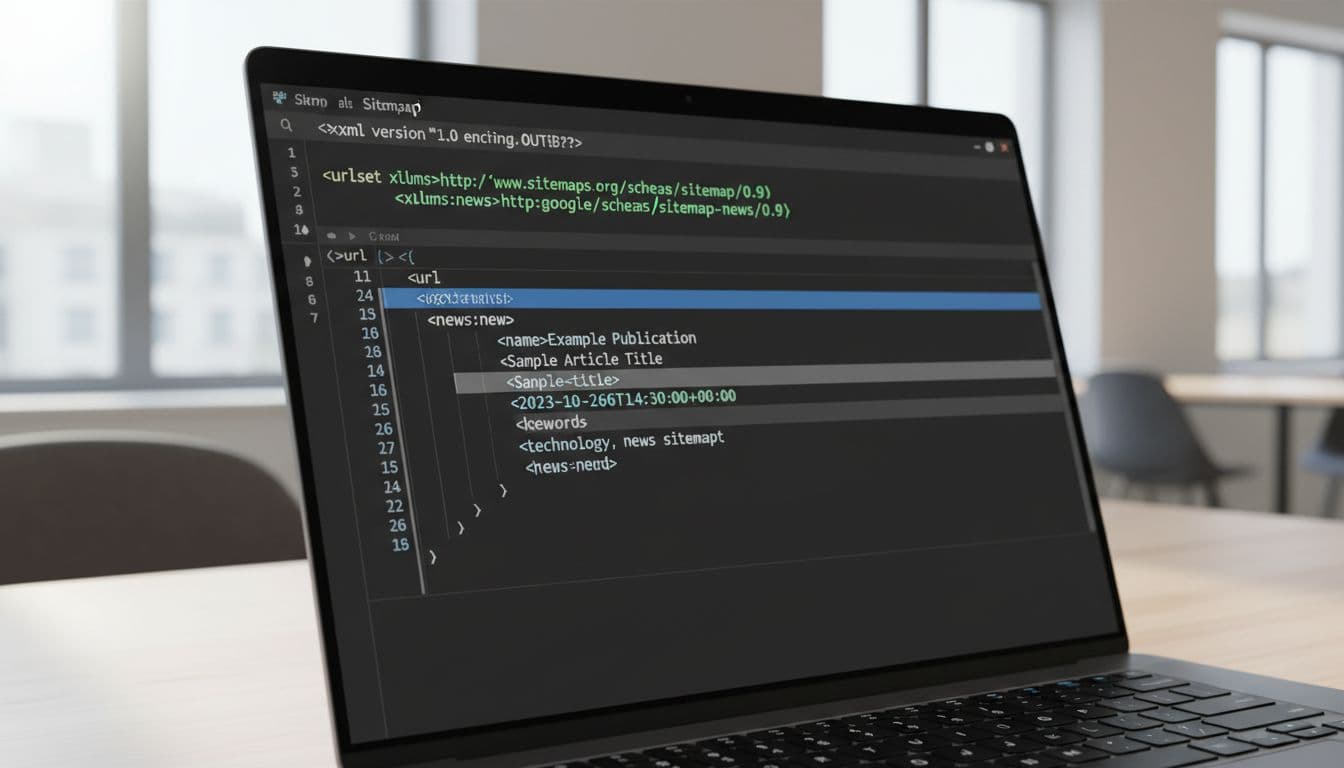
At a minimum, each URL entry includes the Google News tags for your publication and the article details. In plain terms, your sitemap is a list of article URLs, and each one carries:
- the publication name
- the publication date
- the headline (title)
Gotcha: only include articles published in the last 48 hours, and keep each News sitemap file to 1,000 URLs.
Here’s a clean build process that works in 2026:
- Choose a sitemap URL (for example,
/news-sitemap.xml) and make it publicly accessible. - Pull eligible articles from your database (published within the last 48 hours, live 200 status, indexable).
- Output required News fields for each article (publication, date, title).
- Split files when needed (for example, by day or by section) so you never exceed limits.
- Keep it updating on publish and unpublish (automation beats manual edits).
- Leave older articles out once they pass 48 hours, but keep them in your regular XML sitemap.
If you want more context on common News sitemap patterns and publishing workflows, State of Digital Publishing’s News sitemap module is a useful reference.
WordPress publishers: quick plugin setup (and what to check)
If your newsroom runs on WordPress, a plugin is usually the fastest route, and it’s easier to maintain when editors publish frequently.
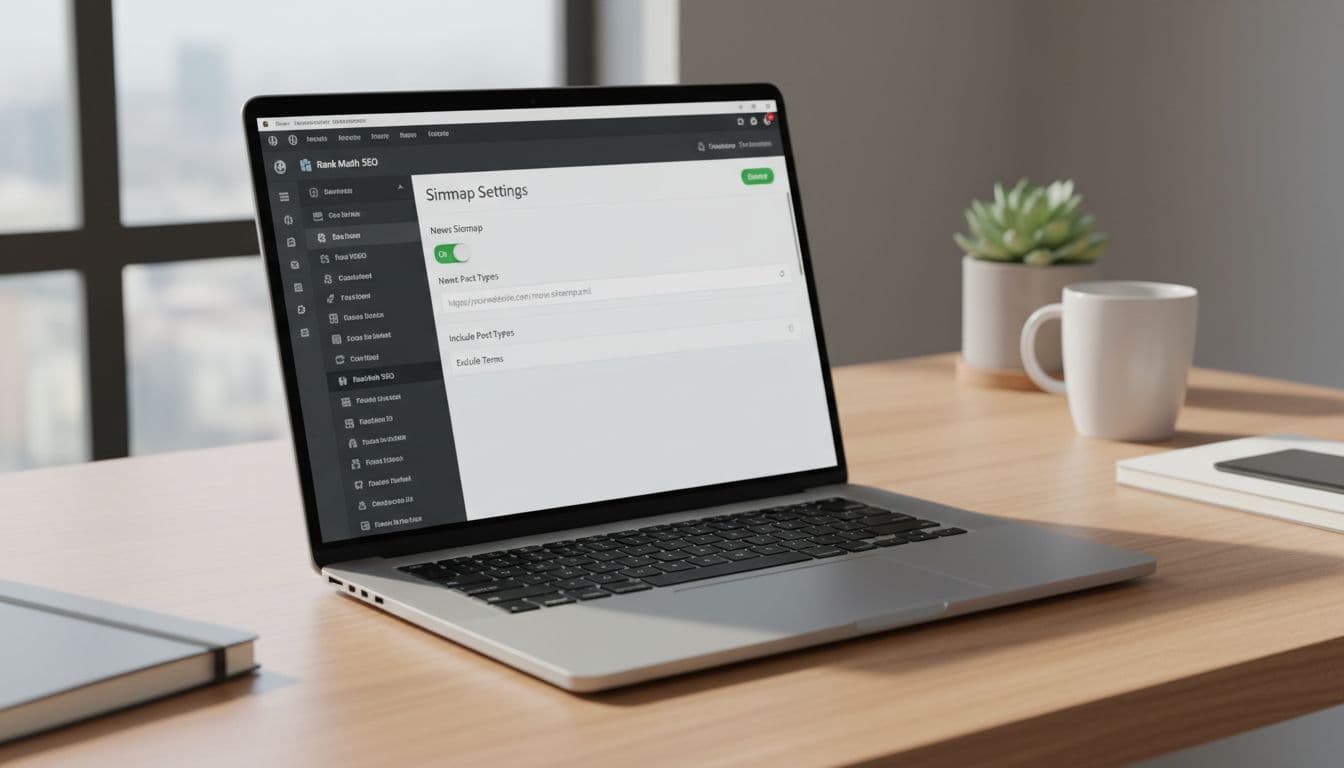
A sensible workflow is:
- Enable the plugin’s sitemap module.
- Turn on the News sitemap option.
- Confirm the News sitemap URL loads in your browser.
- Make sure only news post types and news categories feed into it.
Then do one more thing that many teams skip: publish a test article, wait a few minutes, and check whether it appears in the News sitemap. That test tells you if your “published date” logic is correct and whether drafts or scheduled posts are leaking in.
For a broader refresher on sitemap mechanics (separate from News sitemaps), this XML sitemap setup guide (2026) is a handy companion.
If your editors need help producing clean headlines and summaries at speed, tools like RightBlogger or SEOengine.ai can support drafting, while you keep final editorial checks in-house.
Submit, validate, and monitor in Google Search Console
Once the file exists and updates correctly, submission is quick:
- Open Google Search Console for the right property.
- Go to Sitemaps.
- Submit the News sitemap URL.
- Watch status signals (processed time, discovered URLs, and errors).
When something breaks, it’s often one of these:
- Articles older than 48 hours still listed.
- Incorrect publication dates (timezone mistakes are common).
- URLs blocked by robots rules or marked noindex.
- Redirect chains, 404s, or inconsistent canonicals.
- Publication name mismatch between your Google News Publisher Center setup and the sitemap.
Keep your News sitemap boring. Fresh URLs in, old URLs out, accurate dates always.
If you want a checklist of broader XML sitemap mistakes publishers still make, this 2026 guide is a useful scan: 2026 XML sitemap tips and common mistakes.
After submission, build a simple routine: check Search Console weekly, and after any theme, CDN, or plugin change. If your site has lots of sections, internal linking also helps crawlers find new stories naturally, and tools like Link Boss can speed up that housekeeping. To push readers back to fresh stories, pairing News with a newsletter often works well, and beehiiv is a popular option.
If you’re promoting your publication and growing reach beyond search, IONOS online marketing can sit alongside this setup, because fast indexing is even better when you have steady distribution.
Conclusion
Great news sitemap setup in 2026 comes down to three habits: include only the last 48 hours, keep dates and titles accurate, and monitor Search Console like it’s part of publishing. Once it’s automated, your newsroom stops thinking about sitemaps, which is the goal. Set it up cleanly today, then publish with confidence tomorrow.