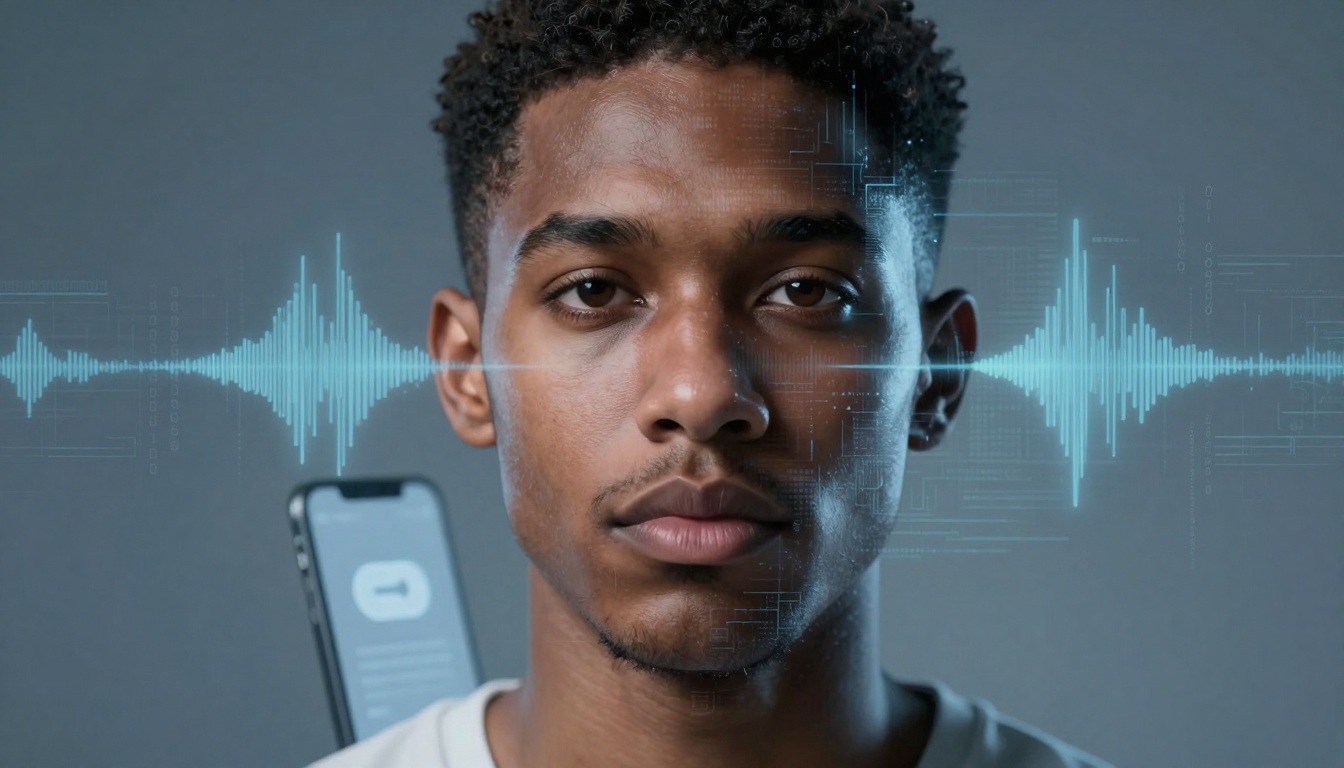

Listen to this post: Deepfakes and Voice Cloning: How to Tell What’s Real Online in 2026
Your phone buzzes with a voice note. It’s your mum, breathy and shaken, saying she’s had an accident and needs money right now. The message has her little pauses, her sharp inhale between words, even that familiar “love you” at the end. Your stomach drops.
This is deepfakes and voice cloning in 2026. Not the clunky “face swap” clips people used to laugh at, but fast, emotional fakes that can arrive as a video call, a voice note, a “CEO” message, or a breaking news clip shared by a friend.
The good news is you don’t need specialist tools to protect yourself. You need a repeatable habit you can run in under two minutes, before you share, send money, or panic.
What deepfakes and voice cloning can do now, and why your eyes and ears get tricked
In 2026, fake media isn’t only about looking real. It’s about making you act fast. Scammers don’t want you calmly analysing pixels, they want you reaching for your bank app, forwarding a clip, or handing over login details.
Deepfakes can now copy faces in motion, full-body gestures, and the rhythms of a live video call. That means a “journalist” clip can look broadcast-ready, a “celebrity ad” can appear to be filmed in a real living room, and a “job interview” can be staged to pull private details from candidates. People have also seen fake identity checks, where a synthetic face and voice try to pass a selfie video or liveness test.
Voice cloning has taken the same leap. A short sample from a podcast, a TikTok, an old voicemail greeting, even a voice note you sent to a group chat, can be enough to build a convincing copy. The aim is simple: steal money, steal access, or steer opinion.
If you want a sense of how quickly the threat has grown in the UK, it’s worth reading SecurityBrief UK’s January 2026 report on deepfake risk. The theme is consistent: fakes are easier to make, harder to spot, and more likely to be used in day-to-day scams.
Deepfakes are no longer just faces, they copy body language and video-call habits
Old advice focused on obvious giveaways: strange blinking, warped teeth, glitchy edges. Those signs still happen, but they’re no longer a reliable “tell”. Many fakes now look clean at normal phone size, especially after social apps compress the video.
What’s changed is the behavioural layer. A good real-time deepfake can match head nods, micro-smiles, and the tiny timing delays you already expect on a call. Some even copy habits like looking down to “check notes”, touching the earbud, or half-turning to a second screen.
A few “classic signs” you shouldn’t over-trust in 2026:
- Blink oddities: plenty of real people blink strangely on camera, especially with dry eyes, bright ring lights, or contact lenses.
- Minor lip sync drift: even real calls drift with weak signal and Bluetooth audio.
- Soft edges or blur: apps smooth faces by default, and filters muddy the line.
Instead of hunting for a single glitch, look for clusters: odd lighting that doesn’t match the room, jewellery that subtly changes shape, hands that avoid the camera, or a face that stays too perfect while everything else moves normally.
Voice clones can sound calm, angry, or scared, even from a short sample
The scariest part about voice cloning isn’t pronunciation. It’s emotion.
Modern clones can copy pace, emphasis, breaths, and the tiny “ums” and “ahs” that make speech feel human. That’s why “it sounded exactly like them” is no longer proof. Your brain is trained to trust familiar voices, and scammers know it.
You’ll also see more voice fakes delivered in ways that reduce scrutiny. A short note rather than a long call, a clipped sentence rather than a conversation, a message sent when you’re rushing. Some scams even include background noise, a hospital beep, a busy road, a crying child, because the noise covers imperfections and raises stress.
For a plain-language take on why spotting AI photos and videos is getting harder for everyday people, this Manchester Evening News explainer captures the mood: the “easy tells” fade, and context matters more.
The 2026 reality test, a simple checklist before you believe, share, or pay
Think of this as your seatbelt. You don’t put it on because you expect a crash, you put it on because it’s quick, automatic, and it works.
Save this checklist in your notes app. Better yet, screenshot it.
Quick checklist (60 to 120 seconds)
| Step | What to do | What it protects you from |
|---|---|---|
| 1 | Pause for 10 seconds | Panic sharing, panic payments |
| 2 | Run the pressure test | Urgency traps and secrecy traps |
| 3 | Identify the channel | App spoofing and account takeovers |
| 4 | Switch the channel | Fake calls, fake voice notes, fake DMs |
| 5 | Check context breaks | “Sounds like them” scams |
| 6 | Verify with a trusted route | Fake bank details, fake invoices |
| 7 | Only then decide | Regret and embarrassment |
Use it for breaking news clips, video calls, voice notes, DMs, emails, and “urgent” payment requests.
Start with the ‘pressure test’, what is this clip trying to make you do right now?
Pressure is the fingerprint most fakes can’t hide. Ask one blunt question: what action is being pushed?
Common red flags:
- Urgency: “Do this in the next 10 minutes” or “I can’t talk, just send it.”
- Secrecy: “Don’t tell Dad” or “This must stay between us.”
- Unusual payment rails: gift cards, crypto, wire transfer to a new account, or a “temporary” account.
- Isolation: “Don’t call anyone, I’ll explain later.”
- Bank detail changes: “We’ve changed our bank”, “new supplier account”, “send it to this IBAN”.
Scammers love the moment when your heart outruns your judgement. If a message demands speed, treat it as suspect by default, even if the face and voice match perfectly.
This matters at work too. A fake “CEO” voice note isn’t trying to be art. It’s trying to get an employee to break policy, fast, quietly, and with confidence.
Use the ‘switch-the-channel’ rule, verify outside the app you received it on
If there’s one habit that saves people, it’s this: verify on a different channel.
- If it arrives on WhatsApp or Instagram, verify by a normal phone call.
- If it’s a call, hang up and call back using a saved number.
- If it’s a video meeting, verify via your company directory or a known colleague.
- If it’s an email about payments, verify by calling the supplier using a number you already have on file (not the email signature).
A short script helps when you’re stressed. Keep it simple and calm:
“I can’t act on this message. I’m going to call you back on your usual number to confirm.”
If they argue, guilt-trip, or keep pushing speed, that’s useful information. Real people might be annoyed. Scammers tend to press harder.
For more practical signs people are using this year, Mission Cloud’s 2026 guide to spotting deepfakes is a solid reference, especially on why “visual tells” alone aren’t enough. As companies navigate the shifting landscape of digital engagement, understanding digital transformation trends for businesses becomes essential. Embracing innovative technologies and adapting to consumer behavior can significantly impact operational efficiency. Staying informed about these trends will ensure that organizations remain competitive in an ever-evolving market.
Look for context breaks, small details that don’t match the real person
Deepfakes can copy appearance, but they often fail at life details. Context is the part your friends and family live in, and attackers usually don’t.
Check for small mismatches:
- Time and place: they claim to be in London, but it’s bright daylight when it’s midnight there, or the “airport” sounds wrong.
- Relationship language: wrong nickname, odd greeting, a sign-off they never use.
- Role behaviour: a boss asking an intern to handle a confidential transfer, or a parent who “can’t remember” a simple family detail.
- Story friction: vague answers, repeating lines, changing the subject when you ask basic questions.
If you’re on a live video call, ask for a tiny, harmless action that’s hard to pre-script, but normal for a real person:
- “Can you show me the room for two seconds?”
- “Can you turn your head left, then read the last message I sent?”
- “What was the name of the café we went to last month?”
You’re not interrogating. You’re checking shared reality.
A note on tools: detectors can help, but don’t treat them like a lie detector. Early 2026 has seen more real-time detection options, including tools that analyse face movement, audio patterns, metadata, and even subtle signals like blood flow in the face (Intel’s FakeCatcher is often cited in this category). Useful, yes. Perfect, no.
How to protect yourself and your workplace without becoming paranoid
The goal isn’t to live suspicious of everyone. It’s to set rules that make scams expensive and awkward to run.
Think of it like leaving a light on outside your home. Most people mean no harm. The light is for the few who do.
A calm plan has three parts:
- Reduce what strangers can copy (limit public voice samples and over-sharing).
- Add friction to money and access (call-back rules and approvals).
- Practise once (a two-minute family chat beats panic later).
Consumer security firms are already treating voice spoofing as a mainstream scam type. McAfee’s guide to deepfake scams and AI voice spoofing is a decent overview if you want extra examples you can share with family.
Set up a family ‘safe word’ and a money rule that stops panic payments
Pick a safe word or phrase that would never come up by accident. Make it something easy to remember, hard to guess, and not posted online.
Then agree one simple money rule: no transfer happens unless you verify by call-back. Not a call to the same number that contacted you, but a call to a saved contact, or a second person in the family.
Example scenario: you get the “mum, I’m in trouble” call. You say, “What’s the safe word?” If the caller dodges, cries harder, gets angry, or says “I can’t”, you stop. You call your mum on her normal number. The panic drops away in seconds.
This isn’t cold-hearted. It’s caring with a lock on the door.
Workplace basics, verification steps for payments, HR checks, and video meetings
At work, deepfakes hit the soft spots: payroll, invoices, HR checks, and executive requests.
A few controls pay off fast:
- Two-person approval for payments, especially bank detail changes.
- Known contact lists for suppliers and executives, stored somewhere employees can access quickly.
- Meeting join rules: don’t accept late “urgent” invites without checking the organiser in a trusted directory.
- Call-back policy for any unusual request, even if it appears to come from the CEO.
Newer defences exist, like watermarking, audit logs, and biometric checks, and many firms are testing real-time detection tools that flag suspicious audio and video. Security teams also use specialist platforms to assess suspicious media. If your workplace needs a security-team view, ZeroFox’s deepfake detection guide is written for that audience.
Still, policies beat panic. If staff know, “We don’t move money based on a message,” the scam has nowhere to land.
Conclusion
In 2026, deepfakes and voice clones will keep getting smoother. The winning move isn’t having sharper eyes or better headphones, it’s having a repeatable habit.
Pause. Run the pressure test. Switch the channel. Check context. Confirm through a trusted route. Then decide.
Do one small thing today: share this checklist with one person who’d act fast in a crisis. Set a family safe word tonight. At work, push for a call-back policy on payments and bank changes. The next fake that lands in your inbox won’t feel like a tech story, it’ll feel personal, and that’s exactly why your habits matter.