
Listen to this post: Why Bluetooth and AirDrop Are Security Risks in Public
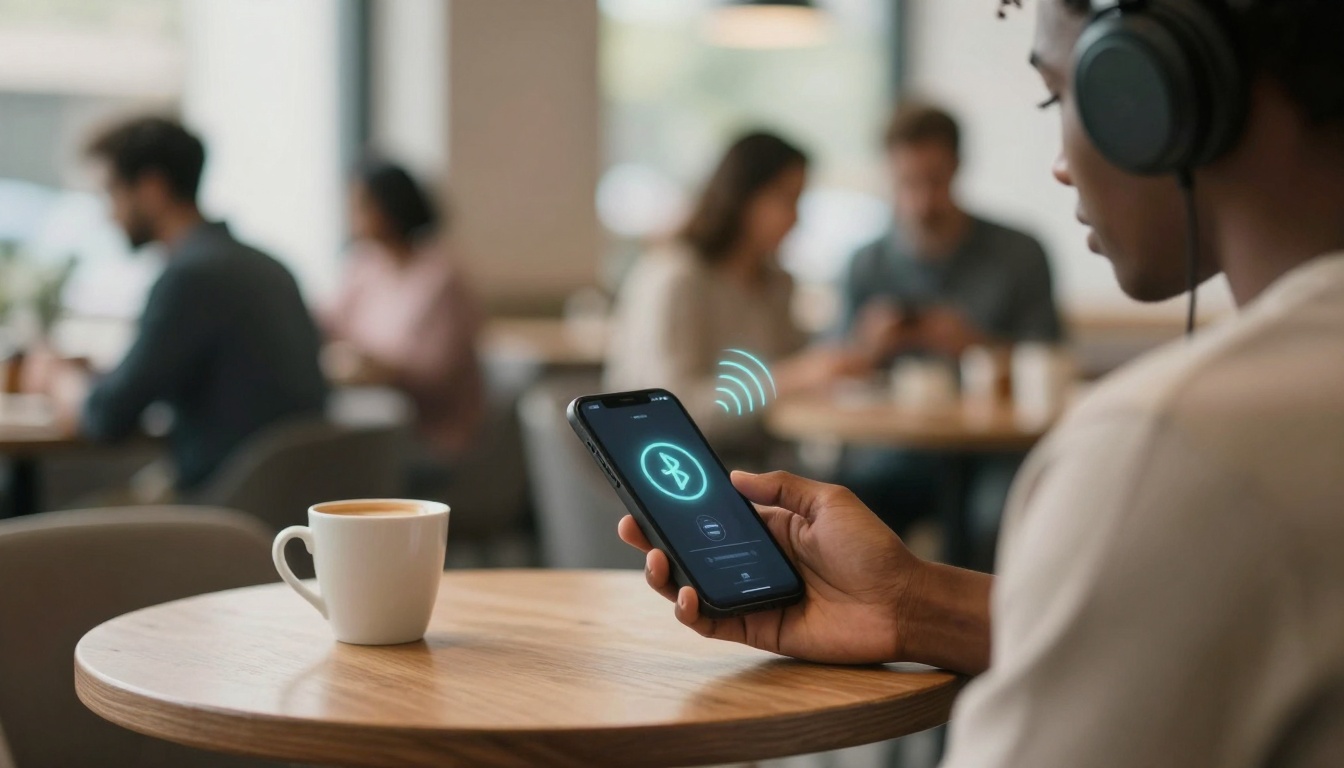
Picture this: you sit in a busy cafe, sipping coffee, ears plugged into your wireless headphones. Your phone buzzes with a pairing request from what looks like your own AirPods. You tap accept without a second thought. In that split second, a stranger nearby gains access to your microphone. They listen to your calls, steal contacts, or even track your moves through the crowd.
Bluetooth lets devices connect without wires over short distances. AirDrop does the same for Apple gear, mixing Bluetooth and Wi-Fi to share files fast. In public, these tools shine for convenience. But they open doors to hackers. Signals bounce around in crowds, easy to spot and exploit. Bluetooth and AirDrop turn helpful into harmful when left on.
Recent reports show real dangers. In 2026, flaws in headphone chips from Bose, Sony, and JBL let attackers nearby hijack devices. AirDrop hashing tricks reveal identities for stalking. Cyberflashing floods strangers with explicit images. These risks hit harder in packed spots like airports or tubes. One careless tap leads to data theft or worse.
This piece breaks it down. You’ll see how fakes fool you, chips betray trust, and public chaos amps the threats. Then, simple steps to stay safe. Ready to spot the traps before they snag you?
Bluetooth Tricks That Let Strangers Steal Your Secrets
Crowds make Bluetooth a prime target. Hackers scan for open signals from your phone or headphones. They spoof names to mimic trusted gear. Once paired, they grab audio, contacts, or location pings. In 2026, unpatched flaws keep these attacks alive. Think of your signal as a shout in a noisy market. Everyone hears, but predators zero in.
Fake Devices That Fool You into Connecting
Hackers set up phony devices with names like “AirPods Pro” or “Sony WH-1000XM5”. In a cafe, your phone lists them as available. You pair, thinking it’s yours left behind.
Post-pair, they access your mic for live eavesdropping. They inject fake audio, like scam calls mid-music. Or force your phone to dial numbers. Proximity matters, about 10 metres, but crowds hide the source. No alert screams danger. Just a quick tap hands over control.
Flawed Chips in Your Favourite Headphones
Airoha chips power headphones from Bose QuietComfort, Sony, JBL Endurance, Jabra Elite, and Marshall MAJOR V. Vulnerabilities like CVE-2025-20702 let nearby attackers steal pairing keys from memory.
They pose as your buds, grab call logs, contacts, or listen via your phone’s mic. In an airport lounge, a hacker 10 metres away starts a silent takeover. Many stay unpatched in 2026. Check Airoha chip vulnerabilities that expose headphones for affected models. Update firmware now. Your daily commute could betray you.
Eavesdropping and Silent Tracking
Interception grabs unencrypted data mid-air. Bluejacking blasts spam contacts. Bluebugging seizes full control for calls or texts.
Auto-reconnect worsens it. Your phone pings saved devices constantly. Stalkers follow those signals through streets. Picture a tail in the tube, mapping your path from Bluetooth bursts. No consent needed. Public density masks the hunter.
AirDrop Surprises That Turn into Nightmares
AirDrop scans via Bluetooth, then swaps files over Wi-Fi. Set to “Everyone”, it invites chaos. Strangers 9 metres away push content. Encryption hides payloads, but user slips enable harm. In 2026, iOS 26.2 cuts pop-up floods, yet gaps remain.
Parks and trains see floods of nudes or malware PDFs. Hashes meant to anonymise crack open, linking to emails. Protests in China showed stalkers using this for arrests. DoS attacks crash your screen with junk.
Unwanted Files from Nearby Strangers
Set AirDrop to “Everyone” in public? Expect surprises. A passerby sends explicit photos, cyberflashing laws aside. Or a rigged PDF that crashes apps, steals data from downloads.
Files land in your folder, ripe for clicks. In a packed event, dozens hit at once. You dismiss most, but one slips through. Device lags or worse, malware roots. Turn it off; “Contacts Only” blocks most.
How AirDrop Helps Stalkers Track You
AirDrop hashes your phone number or email for privacy. But crackers reverse them with tools. Bluetooth probes reveal movement patterns.
In a subway, a follower pings your hash repeatedly. They map your stops, build a profile. Apple knows, yet 2026 exploits persist. No pop-up warns. One cafe meet turns into weeks of shadows.
Why Public Spots Turn These Tools into Weapons
Airports, cafes, tubes pack bodies close. Bluetooth ranges overlap, 10-15 metres each. Your signal mixes with hundreds. Hackers blend in, scanning quietly.
Open scanning invites spoofed pairs. AirDrop pop-ups drown legit requests. Events like festivals overwhelm senses. At home, signals fade fast, risks drop.
In 2026’s rush, more rely on wireless. Headphone flaws hit pros in lounges, journalists in crowds. Quiet spots shield you. Public turns convenience to vulnerability. Hackers thrive on distraction.
Quick Fixes to Shield Yourself in Crowds
Stay safe with easy habits. First, toggle Bluetooth off in public. Swipe control centre, tap the icon. Same for AirDrop: set to “Receiving Off” or “Contacts Only”.
Ignore odd requests. Update iOS to 26.2 or later; it hides fake pop-ups. Check headphone apps for firmware from Bose, Sony, JBL. Use wired earbuds as backup, no signals.
Pre-pair trusted gear at home. In offices, scan for rogue devices with apps like nRF Connect. Benefits roll in: no surprise audio, calm commutes.
Steps for iOS AirDrop:
- Go to Settings > General > AirDrop.
- Pick “Contacts Only” or “Receiving Off”.
- Done in seconds.
Peace follows smart toggles.
In that cafe scene, one switch stops the spy. You’ve seen the tricks: fake pairs, chip flaws, AirDrop floods. Public amps them, but quick fixes block most.
Toggle off today. Check updates, go wired in crowds. Smart steps outpace hackers. Share your close calls below or follow CurratedBrief for more tech safety tips. Stay alert out there.