
Listen to this post: Retail and Ecommerce: AI-Powered Recommendations and Pricing That Boost Sales Without Breaking Trust
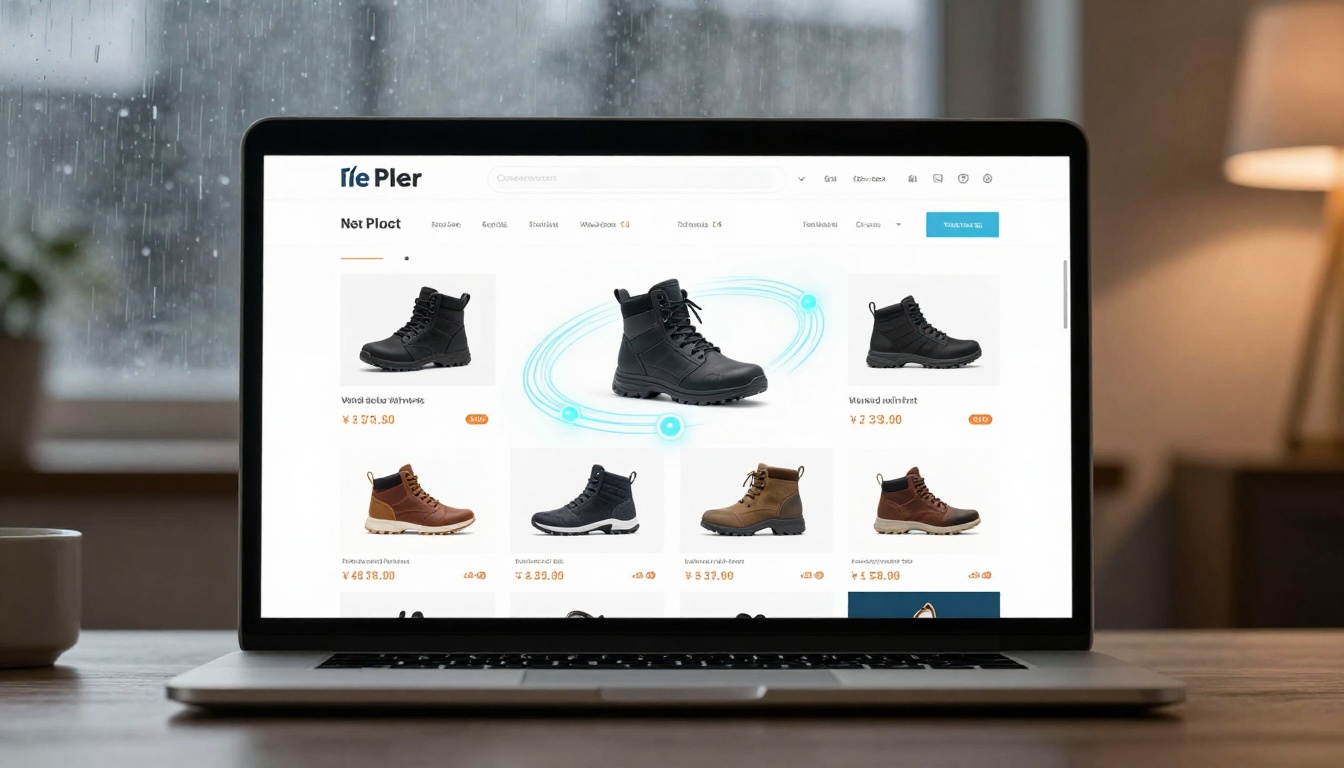
A shopper lands on your online shop on a rainy Tuesday night. They’re not browsing for fun, they’re trying to solve a problem quickly. Within seconds, the homepage shows winter-proof trainers in their size, a jacket that matches what they viewed last week, and a “back in stock” nudge for the item they abandoned.
It feels like the site gets them. Behind the curtain, two systems are working together: AI product recommendations and AI-driven pricing.
This guide explains what recommendations are, what pricing AI can and can’t do, and why both matter for conversion, margin, and trust. The key takeaway is simple: the best systems lift revenue while keeping customers feeling helped, not handled.
AI product recommendations that feel helpful (not creepy)
Recommendation engines are pattern-spotters. They look at what a shopper does (and what similar shoppers did), then guess what might be useful next. Done well, they reduce effort. Done badly, they feel like someone reading over your shoulder.
The business case is straightforward. Better relevance means more items seen, fewer dead ends, and a smoother path to checkout. But relevance beats volume every time. Filling a page with endless “you may also like” widgets doesn’t create intent, it just adds noise.
By January 2026, recommendations are also being shaped by how people shop with AI tools. More shoppers use chat and AI assistants to compare products, build wish lists, and plan purchases over days or weeks. The next step is “agents” that queue tasks (price watch, size check, delivery date) and return when conditions match. If your catalogue data is messy, those agents will recommend someone else’s shop.
For a solid overview of current retail AI use cases, Shopify’s guide is a useful reference: AI in retail use cases and implementation guidance.
What data powers recommendations, and where retailers go wrong
Most retail recommendation models run on plain, practical signals:
- Clicks, searches, filters used
- Product views and time on page (a long look can mean interest, or confusion)
- Add-to-basket, remove-from-basket, checkout starts
- Purchases, repeat purchases, and returns
- Stock levels, lead times, delivery options
- Context like season, location, device, and time of day
A privacy-aware approach matters more now. First-party data (what happens on your site and in your app) is usually enough to build strong recommendations. Third-party tracking is less reliable than it used to be, and it can feel intrusive when it’s obvious.
Common mistakes tend to be painfully avoidable:
Only “people also bought”: It over-pushes popular items and ignores intent.
Recommending out-of-stock products: It creates frustration, then bounce.
Showing the same products everywhere: Personalisation becomes wallpaper.
Ignoring negative signals: Returns, low ratings, and quick exits are warnings, not footnotes.
Treating all customers the same: A first-time visitor needs guidance, a loyal customer needs speed.
A simple rule helps: reward signals that show commitment (repeat views, add-to-basket), and downweight signals that show regret (returns, refunds, rapid pogo-sticking between pages).
Recommendation types that actually move the needle
Some placements consistently drive action because they arrive at the right moment:
Homepage personalisation: Best for returning shoppers, especially when it reflects seasonal needs and past browsing.
Search ranking personalisation: Strong for high-intent journeys. Getting search right often beats adding new widgets.
Product page “similar items”: Useful when the shopper’s unsure, or when a product is out of stock in their size.
“Complete the look” bundles: Great for fashion and home, where items belong together and style matters.
Cart add-ons: Best when they’re practical (batteries, cleaning kit, charger), not random.
Post-purchase replenishment: Ideal for beauty, grocery, pet, and consumables, where running out is predictable.
Email or push “back in stock”: Works when timing is tight and stock is genuinely limited.
Concrete example: if someone buys a coffee machine, the smart next step isn’t another machine. It’s filters, descaler, and beans that match their roast preference.
AI pricing in ecommerce: dynamic prices without the drama
Pricing AI is a system that suggests, or sometimes sets, prices using signals like demand, stock, cost changes, and competitor moves. It doesn’t “know” the perfect price. It estimates outcomes, then applies rules.
Good pricing AI isn’t a free-for-all. It’s closer to a cockpit with guardrails. Humans still decide the boundaries: minimum margin, brand position, and what “fair” looks like to customers.
Dynamic pricing is also not the same as constant price changes. The goal is fewer bad decisions, not more activity.
For a broader view of how pricing is being discussed going into 2026, this overview can add context: Dynamic pricing in retail in 2026.
What AI pricing looks at, and the guardrails you need
Most pricing engines pay attention to:
- Inventory on hand, sell-through rate, and stock cover
- Supplier cost changes and currency shifts
- Shipping and fulfilment costs (including returns handling)
- Seasonality and events (school terms, holidays, weather swings)
- Promotion calendar and coupon use
- Competitor price checks (where legal and appropriate)
- Channel differences (your site vs marketplaces)
The guardrails are what keep the system sane:
Price floors and ceilings: Protect margin and protect brand.
Caps on price movement: Limit changes per day or per week.
Rules for key value items: Keep “known prices” stable to build confidence.
Crisis controls: Don’t allow spikes during emergencies or shortages.
Discount logic: Clear steps for clearance, end-of-season, and bundle pricing.
If you can’t explain why a price changed in one sentence, the system needs tighter limits.
Fairness and trust: how to avoid price discrimination backlash
People don’t hate change, they hate surprise. When prices feel personalised “just because”, shoppers assume they’ve been singled out. That’s when trust drops fast.
Practical rules that protect you:
- Keep prices consistent for the same shopper within a set window (for example, 24 hours)
- Prefer event-based pricing (sale, clearance, end-of-season) over silent shifts
- Be clear about the reason for discounts (last sizes, short-dated, end of line)
- Avoid using sensitive data or proxies that could be unfair (health, income, protected traits)
- Don’t hide higher prices behind logged-in states or device type
A short documentation checklist also helps customer service and compliance:
- What signals the pricing model uses, and what it does not use
- Who approved the guardrails and when they were reviewed
- A price-change log (time, SKU, old price, new price, reason code)
- A simple script for “why did the price change?” that doesn’t blame “the algorithm”
Making recommendations and pricing work together (the real win)
Recommendations move attention. Pricing moves decisions. When they’re aligned, you get cleaner stock flow and steadier profit, without pushing shoppers into a corner.
Retail leaders are shifting from AI experiments to practical use. You can see that focus in wider commerce trend reporting, including agent-driven shopping and smarter merchandising: commerce trends shaping 2026.
Smart use cases: clearing stock, protecting margin, cutting returns
Overstock before heavy discounting: Increase recommendation exposure for slow sellers, then discount only if the demand still doesn’t show up. This keeps margin healthier than rushing to markdowns.
Bundles that raise basket size: Offer a fair headline price on the main item, then bundle accessories at a sensible saving. The shopper feels they’ve “won”, but you protect margin on the set.
Compatibility and fit to reduce returns: Recommend the right size, the correct cable, or the exact spare part. Returns often come from confusion, not regret.
Trade-up when premium stock is available: If the shopper is comparing mid-range options, show a premium alternative with one clear benefit (warranty, materials, performance), not a wall of specs.
Replenishment nudges: If a customer buys the same consumable on a cycle, remind them before they run out. It feels like care, not a sales push.
How to measure success with simple metrics
| Area | Core metrics | Watch-outs |
|---|---|---|
| Recommendations | Click-through on recs, add-to-basket rate, conversion rate, average order value, revenue per session, return rate | Don’t “win” by pushing low-quality items that get returned |
| Pricing | Gross margin, markdown rate, sell-through, stock cover, promo lift | Avoid margin leaks caused by hidden shipping or return costs |
| Trust signals | Customer service tickets on pricing, review mentions of “price changed”, basket abandonment after price edits | Spikes here can cancel out revenue gains |
A/B testing matters. Use holdout groups where a slice of traffic gets the old setup, so you can see true lift. Also watch seasonality. A sunny week can make summer lines look like a pricing victory when it’s just the weather.
A practical rollout plan for retail teams (30 to 90 days)
You don’t need a giant data team to start, but you do need discipline. Treat this like renovating a shop floor: clean first, then move fixtures, then change signage.
Week 1 to 4: get the basics right (catalogue, tracking, inventory signals)
Start with product data hygiene. Bad product data creates bad recommendations and messy pricing.
Focus on:
- Clean titles and attributes (size, colour, material, compatibility)
- Consistent categories and filters
- Accurate stock and delivery promises
- Returns and refund reasons joined to product records
- Pricing history (so you can spot odd jumps)
Add structured data where possible. Product schema is a set of labels that helps machines understand what you sell (price, availability, images, variants). If your site blocks bots aggressively, review what you’re blocking. Shopping tools and agents need machine-readable stock and delivery info, or they’ll guess.
Week 5 to 12: test, learn, then automate carefully
A safe sequence looks like this:
- Launch recommendations in one place first (product detail pages).
- Expand to cart add-ons and one email flow (back in stock or replenishment).
- Start pricing suggestions on a small category with stable demand.
- Add rules and human approval for any price change above a set threshold.
- Move to partial automation only after results stay stable for a month.
Set monitoring alerts from day one: out-of-stock items being recommended, sudden price jumps, margin drops by SKU group, and unusual return spikes.
Conclusion
AI recommendations can make shopping feel easier, like a well-run shop where someone points you to the right aisle. AI pricing can protect margin and reduce frantic discounting, but only with clear rules.
The theme that decides success is trust. Shoppers accept smart help, they reject surprises. Pick one recommendation placement to improve this month, tighten one pricing rule, then measure results for 30 days and let the data, and your customers, tell you what to do next. To enhance your approach, consider implementing effective marketplace selling strategies for Etsy that align with your brand’s messaging. Additionally, leverage customer feedback to refine your offerings and ensure that every interaction builds confidence. This way, you can cultivate a loyal customer base that feels valued and understood.