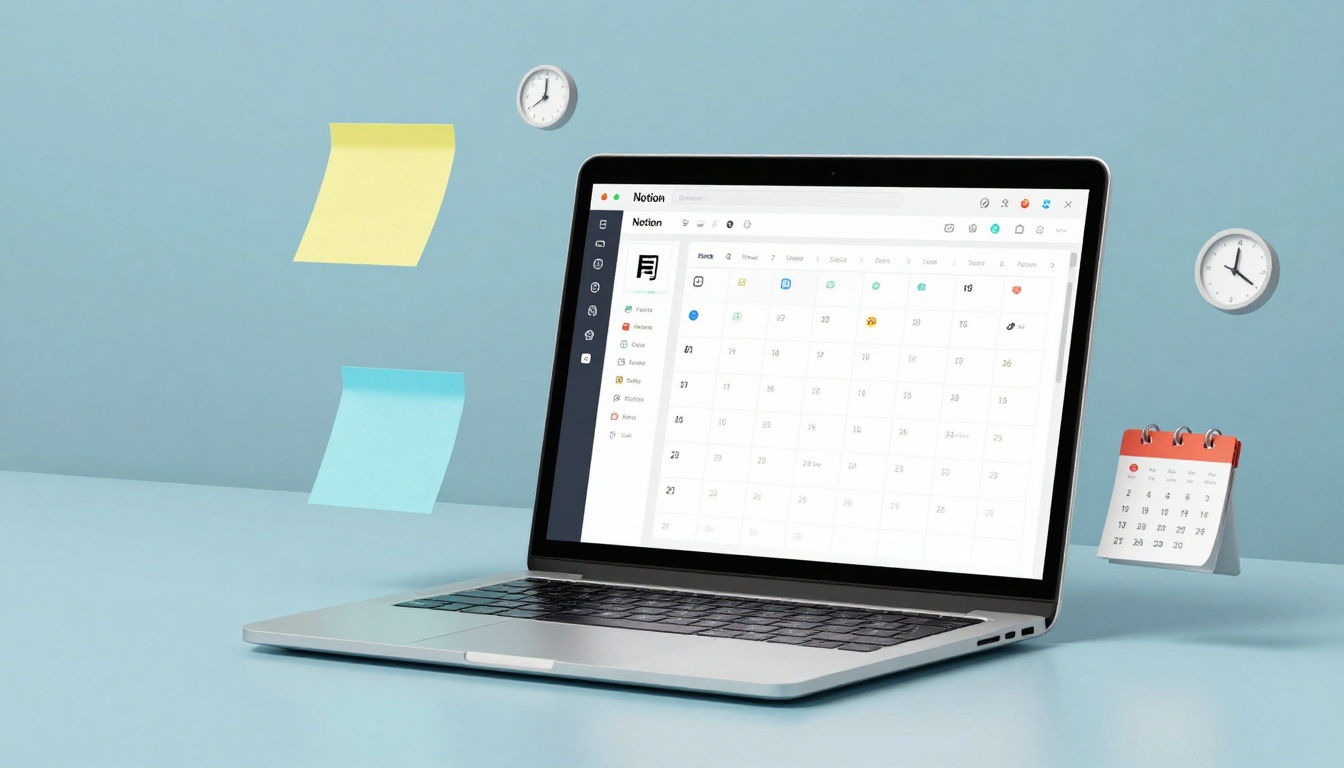

Listen to this post: From Notion to Google Calendar: Choose Your Ideal Digital Planner
Picture this: it’s January 2026, and your phone buzzes with a reminder for a meeting you forgot. Your to-do list sprawls across sticky notes and apps, while family events clash with work deadlines. Chaos rules until you find the right digital planner. Notion shines as a flexible all-in-one space for notes, tasks, and calendars. Google Calendar keeps things simple with quick scheduling and rock-solid reminders.
This post cuts through the options. We’ll compare their features, strengths, and weaknesses. You’ll see how Notion handles complex projects, while Google Calendar nails daily routines. With trends leaning towards AI-boosted tools that blend calendars and databases, the choice depends on your life: packed workdays or creative workflows? By the end, you’ll know which fits and how to start. What suits your rhythm, power or speed?
Unlock Notion’s Power for Linked Tasks and Projects
Notion acts like a blank canvas you shape into anything. In 2026, it packs calendars tied to notes, databases, and kanban boards. Timelines track long projects. Custom tags sort events. Link a meeting straight to project docs or subtasks. Recent updates add a searchable calendar and smoother ties to Notion databases.
Setup takes time at first. You build pages, link them, and tweak views. Once done, it hums. Pros include deep customisation for teams or solo creators. Hierarchies nest tasks inside events. Databases turn calendars into smart trackers. Cons hit new users: the learning curve feels steep, and pages load slower on big workspaces.
Users love it as a workflow hub. One project manager calls it “my second brain” for linking client briefs to deadlines. For Notion Calendar’s strengths over rivals, check this breakdown. It’s free for basics, with AI now helping organise schedules.
| Feature | Pro | Con |
|---|---|---|
| Views | Kanban, timeline, calendar | Overwhelm from options |
| Linking | Events to docs, tasks | Setup slows you down |
| Customisation | Tags, databases | Steep start |
Imagine planning a product launch: timeline shows phases, each linked to notes and assignees. Notion keeps it all in one spot. Best for those who want context with every event.
Who Does Notion Suit Best in Daily Life
Content creators thrive here. They plot posts on timelines, tag ideas, and link research notes. Teams track sprints with databases that feed the calendar. Notion Calendar wraps Google events neatly, adding Notion pages as overlays.
It skips simple needs, though. If you just block hours, it overcomplicates. Freelancers with client projects or students juggling essays find the depth pays off. Pair it with AI for auto-summaries in meetings.
Master Google Calendar for Quick and Reliable Scheduling
Google Calendar feels like an old friend: open it, add an event, done. Views switch from day to week or month. Time blocking slots focus hours. Gmail scans emails to auto-add flights or dinners. Basic tasks pop reminders. Notifications ping across devices.
No learning curve bites. It syncs fast with phones and laptops. Share calendars for family or work without fuss. Pros dominate: speed, reliability, and zero cost with a Google account. Cons limit it: tasks stay basic, views lack flair, no deep notes.
Busy pros rave about Gmail links to Meet calls. Picture a sales rep: email confirms a flight, it slots in automatically. Users praise the clean interface for shared team schedules. For a thorough time management comparison, this piece nails it.
| Feature | Pro | Con |
|---|---|---|
| Setup | Instant start | Few custom views |
| Sync | Gmail auto-adds | Basic task lists |
| Sharing | Easy family links | No project databases |
January 2026 trends show it holding strong for routines. Add events in seconds, block deep work, and trust reminders.
Perfect Fits for Google Calendar Users
Students slot classes and study blocks effortlessly. Parents share kid pickups. Office workers book meetings with one tap. It shines for quick to-dos like “gym at 6pm” or weekly meal prep.
No bells for complex projects, but it pairs well with email. Families love colour-coded views for everyone’s chaos.
Notion vs Google Calendar: Match Them to Your Needs
Ease tips to Google: add an event in seconds, no templates needed. Notion wins depth: link tasks, notes, and files. Both integrate well. Notion syncs calendars to Google now, with AI smoothing the flow. Google pulls from Workspace apps.
Pricing starts free for both cores. Notion charges teams £8 per user monthly; Google Workspace hits £5. Use cases split clear. Google for daily hustles like meetings or errands. Notion for projects needing context, like launches or courses.
Ask yourself: Do events stand alone, or link to plans? Need speed or layers? Here’s a side-by-side:
| Aspect | Notion | Google Calendar |
|---|---|---|
| Best For | Projects, teams | Routines, sharing |
| Learning | Medium | None |
| Depth | High (databases) | Low (events only) |
| Speed | Slower setup | Instant |
Alternatives like Todoist handle pure tasks; Outlook suits corporate. Flexible UIs rise in 2026, but these two lead. Test with a blank week: pile in real events. Google feels light; Notion builds worlds. For choosing based on workflow, see this guide.
Trends push blends. Notion’s searchable calendar and database sync make it sharper against Google’s basics.
Pricing, Integrations, and Smart Switches
Free tiers cover solos: Notion unlimited pages, Google endless events. Teams pay for extras like AI notes in Notion (£8+) or Workspace storage (£5+).
Sync shines: Notion imports Google calendars bidirectionally. APIs let Zapier bridge gaps. Try both free. Export Google to Notion for projects, keep Google for shares. Switch pain-free with exports.
Pick the Planner That Fits Your 2026 Flow
Simplicity or power? Google Calendar delivers quick wins for routines and shares. Notion builds rich hubs for projects and ideas. Test free versions this week. Slot your meetings, tasks, and dreams.
Imagine calm days: no missed calls, projects on track. Your digital planner matches life, not hype. Start today, tweak tomorrow. Which will you try first? Share in comments.
(Word count: 1487)