
Listen to this post: Public charging stations: can “juice jacking” still happen in 2026?
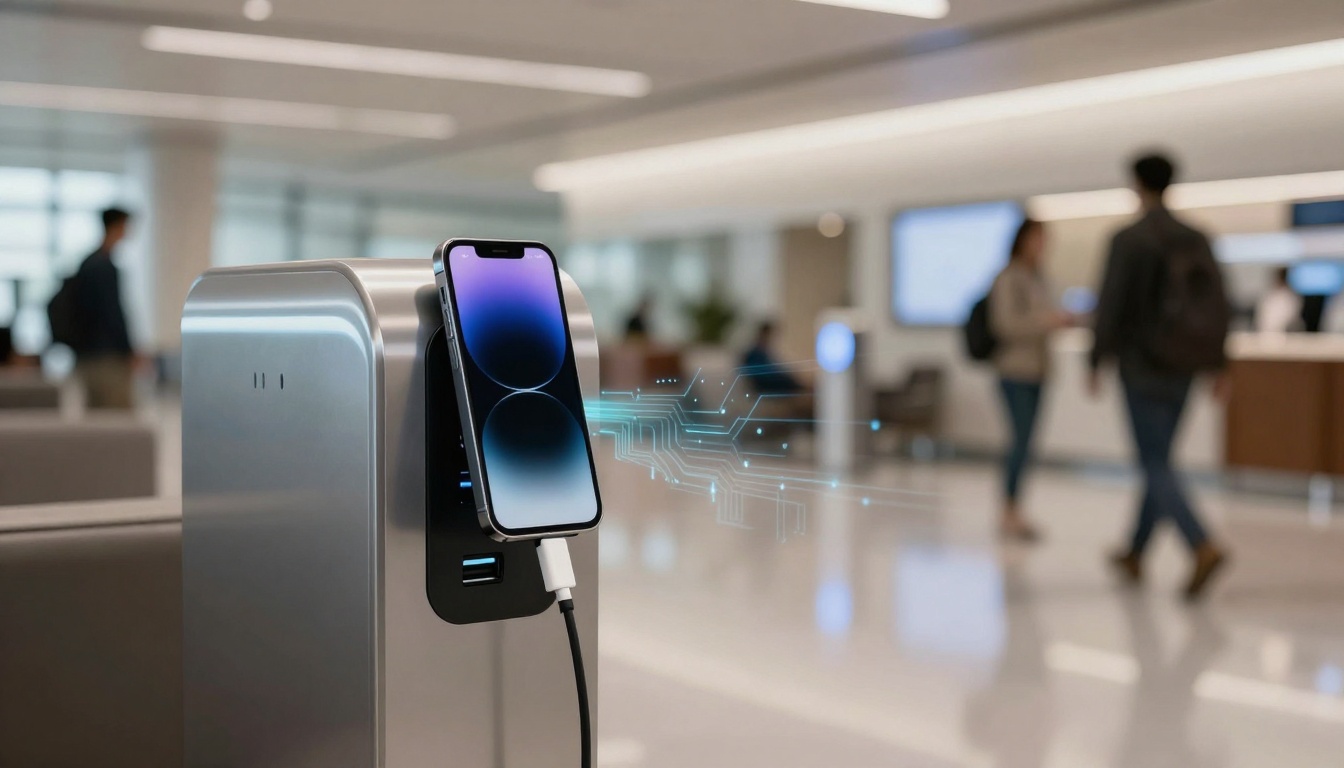
You’re at an airport gate, a station platform, or on a bench outside a shopping centre. Your battery’s on 6 percent, your boarding pass is on your phone, and every seat seems to have a neat little USB port built in. Public charging feels like a small modern kindness.
The worry is that the same USB connection that gives power can also carry data. “Juice jacking” is the name for attacks where a charging port, cable, or kiosk is used to steal information or try to push malware onto your device.
So, can juice jacking still happen in 2026? Yes, it can, but it’s not the everyday danger social posts make it sound like. What matters is what has changed on modern phones, what hasn’t, and what you should actually do when you need a top-up fast.
What “juice jacking” really means, and what an attacker would need
USB is a two-way street. One set of wires delivers electricity, another set can send and receive data. That’s why your phone can charge from a laptop and also sync photos, install updates, or connect for debugging.
“Juice jacking” is simply the abuse of that second part. To pull it off, an attacker needs control over the thing you plug into, such as the port itself, the cable attached to it, or the box behind it. They also need you, the tired traveller with a dying battery, to connect your phone.
Two practical outcomes get talked about:
- Data grab: a dodgy USB connection tries to talk to your phone like a computer would, hoping you’ll allow access.
- Malware install: a more advanced setup tries to exploit a weakness, trick you into installing something, or push you into a fake workflow.
It helps to separate the types of “public charging” you might see:
- Public USB port (riskier): the port can be connected to a computer-like device, even if it looks harmless.
- Wall socket with your own plug (safer): you’re using mains electricity and your own charger, there’s no data path.
- Wireless charging pad (different risk): no USB data lines, but it can still be part of a scam if the surrounding signage or prompts are fake.
None of this needs panic. It’s closer to leaving your front door key under a plant pot. Most of the time nothing happens, but the setup is inviting if someone wants to try.
Two flavours of juice jacking: stealing data vs pushing malware
The “data” version often relies on human behaviour. You plug in, your phone wakes up, and you see a prompt like “Trust this device?” or “Allow access to photos?”. If you tap yes without thinking, you’re handing over a route into your device. Even if you don’t, some connections can still reveal small bits of information (like your device type) just from the way they negotiate power and charging.
The “malware” version is harder. It usually needs either a known weakness in the phone’s software, or a trick that gets you to install something. Many scary demos show what’s possible in a lab, with controlled gear and time to prepare. Real life is messier. People unplug. Phones are locked. Operating systems patch.
Still, if the attacker controls the port or the cable, the attempt is possible. That’s the core point, control of the connection is the whole game.
Why “free charging” is a tempting target, even if attacks are rare
Public charging points are a neat trap because they create urgency. Low battery makes people rush and ignore little warnings. It’s the same feeling as spotting the last seat on a packed train.
Attackers also like scale. A busy airport, a conference hall, a station waiting room, each has a steady stream of potential targets. But there are limits. Someone has to tamper with the hardware, avoid being noticed, and hope enough people plug in.
Security groups still warn people away from public USB charging. Some researchers also argue the risk is often overstated compared with other travel threats, while still agreeing it’s wise to avoid unknown USB ports. For a measured take on the warnings and their real-world usefulness, see Sophos’s analysis of official guidance in their discussion of FBI and FCC juice jacking warnings.
Can it still happen in 2026, or have phones outgrown the threat?
Here’s the clear answer for January 2026: the risk is low, but not zero. Public USB attacks are talked about more than they’re proven at scale, but the method is still technically possible if the attacker controls the charging point.
The big change is that modern phones have become less trusting by default. Both iPhone and Android now treat a locked device more like a sealed box. They’re also better at asking permission before any meaningful data transfer happens. That doesn’t make you invincible, it just pushes most attacks into the “needs your help” category.
The other change is that “juice jacking” has become a catch-all term online. People use it to describe a whole set of charging-related risks, including fake kiosks that steer you to scan a QR code, connect to a captive portal, or enter payment details on a lookalike page. Those are often more likely than a Hollywood-style silent hack, and they can still empty a bank account if you hand over login details.
You don’t need to treat every USB port like it’s wired to a criminal mastermind. You do need to treat it like a public tap. It’s fine for washing hands, but you wouldn’t drink from it unless you had to.
The good news: modern iPhone and Android defaults make silent data grabs harder
On most current devices, a locked phone won’t freely share data over USB. If a port tries to behave like a computer, you’re likely to see a prompt. If you never approve it, the connection usually stays in “charge-only” territory.
Common protections that help in real life include:
- Lock-screen restrictions: when your phone is locked, it’s harder for accessories to do anything beyond charging.
- Trust prompts and permissions: you may be asked to “trust” a device or allow file access.
- PIN or biometrics: even if someone tries to trigger a connection, they often can’t get far without your unlock.
The practical takeaway is boring but powerful: charge your phone while it’s locked, and don’t interact with surprise prompts.
If you want a current, consumer-friendly summary of what experts are saying right now, TechRadar has a recent explainer on how juice jacking could work and how to avoid it.
The catch: your cable, the station, and your taps can still be the weak spots
Even with better defaults, three weak spots remain.
First, the station. A USB port is just an opening in a plastic panel. You can’t tell what’s behind it. A compromised hub could be designed to trigger prompts, confuse users, or act as a “helpful” charging kiosk with a screen.
Second, the cable. A cable can hide more than copper. There are cables with tiny electronics inside that can act like a device, not just a lead. This isn’t a reason to bin every spare cable you own, but it is a reason to avoid borrowing random cables from strangers or using fixed cables attached to public kiosks.
Third, your taps. If you’re half-asleep and you approve a trust prompt, you’ve turned a maybe into a yes. That’s why a lot of guidance focuses less on rare zero-click hacks and more on simple habits. CNET also breaks down the idea, including why the threat is debated, in its overview of what juice jacking is and whether it’s really a threat.
Also watch for charging points that push you into non-charging actions: “Scan to start charging”, “Sign in for faster power”, “Install our app”. That’s often not classic juice jacking, but it can lead to phishing just the same.
How to charge safely in public without turning it into a drama
Most people don’t need a special kit. You need a plan that still works when you’re rushing for a train and your phone is about to die. Think of it like crossing a road. You don’t need a helmet, you just look where you’re going.
Start with the safest options. If you can’t do those, use the safer version of USB charging. The goal is to get power while keeping data shut.
If something feels off, such as an odd prompt, a charging screen that looks like a fake “system update”, or a kiosk asking for logins, stop. Unplug. Move to a wall socket or use your own power bank. You don’t have to diagnose the threat to avoid it.
A lot of official and university travel advice has settled on the same core message: avoid public USB ports when you can, and use your own equipment. Rutgers IT’s travel guidance includes practical steps in their tips to prevent juice jacking and travel risks.
The safest habits that cost almost nothing
These habits cover most of the risk without making life difficult:
- Carry a small power bank in your day bag, even a slim one.
- Use a wall socket plus your own plug where possible (mains power, no data line).
- Use your own cable, not the one already attached to a public kiosk.
- Keep your phone locked while it charges, and don’t unlock it on the cable if you can help it.
- Don’t accept “trust” or “allow access” prompts when you’re only trying to charge.
- Top up before you travel, so you’re not forced into the nearest port in a panic.
- Switch off Bluetooth if you don’t need it, just to reduce background connections in crowded places.
If you do need to unlock your phone while charging, do it briefly, then lock it again. Treat the USB connection like a public conversation. Say what you need to say, then stop talking.
Tools that help: USB data blockers, charge-only cables, and travel adapters
If you often travel, a couple of small add-ons can remove the mental load.
A USB data blocker is a tiny adapter that sits between the USB port and your cable. It’s designed to allow power through while blocking the data pins, so the port can’t behave like a computer. It won’t solve every possible problem (nothing does), but it can stop the most straightforward data-transfer attempts.
A charge-only cable aims to do the same thing, but built into the cable. The benefit is convenience, the downside is you need to trust the cable maker. Buy from reputable sellers, not mystery listings with copied product photos.
A compact travel adapter or small multi-port wall charger can also shift you away from public USB entirely. If there’s a mains socket nearby, you can turn it into “your” charging point in seconds.
For a plain-language explanation of the concept and the everyday steps that reduce your risk, Avast’s guide is a useful reference on what juice jacking is and how to protect your device.
Conclusion
Juice jacking can still happen in 2026 because USB still carries power and data on the same connection. The good news is that modern phones make silent data grabs harder, and confirmed large-scale real-world cases remain hard to pin down.
The best approach is simple. Use a power bank or a wall socket with your own plug whenever you can, and keep your phone locked while it charges. If a prompt asks to trust a device or allow data access, don’t approve it just to get a few percent more battery.
Public charging doesn’t have to feel like a trap. With a couple of steady habits, you can charge up and get on with your day.