
Listen to this post: Cybersecurity for Couples Sharing Devices and Passwords
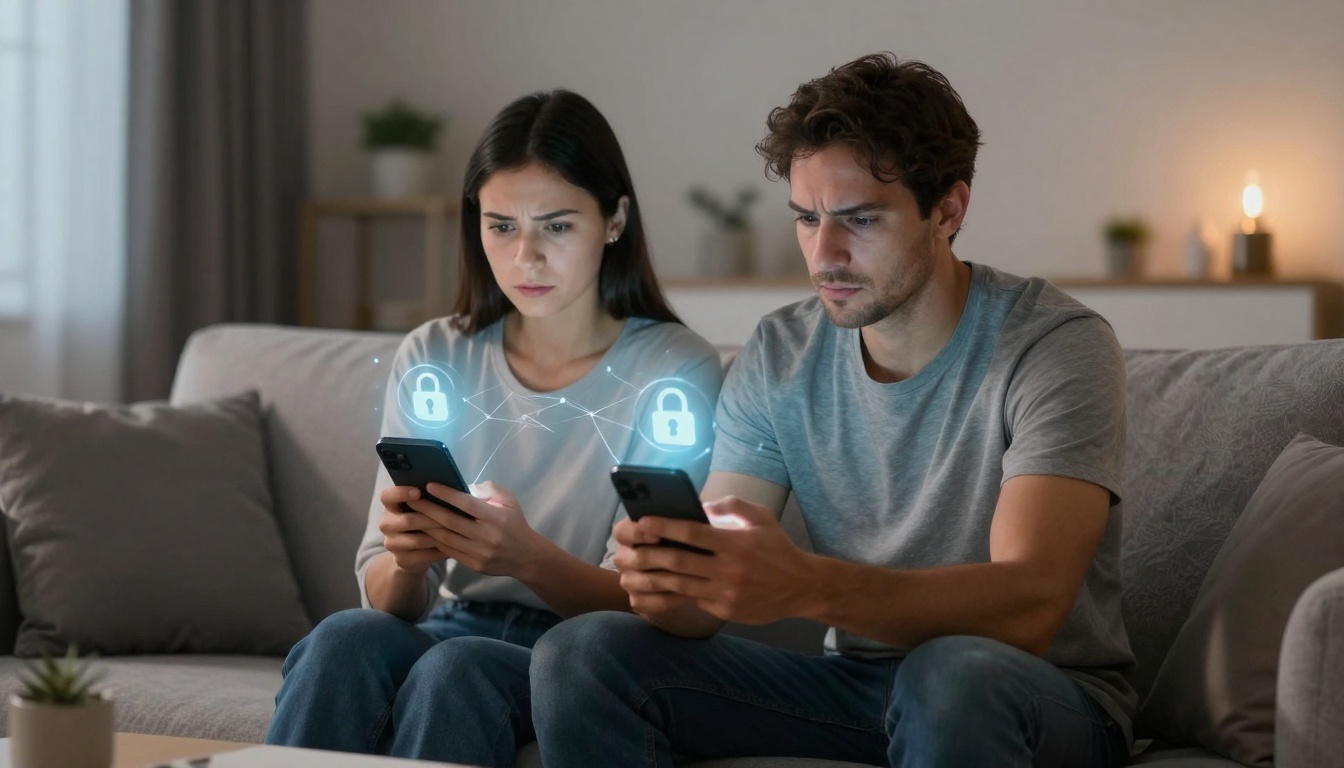
Picture this: Sarah and Tom grab each other’s phones all the time. One night, Tom notices odd battery drain on his device. A quick scan reveals spy apps tracking his texts and location. Sarah had installed them during a rough patch, thinking it would rebuild trust. Now, their bond feels shattered by tech betrayal.
Couples often share devices and passwords without a second thought. Netflix logins, family iPads, joint banking apps: it’s handy. Yet in 2026, this habit cracks open doors to stalking, hacks, and data theft. Cybersecurity for couples sharing devices matters more than ever. Recent stats show 85% of partners share account access, with 43% feeling pressured to do so. Ex-partners abuse logins for spying in 45% of Gen Z breakups.
Hackers lurk too. Shared setups lead to identity theft and ransomware on home networks. Stalkerware hides on phones, while weak smart cams let outsiders peek into bedrooms. The good news? Simple steps fix this. You’ll learn to spot risks, set safe sharing rules, and build quick habits. Keep the fun of shared streaming, minus the fear.
Spot the Real Risks in Your Shared Tech Setup
Shared tech feels close and convenient. A joint tablet for kids’ games or one laptop for bills strengthens couple life. But 2026 threats turn this warmth into worry. Hackers and even partners exploit open access. Picture a quiet evening ruined by a ransom note locking your photos. Or worse, an ex watching your every move.
Top dangers hit hard. Stalkerware infects 30% of shared phones where partners regret location apps. Data shows 27% fear constant tracking. Hackers steal from joint accounts after grabbing a leaked password. Ransomware surges 40% this year, one attack every two seconds soon. Home networks crumble under it.
Weak IoT devices amplify chaos. Pet cams and robot vacuums with default passwords let strangers tune in. Imagine a bathroom feed live-streamed online. Blackmail follows. Identity theft from partners claims 20% of cases, with $27.6 billion lost in recent years. Aussies share phones at 70%, Brits close behind.
Sharing passwords pours fuel on the fire. One weak link exposes emails, banks, health records. Exes weaponise this post-breakup. Malwarebytes research flags 80% of incidents from stolen credentials. Spot these early. Check for odd app behaviour. Your setup hides more than you think.
How Stalkerware Sneaks into Shared Phones and Apps
Stalkerware slips in quietly on shared devices. These apps track texts, photos, calls, and GPS if passcodes match. A partner installs it during a hug, masked as a game update. Battery drains fast. Data usage spikes. Phones heat up without reason.
Couples trust each other, so checks lapse. But signs scream: unknown apps in settings, stranger notifications. Free tools like Malwarebytes spot them. Run weekly scans. Delete suspects. Change passcodes at once. In 2026, AI deepfakes boost phishing by 1,265%, tricking installs. Protect your peace.
Smart Home Gadgets That Hackers Love to Exploit
CES 2026 unveiled note-takers, baby cams, pet bots with mics always listening. Data flies to clouds. Default passwords stay unchanged. Hackers grab live feeds for blackmail. A $50 cam turns bedroom spy.
Shared logins worsen it. One partner tweaks settings; outsiders ride along. 72% of leaders fear IoT hacks. Attacks doubled since COVID. Change passwords now. Isolate on guest WiFi. Your home stays private.
Set Up Safe Sharing That Protects Both Partners
Talk first. Sit down over tea. Agree on what to share: Netflix yes, banking no. Honesty builds the base. Create guest accounts for apps. Netflix offers profiles with limits. No full access needed.
Use strong, unique passwords per account. Tools generate them. Store in solo managers like Bitwarden. Ditch shared mains. Turn on multi-factor authentication (MFA). Phone codes block entry even if passwords slip.
Biometrics beat codes. Fingerprints or face scans lock devices tight. Benefits shine: fun sharing persists. Stream shows together. Edit docs side by side. Risks vanish.
| Device Type | Quick Fix | Why It Works |
|---|---|---|
| Phones/Tablets | Guest profiles + biometrics | Limits apps, needs your face to unlock full access |
| Laptops | Log out after use, full-disk encryption | Wipes sessions, scrambles data if stolen |
| Streaming Devices | Separate profiles, app permissions | Shares content, blocks personal files |
Follow these today. Your routine stays smooth.
Create Guest Accounts and Biometric Locks
Phones offer guest mode. Switch to it for shared use. Basics only: calls, maps. Full profile stays private. Set fingerprint or face ID. Skip easy codes.
Computers demand logouts. Enable full-disk encryption via settings. Limit app permissions. Deny camera access unless needed. Couples keep devices handy, trust intact.
Add MFA and Limit Location Sharing
MFA adds a code to logins. Enable on Google, Apple, banks. Apps prompt your phone. Passwords alone fail.
Turn off location post-use. Check apps for hidden trackers. Backup data to personal clouds like iCloud with unique logins. Exes can’t follow.
Daily Checks and Fixes to Keep Threats Away
Habits seal the deal. Treat it like a weekly tech date. Update phones, apps, IoT weekly. Patches block known holes. Set guest WiFi for cams. Keeps main network safe.
Scan for malware often. Watch battery and data spikes. If trust cracks, swap all passwords in minutes. Use a password manager. Build this muscle together. Laughter over coffee, devices secure.
Routines spot issues early. Test backups monthly. Restore a file to prove it works. Ransomware loses power.
Scan Devices and Update Software Regularly
Download Malwarebytes. Run full scans Sundays. Note high data apps. Update iOS or Android now: Settings > General > Software Update.
Patch smart bulbs too. Check battery weekly. Backups to external drives. Simple steps, big shield.
In closing, open talks, guest accounts, MFA, and updates crush risks. Cybersecurity for couples boils to trust plus tech smarts. Check one device today. Sharing strengthens bonds in 2026, free from fear.
Grab our newsletter for fresh tips. Share your story below. Safe tech awaits.
(Word count: 1,482)