



Listen to this post: How to Build a Low-Stress Digital Workspace on Your Laptop
Picture this: Sarah stares at her laptop screen, tabs piled high like a chaotic tower. Notifications ping every few seconds. Her neck aches from hunching forward, and her desk drowns in cables and coffee mugs. She feels drained before lunch hits. Sound familiar? A low-stress digital workspace flips that script. It sharpens your focus, slashes burnout, and hands back hours for family, hobbies, or a quiet walk.
In January 2026, tools like Notion make calm planning simple. Good news: you don’t need fancy gear. Quick wins include raising your screen to eye level and one dashboard for tasks. This post walks you through it. Start with a comfy physical spot. Then tidy files and browser chaos. Pick apps that aid focus, not add stress. Lock in habits for the long haul. Your shoulders relax, mind clears, and work flows easy. Let’s turn that laptop into a peaceful base.
Build a Comfortable Spot That Saves Your Neck and Back
Your body sets the pace for focus. Slouch over a laptop too long, and pain creeps in. Tense shoulders kill concentration. A solid setup keeps you straight and alert. Think of it like a custom chair for marathon runners: it cradles without binding.
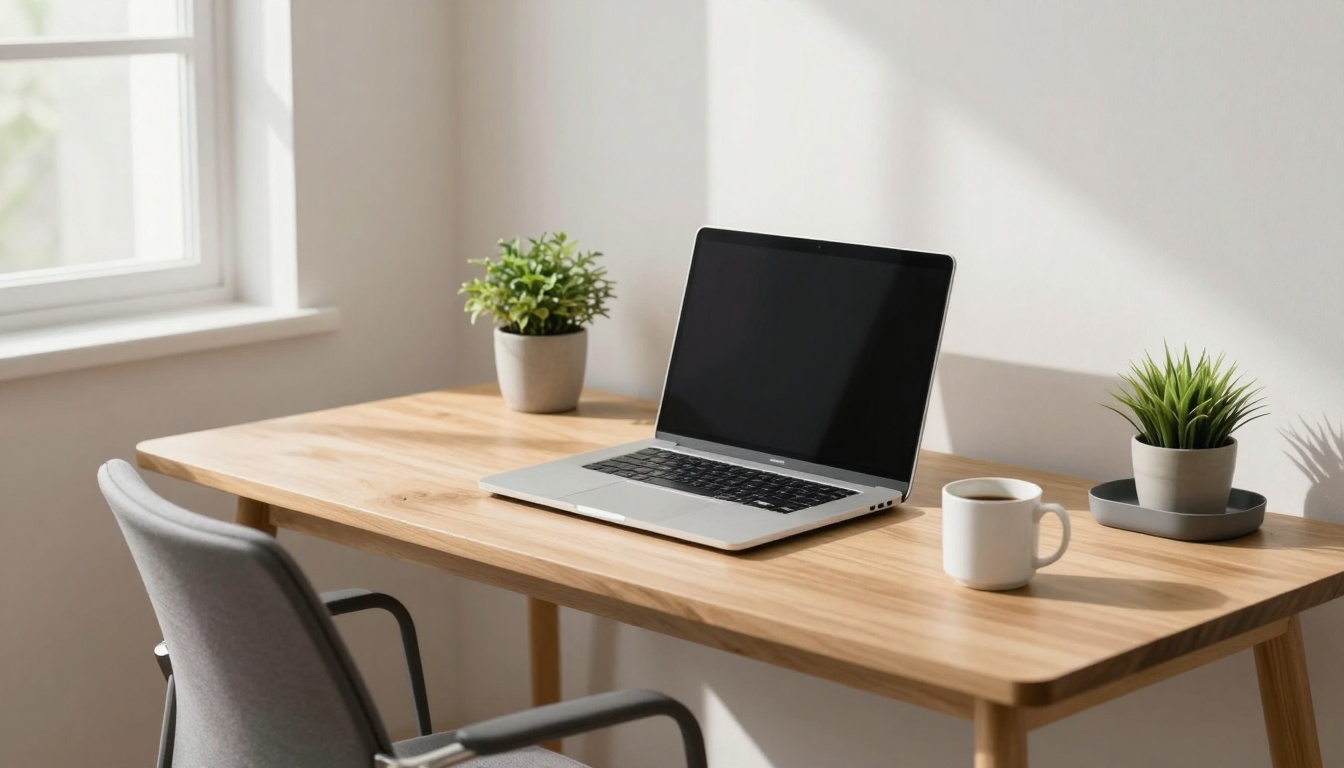
Raise your screen first. Feet flat on the floor, back against support. External keyboard lets wrists stay neutral. In 2026, adjustable stands top trends for less strain. Simple tweaks cut neck pain by half. You work longer with less fog. Cheap fixes work wonders, like books under your laptop. Add breaks to stretch. Picture smooth sessions, no twinges mid-email.
27+ tips for the best home office setup cover UK specifics, from desks to lighting.
Habits seal the deal. Stand every 30 minutes. Roll shoulders back. Avoid beds or sofas; they twist your spine. Oripura stands adjust quick for home or cafe. Test what fits your frame. Your back thanks you with steady energy.
Fix Your Screen Height and Keyboard Position First
Eyes hit the top third of your screen. Keep it 50 to 75 cm away. Elbows bend at 90 degrees. This setup fights eye strain and bad posture.
Stack books for height if no stand. Plug in a keyboard below. Mouse stays close, wrist straight. Laptops force hunching otherwise. Adjust now: tilt screen back 10 to 20 degrees. Feet flat, knees level with hips. Feel the shift? Less pull on your neck. Do this daily.
Pick Affordable Gear for Home or Travel
Grab a portable stand under £20. It lifts screens eye-high anywhere. Books stack free for tests.
Chairs with lumbar pads cost little. Add a box as footrest. Split keyboards suit wrist woes, but start basic. For travel, foldable stands pack light. Wired’s home office setup guide lists 2025 picks that hold in 2026.
Test gear for an hour. Does it feel right? Swap if not. Mesh chairs breathe easy in warm offices. Prioritise adjustability over flash.
Clear the Clutter from Your Desktop and Browser
A messy desktop mirrors a brain overload. Files scatter like spilled marbles. You hunt, stress builds. Tidy it, and calm settles in. Work speeds up; mind rests easy.
One master folder rules all. Sort by life zones: work, personal, finance. Name files clear: 2026-01-16_Invoice.pdf. Pin favourites for quick grabs. Browser tabs? Group in folders. OneTab extension pauses the pile.
Google Drive backs up auto. Weekly wipe clears junk. Imagine a kitchen drawer: everything slots perfect, grab and go. No more “where’s that report?” panic.
This base lets apps shine next.
Set Up Folders That Match Your Life
Make top folders: Work, Personal, Projects, Archive. Nest max three deep. No lost depths.
Windows Quick Access or Mac favourites pin them. Drag files in as you save. Colour code for speed: blue for bills, green for gigs.
Review monthly. Delete old stuff. Your desktop breathes free.
Master File Names and Daily Tabs
Date first: YYYY-MM-DD_Name_Type. Finds sort natural.
Bookmarks go in folders like “Research” or “Tools”. OneTab crushes 50 tabs to one list.
Close tabs at day’s end. Start fresh. Extensions like Toby group them smart. Chaos fades; flow takes over.
Grab Simple Apps That Boost Focus Without Overload
Apps promise help but often overwhelm. Pick few with clean looks. Notion handles notes, tasks, plans in one spot. Todoist lists stay simple.
Toggl tracks time without fuss. Sunsama plans days gentle. 2026 picks shine for low overload: intuitive, free tiers strong.
Start small: Notion plus one more. No app hopping. Screens stay serene, progress ticks visible. Teams use Happeo for shared calm.
PCMag UK’s best productivity apps for 2026 tests them deep.
Free trials let you test fit. Ditch what jars.
Your Go-To All-Rounder: Notion and Todoist
Notion merges wiki, database, calendar. Drag blocks; build pages fast. Free for solo use. Templates kickstart projects. Stress drops as chaos organises.
Todoist sorts tasks by due date, labels. Quick add from anywhere. Reminders nudge soft. Pair them: Notion for big picture, Todoist for dailies. Setup takes minutes. Your dashboard hums peaceful.
Track Time and Plan Days Gently
Toggl buttons one-click timers. Reports show time sinks. Free, no bloat.
Sunsama pulls calendar, tasks into one view. Drag to slot. Gentle nudges build rhythm.
Pair Toggl with Notion. See where days go, adjust easy.
Lock in Habits That Keep Your Workspace Zen
Focus modes mute pings. Set hours: work ends at six. Automate saves to cloud.
Monthly reviews tweak folders, apps. Role-based views swap contexts fast. Breaks every hour: walk, stretch.
Data shows notifications spike stress 40%. Silence them bar essentials. Boundaries guard your calm.
Try one habit today. Notice the quiet lift.
In sum, nail posture with stands and tweaks, tidy files smart, grab Notion or Todoist, add zen habits. Pick one change now: screen height or tab close. Soon, stress-free days roll in, joy multiplies. Share your top tip in comments. Here’s to relaxed work.