


Listen to this post: How to Check if a Website is Safe Before Entering Your Card Details
Picture this: it’s mid-January 2026, and Sarah from Manchester spots an email about her Amazon Prime renewal. The message screams urgency. “Cancel by 24 January or pay £95!” She clicks the link, enters her card details on what looks like the real Amazon site, and poof, £200 vanishes from her account. Scammers cloned the page with AI tools. She got it back from her bank, but the stress lingered.
Phishing scams explode right now in the UK. Fake Amazon Prime traps and HMRC tax dodges flood inboxes ahead of deadlines. Action Fraud logs thousands weekly. Over seven million dodgy sites popped up last year alone. Your money sits at risk every time you shop online.
This guide walks you through simple checks. You’ll spot dodgy web addresses, scan for scam signs, use free tools, and build smart habits. No tech wizardry needed. Just quick steps to shop with peace of mind. Let’s keep your card safe.
Examine the Web Address and Security Lock First
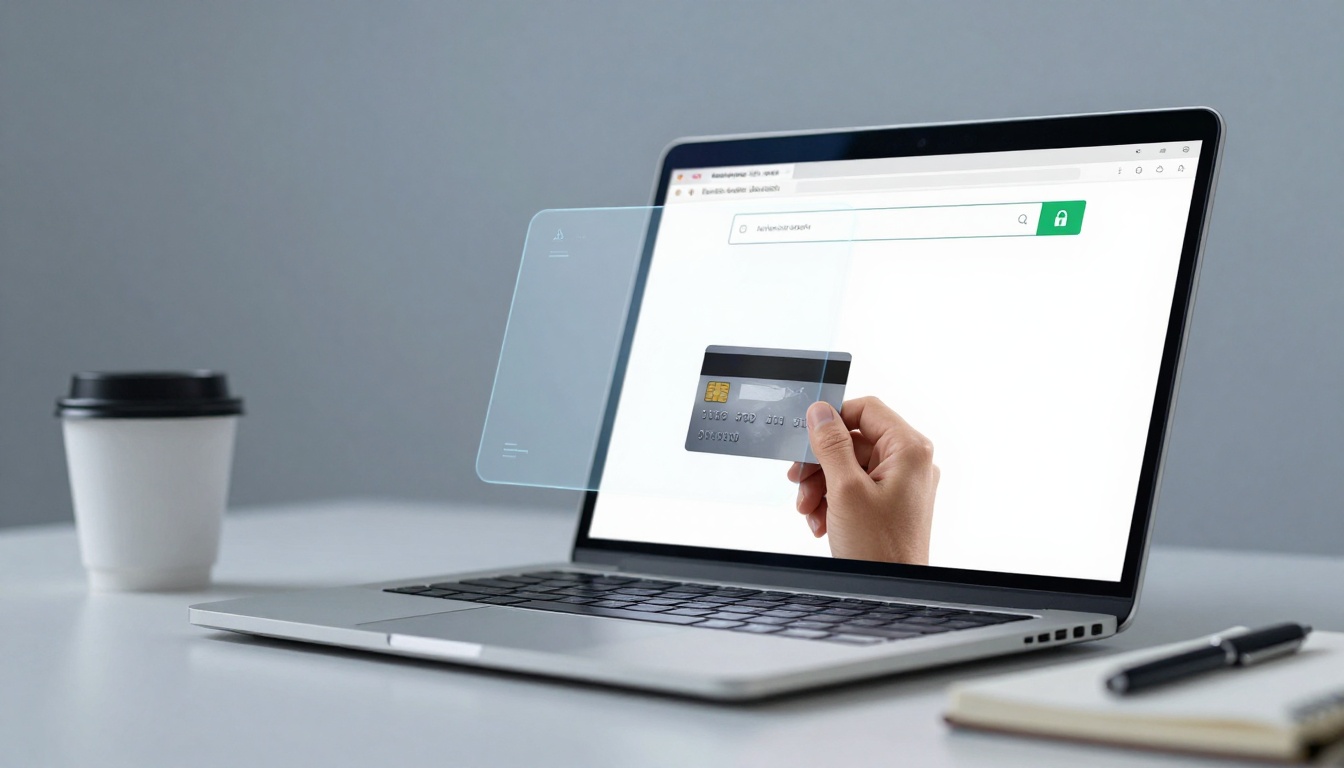
Start here. The URL tells the real story. Legit sites use https:// at the front. That “s” means secure connection. Spot the padlock icon next to it in your browser bar. Chrome, Firefox, Safari all show it.
Click the padlock. A pop-up reveals certificate details. Look for trusted issuers like Let’s Encrypt or DigiCert. Check the expiry date; old ones spell trouble. Hover your mouse over any link on the page. The true destination appears at the bottom. Does it match the displayed text?
Browsers flag risks too. A red warning or “Not Secure” banner screams danger. In 2026, AI crafts domains that mimic amaz0n.co.uk perfectly at first glance. But they crumble under checks.
Follow these steps every time:
- Type the URL yourself. Avoid clicking emailed links.
- Confirm https:// and padlock.
- Hover over buttons like “Buy Now”.
- Note your browser’s warning.
This takes seconds. Sarah skipped it and paid the price.
Hunt for Common URL Tricks Scammers Use
Crooks love tweaks. Amaz0n.com swaps “o” for zero. Paypa1.com uses “l” for “i”. Shop extensions like .co or .shop fake trust over .com.
Hover without clicking. The status bar shows the real spot. Real Amazon always hits amazon.co.uk. No match? Close the tab.
Exact spelling matters. Scammers bank on rushed eyes.
Verify the SSL Certificate Details
Click that padlock. View connection secure. Issued to the right owner? Amazon’s says amazon.co.uk, not some odd name.
Self-signed certificates fail. Expiry past today? Green light. Tools like PayPal’s safety tips echo this check.
Fake pads exist, but details expose them.
Scan the Page for Obvious Scam Signs
A quick eyeball reveals fakes. Poor grammar jumps out. “Buy now limited stock!” screams scam. Blurry product pics or stock images from Google? Run.
Urgent pop-ups pressure you. “Only 2 left! Act fast!” Legit shops don’t bully. Crazy discounts, like 90% off iPhones, lure greed.
Contact pages missing? No phone or address? Dodgy. In 2026, AI copies layouts spot-on, but basics slip. Perfect grammar hides in clones, yet pressure tactics persist.
Trust your gut. Feels off? It is. Recall Sarah’s fake Amazon: flawless design, but “Cancel now or lose access!” felt pushy.
Real shops build calm trust. Fakes rush you to pay.
Paint the shady site: flickering banner, pixelated logos, walls of ALL CAPS. Professional sellers keep it clean.
Check footer for policies. Privacy, returns absent? Walk away.
Check Grammar, Images, and Pressure Tactics
Spot these reds:
- Typos galore: “Cheep price” instead of cheap.
- Blurry shots: Pro shops use crisp photos.
- Countdown timers: “Sale ends in 5 minutes!”
Examples flood UK reports. Fake HMRC pages mangle English despite AI help.
Test the Site with Free Online Scanners
Don’t guess. Paste the URL into trusted tools. They scan blacklists, malware, and trust scores in seconds.
Top picks for 2026: VirusTotal, Google Safe Browsing, ScamAdviser, Trustpilot, URLVoid, Sucuri. Real-time checks catch fresh scams old lists miss.
Bookmark them. Search “[site name] scam” too. Forums light up fast.
VirusTotal aggregates 70+ engines. Green means safe; reds flag issues. Google checks phishing blocks.
ScamAdviser scores risk. Low trust? Avoid.
Steps for any:
- Copy full URL.
- Paste into tool.
- Read verdict: clean history, high score good.
These beat gut alone. Post-Christmas fakes spike now.
Paste into VirusTotal or Google Safe Browsing
VirusTotal: Go to virustotal.com. Paste URL. Hit scan. Zero detections? Good. Malware or phishing flags? Block it.
Google Safe Browsing: transparencyreport.google.com/safe-browsing/search. Enter URL. “No unsafe content” passes.
Bad results list threats like data theft.
Read Reviews on Trustpilot or ScamAdviser
Trustpilot shows user stars. Few reviews or all five-stars? Fake. Mix feels real.
ScamAdviser flags patterns. Spot paid puffs: generic praise, same dates.
Cross-check multiple sites.
Double-Check Payments and Build Safe Habits
Payment page seals it. Look for PayPal, Stripe, or Visa logos. Hover to verify links.
Guest checkout skips logins. Use virtual cards from banks like Monzo. Limits damage.
Extra habits:
- VPN hides your IP on public Wi-Fi.
- Unique passwords per site; use a manager.
- Enable MFA everywhere.
- Test with £1 buy if unsure.
Malicious ads lead to fakes too. Ad blockers help.
When to bail: pressure, odd payments, no trusted gateways. Stick to known shops like Argos or Tesco.
NCSC’s shopping guide backs these steps for UK users.
Conclusion
You hold the power. Recap these top five checks:
- Inspect URL, https, padlock.
- Hunt grammar flaws, pressure.
- Scan with VirusTotal, ScamAdviser.
- Verify reviews and scores.
- Confirm payments, use virtual cards.
Ditch unknowns. Shop big names. These habits block 2026’s AI tricks and Prime scams.
Your wallet stays safe. Bookmark this, share with mates. Spot a fake next time? You’ve won. Stay sharp out there.