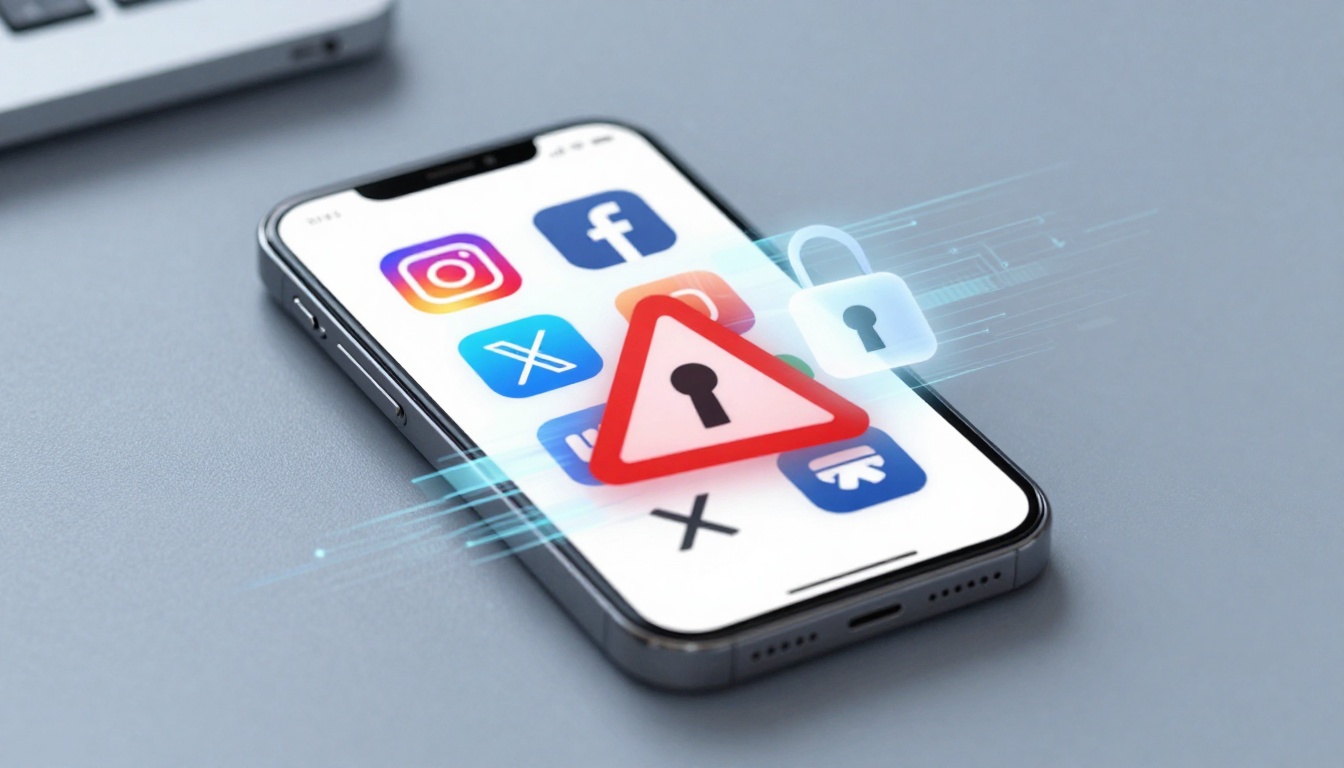

Listen to this post: What to Do If Your Instagram, Facebook or X Account Gets Hacked
Picture this. You grab your phone for a quick scroll. But there it is: a post from your Instagram account selling fake watches. Your heart sinks. Friends message you, asking if you’re alright. Panic sets in. Hackers strike fast, especially in 2026 with data leaks from big breaches making passwords easy targets. Quick action can save your account, your photos, and your peace of mind.
Spot these common signs right away. You get password reset emails you didn’t request. Login alerts pop up from cities you’ve never visited. Your recovery email or phone number changes without your say-so. Strange direct messages flood your inbox. Or your account locks you out completely. These red flags mean trouble.
This guide walks you through it all. First, spot the warning signs. Then take immediate steps. Follow platform-specific recovery paths. Finally, lock everything down tight. Most people regain access in days if they act fast. Relief washes over you once you’re back in control, posting as normal.
Spot the Warning Signs of a Hacked Account
Hackers leave clues. In 2026, breaches like the recent ones expose millions of logins. Stay sharp to catch them early.
Sudden reset emails hit your inbox. You didn’t click forget password, but there they are, from your own account. Hackers test new passwords this way.
Login alerts ping from odd spots. Think Moscow or Mumbai when you’re in Manchester. Check your app’s security section for these.
Someone swaps your recovery details. Your linked email shifts to a stranger’s, or your phone number vanishes. This blocks your resets.
Weird posts or messages appear. Your profile pushes crypto scams or hate speech. Friends spot it before you do.
Fake support messages land in DMs. “Click here to secure your account,” they say. It’s a trap to steal more data.
Lockouts happen without reason. You try to log in, and it blocks you. Two-factor codes fail too.
Act now. Open your app and tap profile, then settings, then security. Review login activity. See unfamiliar devices? Note them down. Scan your phone or laptop with antivirus software like Malwarebytes. It catches keyloggers hackers plant. These steps build a clear picture. You gain control before damage spreads.
Quick First Steps to Take Right Now
Breathe. You can fix this. Start with basics that work for any platform. Speed matters; hackers dig deeper each minute.
Secure your email first. They often hack social accounts via linked email. Change that password now. Use a strong one, mix letters, numbers, symbols.
Skip suspicious links. That “reset” email? Delete it. Hackers phish for more access.
Log out unknown devices if you can still get in. Go to settings, security, active sessions. Kick them off.
Run a full antivirus scan. Tools like Avast or Windows Defender spot malware. Restart your device after.
Change passwords on other sites too. Reuse is common; break that habit.
Tell friends and family. Warn them about scam posts from your name. Block suspicious contacts.
These moves stop the bleed. You protect linked bank apps or work tools. Feel the calm return as you tick off each task. You’re on the path back.
Platform-Specific Recovery Guides
Each app has unique paths. Follow these exact 2026 steps from official sources. Patience pays off.
Recover Your Hacked Instagram Account Fast
Instagram leads in hacks this year. But recovery works if you push right.
- Open the app or site. Tap forgot password. Enter username, old email or phone.
- No code arrives? Hit “Need more help?” or “Try another way.” Give original signup details.
- Select “My account was hacked.” Answer questions on old passwords or creation date.
- Submit a video selfie if asked. Hold paper with code, turn your head. Wait 1-3 days for review. For details, see Instagram’s official hacked account guide.
- Once in, log out all devices. Go to settings, security, login activity. Enable two-factor authentication with an app like Google Authenticator, not SMS.
Avoid spamming support; it delays things. Check spam folders daily. Linked to Facebook? Log in there first. Most regain access in 48 hours.
Steps to Regain Your Hacked Facebook Account
Facebook ties close to Instagram. Use browser for best results.
- Head to facebook.com/login/identify. Enter email, phone or username.
- Tap forgot password. If no access, choose “No longer have access to these.” Verify with ID photo or old info.
- Report the hack in Help Center. Search “hacked account,” fill the form with signup date or friend proofs.
- Add a trusted contact or new email. Wait for review, often 24-72 hours.
- Post-recovery, check security settings. Revoke odd logins. Turn on two-factor auth.
Stay persistent. Official paths beat scams. Explore Meta’s hacked account advice for overlaps.
Get Back into Your Hacked X Account
X keeps it straightforward post-2025 updates.
- Go to x.com/login, tap forgot password. Use username, email or phone for code.
- Can’t sign in? Pick “Unauthorized access.” Describe the hack, give original phone or last login date.
- Submit a ticket at help.x.com/forms/account-access. Include device info or tweet proofs.
- For tough cases, upload video ID. Enable two-factor right after.
- Delete bad posts and apps. Review connected apps in settings.
Responses come in 24-72 hours. Ditch third-party tools; they worsen hacks.
Lock Down Your Accounts After Recovery
You’re back in. Now build walls. Weak spots let hackers return.
Craft strong, unique passwords. Aim for 12-plus characters. Mix upper and lower case, numbers, symbols. Use a manager like LastPass.
Set up two-factor authentication everywhere. Pick app-based, like Authy. SMS codes get SIM-swapped.
Review login activity weekly. Spot strangers? Log them out.
Audit connected apps. Revoke anything shady, like unknown games.
Tighten privacy settings. Make posts friends-only. Limit who messages you.
Watch for phishing. Hover over links before clicks. Train your eye.
Build habits. Check once a week. Update apps promptly. Your accounts stay yours.
Imagine scrolling worry-free. Friends engage with your real content. That secure feeling lasts.
Hackers thrive on delay. You beat them by spotting signs like odd logins or fake posts, acting fast with email secures and scans, following precise recovery steps, and locking down with strong passwords and two-factor authentication.
Enable 2FA today if you haven’t. Share these tips with mates; one heads-up saves a profile.
Most folks reclaim their space quick. Check your accounts now. You’ve got this. Stay safe out there.