
Listen to this post: Work-from-Home Tech Setup on a Budget: What You Actually Need
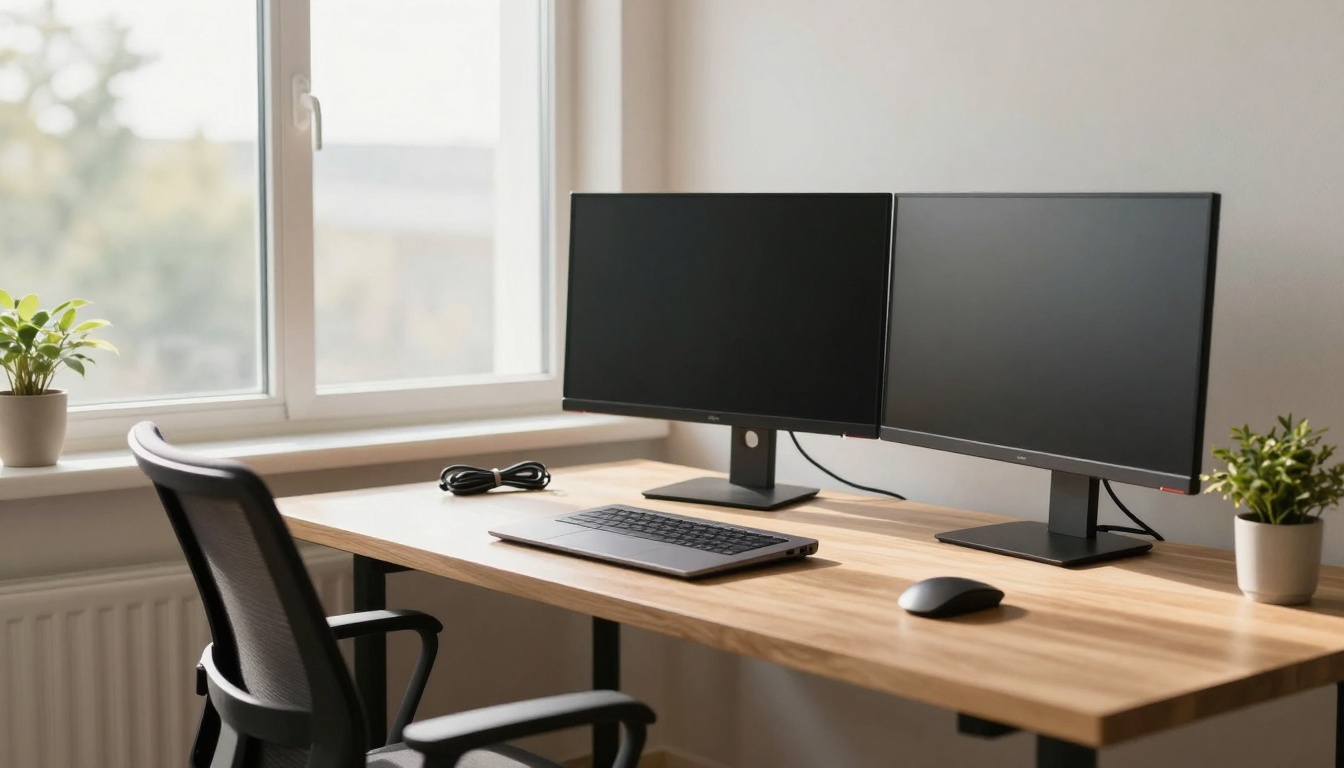
Picture this: your kitchen table buried under papers, a flickering laptop screen, and cables snaking everywhere. That chaos drains your energy before the first email lands. Now imagine sunlight streaming across a clear desk, dual screens side by side, and tools that just work. Remote work thrives on focus, and smart budget picks make it happen without stress.
You don’t need fancy gear to stay productive. This guide shows how to build a solid setup for under £600 with January 2026 UK deals. We’ll cover top laptops under £500, cheap peripherals, ergonomic fixes, and free software. These choices handle emails, Zoom calls, and docs with ease. Prices come from spots like Currys and Amazon, where savings hit hard right now.
Think of your workspace as a quiet cafe corner, but better. No distractions, just smooth flow. Let’s build it step by step.
Top Laptops Under £500 That Handle Daily Workloads
Daily tasks like emails, spreadsheets, and video calls demand speed and battery life, not gaming muscle. A good laptop boots fast, runs multiple tabs, and lasts a full day. Current deals deliver that without breaking the bank.
Refurbished options from Currys or Amazon Renewed shave 20-30% off new prices. You get warranties and tested units. Unbox one, plug in, and your first Zoom call feels crisp, no lags.
| Model | Price | Key Specs | Pros | Cons |
|---|---|---|---|---|
| Samsung Galaxy Book4 Edge | £380 | Snapdragon X, 16GB RAM, 256GB SSD | Light, fast boot, all-day battery | Smaller storage |
| Asus Vivobook 16 | £429 | Snapdragon X, 16GB RAM, 512GB SSD | Big screen for multitasking | Slightly heavier |
| LG Gram | £469 | Intel Core i5, 16GB RAM, 512GB SSD | Many ports, super light | Fans can hum under load |
| Lenovo IdeaPad Slim 5x | £400 | Snapdragon X, good battery | Slim design, value pick | Basic build |
| Acer Chromebook Plus 514 | £239 | Intel i3, 8GB RAM, 256GB storage | Cheap, long battery | Chrome OS limits some apps |
These shine for remote work because they prioritise stamina over power.
Standout Models and Why They Shine for Remote Work
The Samsung Galaxy Book4 Edge leads at £380. Its Snapdragon X chip zips through docs and browses smoothly, with 16GB RAM for tabs galore. Battery pushes 12 hours, perfect for back-to-back calls.
Asus Vivobook 16 at £429 offers a huge 16-inch screen. That extra space splits emails and calendars without squint. 512GB storage holds files easy.
LG Gram (£469) weighs next to nothing, ideal if you shift rooms. Ports galore mean one less dongle hunt.
Lenovo IdeaPad Slim 5x (£400) balances it all for tight budgets. Acer Chromebook Plus 514 at £239 suits basics like Google apps, with 10-hour battery.
Check stock fast; deals shift. These fit WFH like a glove.
Hunt Refurbished Deals to Stretch Your Budget Further
Safe refurbished buys come from Currys Refurbished or Amazon Renewed. A Samsung drops to £320 with 12-month warranty. eBay works if sellers offer returns.
Use price trackers like CamelCamelCamel. Savings math: £380 new becomes £300 used, freeing cash for a monitor. Test on arrival, but most arrive pristine.
Affordable Peripherals to Make Your Desk Feel Pro
Peripherals turn a laptop into a workstation. Dual screens let you drag windows effortless, wireless gear keeps cables gone. Total cost hovers at £100.
A solid monitor sharpens focus; a good mouse glides through lists. Imagine long calls without neck crane, desk tidy as a pro’s.
For more home office device ideas, check PCMag’s guide to must-have WFH gear.
Pick a Monitor That Boosts Focus Without Eye Strain
Grab a 24-inch Full HD IPS like AOC 24B2XH2 (£100-£130) or refurbished HP 24mh (£120). 75Hz refresh and low blue light cut headaches.
Clearer video calls pop; split screens handle Slack and docs. Currys and Argos stock them now. Eye comfort wins big over marathon days.
Keyboards, Mice, Webcams, and Headsets on a Tight Budget
Logitech K120 keyboard (£15): quiet keys, wired reliability.
M185 mouse (£12): wireless, long battery, comfy grip.
C270 webcam (£25): plug-and-play 720p for clear face time.
Jabra Evolve2 20 or H390 headset (£35-£45): noise-cancel mics block kids’ noise.
All wireless where possible. Refurbs save more. They plug right in, no fuss.
Ergonomic Tweaks to Stay Comfortable All Day
Poor posture sneaks up fast in home offices. Simple fixes like a £20 stand raise your screen to eye level. Total for tweaks: £75.
Neck pain fades; wrists stay happy. Adjustable stands follow trends for flex. Picture typing fluid, back straight, hours fly.
Ikea shares smart, low-cost home office ideas that pair well here.
Easy Additions That Prevent Common Aches
Laptop stand (Nulaxy £20): aluminium, folds flat. Raises screen, pairs with external keyboard.
Wrist rest (£10): gel support stops strain during emails.
Footrest (£25): angles feet right, eases legs.
Chair cushion (£20): lumbar boost for old seats.
Setup takes minutes: prop laptop, rest arms, done. Budget brands like Amazon Basics deliver.
Free and Cheap Software to Complete Your Setup
Hardware shines brighter with right apps. Google Workspace handles docs and mail free. Zoom gives 40-minute calls; Microsoft Teams covers rest.
LibreOffice swaps Word, no cost. Microsoft 365 at £6/month adds polish if needed. AI like Copilot in Edge speeds summaries.
Browser extensions block distractions. No heavy installs; they hum with your new laptop. Tasks flow seamless.
See setup cost breakdowns in this UK guide on home office spends.
Conclusion
Pull it together: £380 Samsung laptop, £120 monitor, £100 peripherals, £75 ergonomics, free software. Under £700 total, often less with deals.
Shop these January 2026 bargains now; tweak as your day demands. Your kitchen table becomes a powerhouse, focus sharp, stress low.
What holds you back from that upgrade? Grab one item today, feel the shift to balanced home life. You’ve got this.