


Listen to this post: Questions to Ask Yourself Before Clicking Any Link
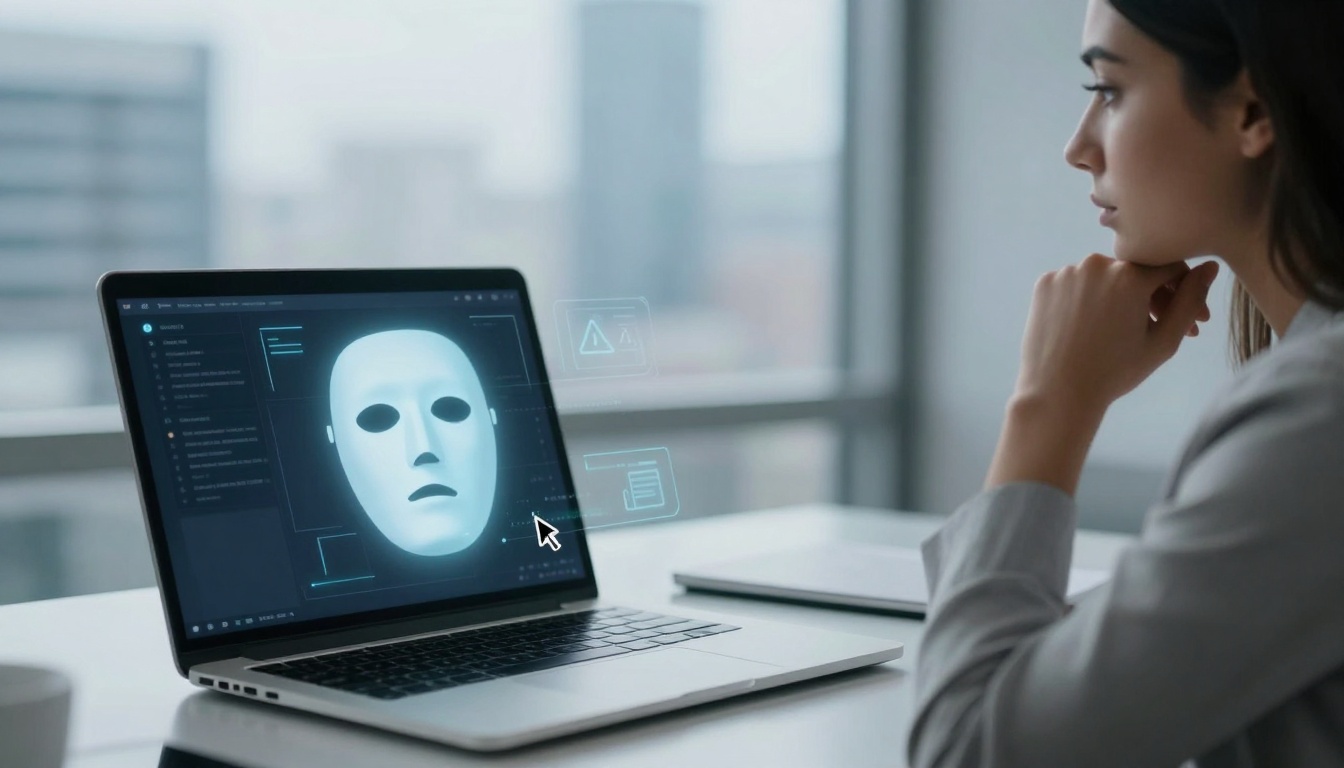
Picture this: it’s a busy Monday in January 2026. Sarah, a London office worker, gets a video call from her boss. He looks and sounds just like the real deal, urging her to click a link for an urgent wire transfer. She does. Minutes later, £2 million vanishes from the company account. A deepfake scam, powered by AI, fooled her completely. Stories like this hit headlines weekly now.
Scammers love links. Stats show 86% of malicious spam emails pack them, and 57% of organisations face phishing attacks each week. In the UK, HMRC scams alone drew 296,000 reports since 2023, with over 135,500 in the last ten months. AI has spiked phishing emails by 1,265%. Your inbox might hold one right now.
These threats feel personal: fake texts from “family” in trouble, QR codes on packages, boss emails with cloned voices. But you can fight back with four simple questions. Ask them before any click. Do I trust the sender and expect this message? Does the link look right and feel safe? They turn caution into habit, like locking your door. Let’s make safe browsing your new normal, mate.
Why Links Pack Such a Punch in 2026 Scams
Links cause chaos in 2026. Phishing losses topped £12.5 billion last year globally, with UK victims down £1 billion to AI tricks in early 2024 alone. Now, links fuel 36% of threats. Scammers send 3.4 billion phishing emails daily; 1.2% of all emails turn nasty. Human clicks spark 60% of breaches.
Think quishing: QR codes on fake parcels jumped 25%. Scan one, and malware infects your phone. Deepfakes stole $25 million in one Hong Kong case, a finance worker tricked by a video boss. Hyper-personal texts mimic your life, pulled from social media. “Mum needs bail money now,” with a cloned voice clip.
Cheap phishing kits let anyone play crook. Platforms sell ready-made attacks for pennies. East Asian networks run industrial scams, using AI for deepfakes and fake sites. Impersonation scams surged 1,400% in crypto alone, netting $17 billion in 2025. UK firms lost £100 million to AI cybercrime by late 2025.
Vivid cases flood feeds. January 2026 brought fake Amazon texts: “Your parcel waits, track here.” Or government fee emails from “denvergov@usa.com.” Businesses face BEC, scammers posing as CEOs for payroll changes. Charities hit hardest; 95% targeted.
You feel it daily. That unsolicited bank alert? Pause. Links hide redirects in 48% of cases. HTTPS masks 80% fakes. One click downloads ransomware or steals data. Scale hits home: 93% of UK businesses struck. Build caution now.
AI Tricks That Fool Even Smart People
AI builds trust fast. Romance bots chat for weeks, then drop malicious links. Voice clones beg for cash in “emergencies.” Websites clone in seconds via tools like ChatGPT.
Surveys say 87% find deepfakes tougher to spot. North Korean gangs fake job offers, luring devs to malware sites. Scammers scrape your Facebook for details: kid’s school, pet’s name. Personal touches sell the lie.
AI-powered deepfake scams report details wallet pain. Questions outsmart AI every time. No bot beats your gut.
Stats That Show Links Lead Straight to Trouble
Numbers scream danger. 3.4 billion phishing emails daily. 1.2% of inbox traffic malicious. 70% expect worse in 2026.
URL tricks hide in 48% of links. HTTPS fools with 80% fakes. UK phishing cost £15.3 million in months back in 2021-22; now AI amps it.
Your life? HMRC fakes broke records: 283,000 emails reported. DVLA hit 1,190 in 2025. One whaling attack averages $47 million. Check now; that link lurks.
Ask This: Do I Trust the Sender and Expect This Message?
Start here. Question one: is the sender someone I know? Friends’ accounts get hacked, firing off weird links. “Saw this pic of you?” from your mate. Don’t click.
Question two: did I expect this? Banks rarely email links. HR skips unsolicited payroll updates. Picture a text: “Evri parcel issue, scan QR.” Unsolicited packages arrive with codes too.
Contact them direct. Phone your friend, not via the message. Smishing texts mimic Royal Mail: “Fee due, pay here.” Fake bank alerts in 2026 push “account locked.”
Hover first. Mouse over reveals true URL. Often mismatches. Suspicion saves cash. Hacked mates sent 33% more BEC last year.
2026 example: boss texts “urgent invoice, approve link.” Call the office number you know. Public WiFi? Riskier; links snag data.
Paint this: family emergency email from “sis” in Spain. Odd time, pushy tone. Ring her mobile. Habit kills scams.
Trust your instincts. Expected feels normal. Anything off? Stop.
Spot Messages That Don’t Add Up
Odd names flag trouble. “support@amaz0n.co.uk” or “denvergov@usa.com.” Urgent tones scream: “Act now or lose access!”
BEC rose 33%, faking CEOs. HR payroll shifts? Unlikely via link. Scammers mix fear: tax demands, prize wins.
Expect nothing surprise. Your routine messages fit patterns.
Always Double-Check with a Real Call
Ignore the link. Grab the official number from their site or app. Ring it.
Steps: note details sans clicking. Search company fresh. Confirm story.
Safer than reply. Public networks? Use VPN. Hotspot beats WiFi traps. One call blocks breaches.
Does the Link Look Right and Feel Safe?
Next pair. Question three: do I recognise the URL? Amazon is amazon.co.uk, not amaz0n-secure.com. ‘O’ swaps to zero often.
Question four: HTTPS padlock? Spelling perfect? Hover shows destination. Tinyurl hides hell.
16% of sites get compromised yearly. Fake IRS or Amazon clones wait. No-click logins on public nets? Never.
Type manually for login. Beats redirects. Pause builds power.
Examples: “irs-gov.com” for refunds. Hover exposes russian-phish.ru. Chrome flags? Flee.
Habit: question every link. Safe feels familiar.
UK scams expert predictions for 2026 warns of complex fakes. Pause wins.
Hover, Check Spelling, and Spot Red Flags
Mouse over, no click. Reveals true spot. Padlock and https://? Good start, but 80% fakes copy it.
Spelling: g00gle.com fails. Chrome warnings? Close tab.
Red flags: odd domains, pressure. Stop cold.
Type the Address Yourself Every Time
Safest: fingers on keys. Enter bank.com direct. Dodges clones, redirects.
Antivirus scans too. Logins stay clean. Works against AI sites.
Bonus: bookmarks for regulars. Clicks die.
Extra Habits to Make Safe Clicking Automatic
Questions lead; habits seal it. Update software weekly. Patches block exploits.
Password managers generate strong ones. Enable MFA, but app-based, not SMS.
Report to Action Fraud or 101. PhaaS kits doubled; share tips.
Quick wins: antivirus real-time. Clear caches. Teach family.
Light touch: safe feels easy. You own the web now.
Conclusion
Four questions stop 2026 scams: trust sender, expect message? Link right, safe? They beat AI deepfakes, QR tricks, personal phishing.
Try them on your next email. Share with family, mates. Worry-free browsing awaits.
You hold the power. Scammers lose when you pause. Stay sharp.
(Word count: 1492)