
Listen to this post: How to Safely Store 2FA Recovery Codes and Backup Passwords in 2026
Picture this: Sarah grabs her morning coffee. Her phone buzzes with a work email. She taps to reply, but her screen stays black. It’s dead. No charger nearby. She needs to check her email now. She logs in on her laptop. It asks for the two-factor code from her phone. None comes. Panic sets in. She remembers the recovery codes from setup, but where are they? Scattered notes? Lost in a drawer? Hours later, support tickets pile up. Work stalls. That’s the nightmare without a plan.
Recovery codes and backup passwords serve as spare keys for accounts with two-factor authentication, or 2FA. They let you in when your phone or app fails. Services like Google, Microsoft, and banks hand them out at setup. You get 10 codes, each for one use. Backup passwords work the same for some apps. Lose them, and you’re locked out. Steal them, and hackers waltz in.
In 2026, this hits harder. Hackers stole 16 billion credentials in 2025 from spots like Google and Apple. No big recovery code thefts yet, but weak spots grow. Malware grabs logins. Phones vanish. Fires destroy papers. Safe storage brings relief. This post covers risks, top methods, tools, and pitfalls. You’ll walk away ready to protect your accounts. No more sweat-soaked lockouts.
Why You Need to Store Recovery Codes and Backup Passwords Safely
Recovery codes act as one-time spares for 2FA. Your app generates a code every 30 seconds. Lose your phone? Enter a recovery code instead. Backup passwords fill the same role for certain logins. They bypass the second factor.
What if you lose phone access right now? Account takeover waits. Hackers love stolen codes. They slip in unnoticed. Or you face total lockout. No codes mean days of hassle.
In 2025, breaches dumped billions of passwords. Think SK Telecom’s 27 million user hit or Red Hat’s 570GB leak with API keys. MFA reliance soared, but poor backups undo it. Common pains hit hard. Travel without your authenticator? Family emergency needs bank access? Forgotten codes block you.
The Real Dangers of Poor Storage
Hackers keep stolen codes until you regenerate them. One breach exposes all. A single copy vanishes in a house fire. Lockout follows.
No direct recovery code thefts marked 2025 or early 2026. Yet auth tokens vanish often. Picture a thief finding your house key under the mat. Same risk. Mix codes with main logins in one spot. One hack cracks everything. Notes apps sync to clouds. Breaches snag them. Everyday slips like lost wallets or laptop wipes amplify pain. Smart storage dodges these traps.
Top Methods to Store Them Securely Right Now
Three solid ways stand out: password managers, paper prints, and encrypted files. Password managers top the list for most folks. They encrypt everything with zero-knowledge tech. No one sees your data, not even the company. Paper keeps things offline. Encrypted files suit tech fans.
Test any method. Pretend you lost your phone. Grab the codes. Success builds confidence. Never store these with main passwords. Separate them always.
| Method | Pros | Cons | Best For |
|---|---|---|---|
| Password Manager | Syncs everywhere, auto-backup, strong encryption | Needs its own backup | Daily users |
| Paper Prints | Hack-proof, quick grab | Fire/theft risk, no sync | Offline fans |
| Encrypted Files | Full control, portable USB | Setup effort, test often | Tech-savvy |
For deeper steps on backup strategies, check this guide to secure 2FA code storage.
Use a Password Manager for Easy Access Anywhere
Password managers shine. Store codes as secure notes. They sync across phone, laptop, tablet. Add 2FA to the manager itself for layers.
Pros pack punch. Automatic backups save you. AES-256 encryption locks tight. Imagine travelling light. Phone dies. Open the app on your watch. Codes appear. Safe.
Print the manager’s own recovery key. Keep it physical. Tools like Bitwarden let you tag notes as “recovery codes.” Search fast. No fumbling.
Print and Hide Physical Copies
Grab your codes. Print them clear. Cut into bits. No full sheet for thieves.
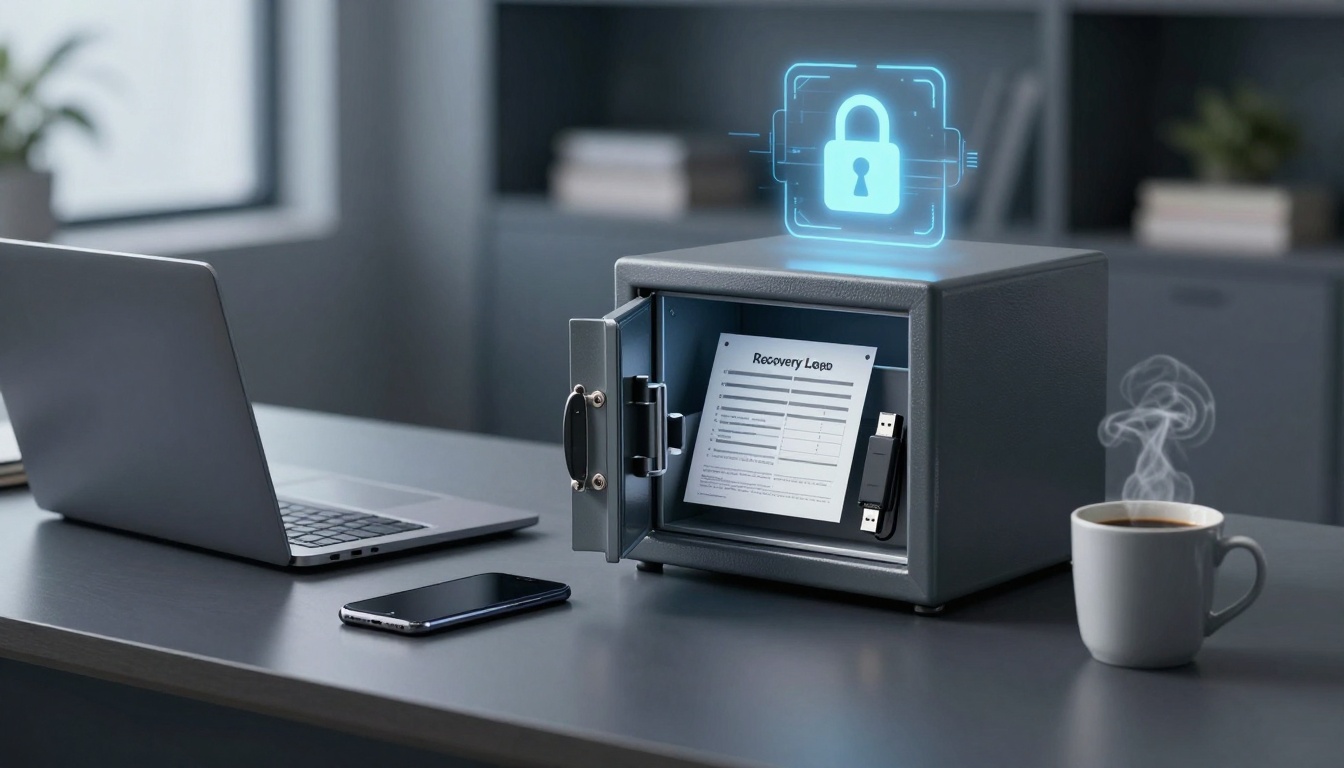
Stash two or three copies. One in a fireproof safe at home. Another in a bank deposit box. Third with a trusted family member miles away. Pros scream simple. No cyber risks. Codes sit ready.
Cons lurk. Fire guts one spot. Theft hits another. Skip photos on your phone. Notes apps leak easy. Experts agree paper beats digital slips for backups.
Create Encrypted Digital Backups
Tech whizzes love this. Download VeraCrypt, free and open. Make a hidden volume. Paste codes inside. Encrypt with long passphrases.
Burn to USB. Hide off your main devices. Phone built-in encryption works too. Android’s secure folder or iOS locked notes.
Test monthly. Mount the file. Read codes. Wipe and remake if needed. Pairs well with managers as extra layer.
Best Tools and Extra Tips for 2026
Bitwarden leads free options. Open-source code anyone checks. Store notes secure. Free tier covers all.
1Password offers Watchtower. It flags weak spots and old codes. Paid but polished.
Keeper packs max security. Biometrics lock it. Enterprise grade for home use.
NordPass keeps it simple. Clean app, fast sync.
RoboForm handles passkeys cheap. Budget pick.
| Tool | Starting Price | Free Tier | Key Strength for Codes |
|---|---|---|---|
| Bitwarden | Free / £10/year | Full features | Open-source notes |
| 1Password | £20/year | Trial | Breach alerts |
| Keeper | £25/year | Limited | Biometric vaults |
| NordPass | Free / £24/year | Basic | Easy sharing |
| RoboForm | £16/year | Trial | Passkey support |
Regenerate codes after use. Services let you. Set multiple recovery options per account. Test your full plan. Lose phone on purpose for a day.
Enable 2FA site-wide. Use app-based over SMS. For Android tricks to dodge lockouts, see this backup system overview.
Mistakes That Leave You Exposed and How to Fix Them
Plain text files top the fool list. One cloud sync, hackers peek. Fix: encrypt always.
Screenshots litter galleries. Phone wipe loses them. Use managers instead.
Single spots spell doom. All eggs one basket. Spread copies.
Sharing online? Never. Email or chat leaks fast. Notes apps like Evernote breached before.
Data shows unencrypted clouds worst. Go back to managers, paper, or VeraCrypt. Good habits mean peace. Sleep without worry.
Conclusion
Safe storage boils down to password managers like Bitwarden, smart paper prints, and encrypted files. Pick tools that fit your life. Test them now.
Grab your codes today. Set up one method. Simulate a phone loss. You’ll thank yourself next outage.
Remember Sarah’s panic? Flip it to calm control. Enable 2FA if skipped. Your accounts stay yours. Stay safe out there.