

Listen to this post: AI in Education: From Personalised Learning to Smarter Grading (2026)
A teacher stands at the desk after the bell, eyes on two things at once. A pile of books waiting to be marked, and a class list that reads like a patchwork quilt. One student races ahead, another is stuck on the basics, a few are quiet enough to disappear. The day ends, the marking begins, and the clock keeps moving.
That’s where AI in education now sits, in January 2026. Not as a robot teacher, not as magic, but as software that spots patterns in learning data, suggests next steps, and speeds up routine work. Used well, it can help students get the right help at the right time, and give teachers their evenings back.
This article keeps a tight scope: personalised learning, tutoring, feedback, assessment, and grading. You’ll see what AI does well, where it fails, and what schools can do to use it without losing trust, privacy, or the human bond that makes learning stick.
Personalised learning that meets students where they are
Personalised learning sounds fancy, but the idea is plain. Each student gets the right task at the right time. Not easier work forever, not harder work for show, but work that fits what they can do today and nudges them forward tomorrow.
AI supports this by watching signals most teachers can’t track at scale: which questions students miss, how long they hesitate, which wrong answers repeat, and how they respond after a hint. The system then adjusts pace, difficulty, and practice.
You’ve probably seen early versions of this in language apps. Newer tools go further, with richer feedback and more natural explanations. Products like Duolingo Max and Khanmigo are well-known examples, but the bigger point isn’t the brand. It’s the shift from “same worksheet for everyone” to “a learning path that changes as you learn”.
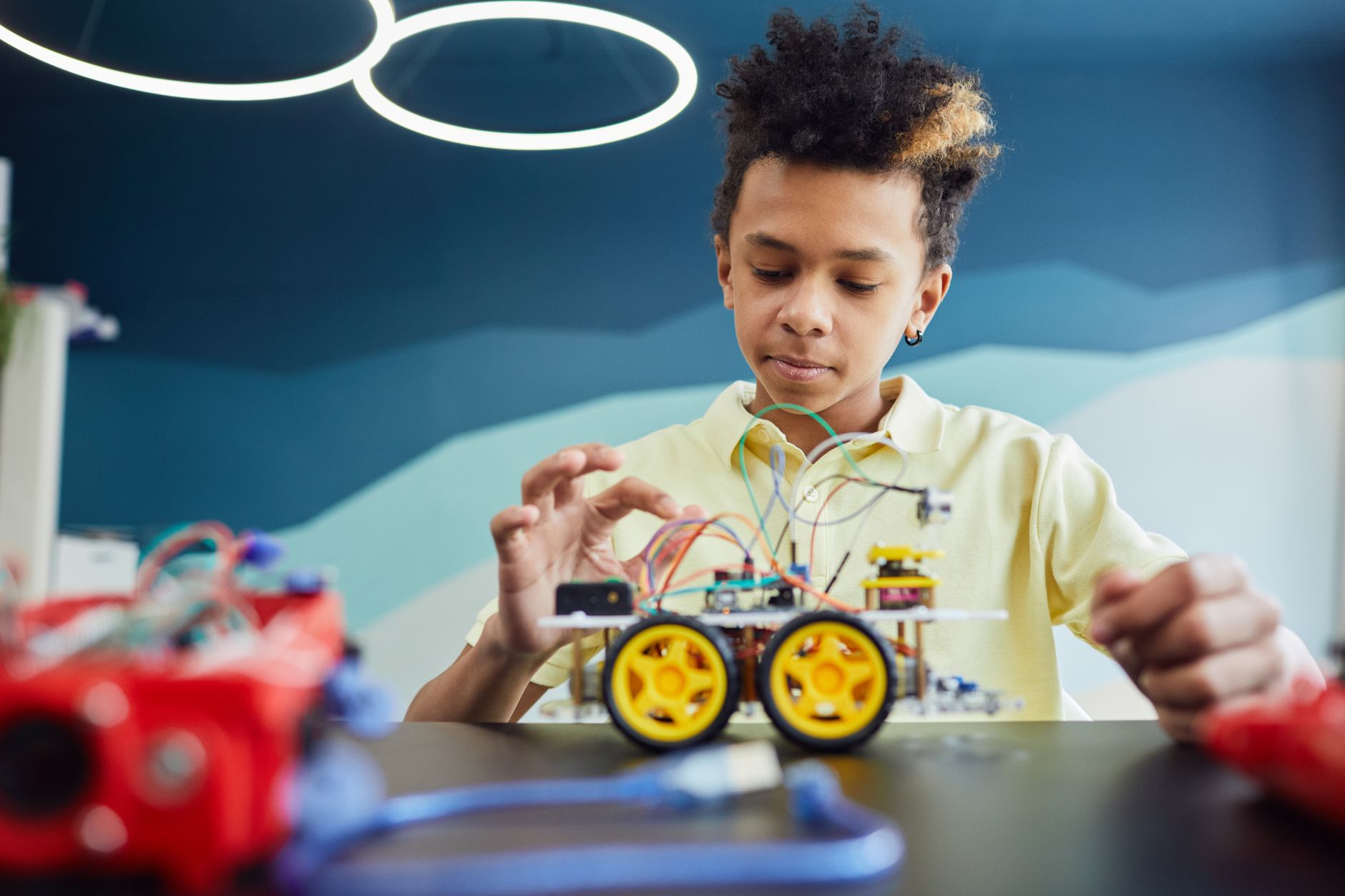 Photo by Vanessa Loring
In practice, this can mean:
- A primary pupil practising phonics and getting extra work on the sounds they confuse.
- A secondary student strengthening algebra basics before moving to tougher problems.
- An adult learner in evening classes getting short, targeted revision between shifts.
When it works, it reduces gaps, cuts boredom, and builds confidence. The student feels seen, even in a class of 30.
Adaptive lessons, practice, and study plans
Adaptive platforms don’t just mark right and wrong. They make a choice about what comes next. That “next step” is the real value.
Picture a Year 7 maths lesson on fractions. Sam keeps mixing up common denominators. The system notices a pattern: Sam can simplify, but struggles when numbers change shape. It responds with a short re-teach and five focused questions that climb in difficulty.
In the same class, Aisha answers quickly and accurately. She doesn’t get more of the same. She unlocks fraction word problems that force her to slow down and explain thinking.
This is where AI helps mixed-ability classes. The teacher can still teach one lesson, but practice time becomes less of a guessing game. It also helps with exam prep, where time is short and revision needs to be sharp. Instead of “revise everything”, the student gets a study plan built from weak spots, not vibes.
For a wider sense of how schools are applying these ideas in 2026, this overview of current classroom use cases is a useful starting point: AI in Education: Top 10 Use Cases Transforming Learning in 2026.
Support for different learners (SEND, EAL, and shy students)
Some pupils don’t need harder work. They need a different route.
AI can offer extra scaffolds such as:
Simpler explanations: The same idea, said with fewer steps or clearer words.
Translation help for EAL learners: Quick support so language doesn’t block the subject.
Text-to-speech and speech-to-text: Helpful for reading load, writing load, and fatigue.
Private practice without judgement: A shy student can make mistakes quietly, then try again.
But guardrails matter. Schools should avoid turning support tools into labels. A pupil isn’t “low”, they’re “not there yet”. Also, bias can creep in where you least expect it. Dialect, disability, and behaviour signals can be misread by systems trained on narrow data. Human checking is not optional here.
A good rule is simple: AI can suggest support, but a teacher decides what it means.
AI tutors and teacher assistants, help at scale without replacing people
AI tutoring often gets described as “intelligent tutoring systems”, but you can think of it as a chat-like helper that gives hints, steps, and feedback at the point of need. It’s closer to a study partner than a teacher.
The healthiest metaphor is a bicycle for the mind. It helps you go further with the same effort, but you still have to pedal. And it shouldn’t replace the adult who knows the child, the class, and the context.
In January 2026, pilots and rollouts are moving from novelty to normal. Many schools aren’t asking if AI belongs in learning anymore. They’re asking whether it improves outcomes, and how to prove it. That shift is echoed in policy and commentary, including this piece on where AI in education is heading: Some predictions about AI in education in 2026.
24/7 tutoring, hints, and feedback loops
Good AI tutoring doesn’t blurt out answers. It nudges thinking.
It might:
- Ask a student to explain the first step in their own words.
- Offer a worked example that matches the same skill, not the exact same question.
- Check understanding with a short practice set.
- Spot a repeated error and address it directly.
This matters most when the student is alone, at 9 pm, stuck on homework and too proud to ask. A well-set tutor can turn that moment into progress rather than panic.
Teachers can also set rules so help stays honest. For example: “Show your working”, “Explain why you chose that method”, or “Try without hints first”. These sound small, but they shape behaviour. They keep the student learning, not copying.
Teacher time-savers that improve lessons, not just admin
AI can save time in ways that actually improve teaching, not just tidy the calendar.
Teachers use it to:
Draft lesson ideas: Quick variations on an approach, then edited by the teacher.
Create quizzes at different levels: Same topic, different entry points.
Generate examples: Fresh practice questions that fit a scheme of work.
Summarise misconceptions: Patterns pulled from class responses, so reteaching hits the mark.
The daily reality is this: teachers don’t have time to write three versions of everything. AI can produce a rough first pass, but it still needs a professional eye.
A quick safety checklist keeps this grounded:
Teacher review: Never copy-paste blindly.
Curriculum match: Align to the exam board, year group, and lesson goals.
Check facts and tone: Remove anything wrong, unsafe, or off-topic.
Remove personal data: No student names, no sensitive details.
For schools weighing tools, this round-up can help you compare categories and functions, even if you don’t agree with every pick: Top 15 Best AI Platforms for Teachers and Schools in 2026.
From marking to meaning, how AI grading and assessment really works
Marking has always had two jobs. One is scoring. The other is feedback, the part that helps a student do better next time. AI changes the balance.
The promise isn’t only “mark faster”. It’s “give better feedback sooner”, and do it in a way that’s consistent.
Automated grading covers a wide range now:
- Multiple-choice and short answers
- Coding tasks
- Handwriting recognition on scanned scripts
- Rubric-based scoring for certain structured responses
Tools like Gradescope are often used as reference points in conversations about workflow and consistency, because they show how AI support can sit alongside teacher judgement rather than replace it. Grades affect futures, so transparency and checks matter.
For a view of where assessment tools are heading across the sector, this conference explainer gives a helpful snapshot of what schools are discussing for 2026: AI-Powered Assessment Tools: The Future of Testing and Grading in Education.
Automated grading for quizzes, essays, code, and handwriting
AI grades some things well, especially when the answer space is clear.
It’s strongest when:
Responses are structured: Maths steps, short science answers, coding outputs.
Rubrics are explicit: Clear criteria reduce random scoring.
There’s enough training and moderation: The system “learns” what the teacher means by the rubric.
It needs extra care when:
Writing is creative or personal: Voice and style can be misread.
Arguments are subtle: A student may be right in an unusual way.
Language varies: Dialect, EAL phrasing, or neurodivergent writing patterns can be penalised.
This is why “human-in-the-loop” matters. Teachers moderate. Heads of department spot-check. Schools treat AI scoring as a first read, not the final word.
Practical tips that work in real departments:
Sample check early: Take 10 scripts, compare AI marks to the rubric.
Watch for drift: Re-check after a few weeks, tools can change with updates.
Keep exemplar work: Use anchor scripts so marking stays consistent.
Record adjustments: If teachers override marks, log why.
Some newer platforms focus on feedback-first marking, with analytics and comment support (useful if you’re exploring options): AI Grading, Personalised Feedback and Analytics features and AI Assessment Feedback for rubric-based grading.
Fairness, bias, and appeals, keeping trust in the marks
A mark is a small number with a big shadow. It shapes sets, courses, confidence, and sometimes careers.
AI can be unfair for simple reasons:
- It learns from past data, and past data often contains bias.
- It may prefer “standard” language patterns.
- Handwriting recognition can struggle with certain scripts and motor difficulties.
- Behaviour signals can be misread (quiet doesn’t mean fine, restless doesn’t mean careless).
Good practice protects students and teachers.
Clear criteria: Students should know how marks are earned.
Right to appeal: If AI scored it, a human can review it.
Audit for bias: Check outcomes across groups, and act on patterns.
Log changes: Keep a record of when rubrics or models change.
Student-centred fairness is the standard to hold. Nobody should lose marks because they write differently, speak differently, or need support.
Privacy, safety, and what schools should do next
AI tools aren’t only about teaching. They’re also about data. Student data can include names, progress records, writing samples, voice, images, and behaviour notes. That’s personal, and in a school setting it’s sensitive.
Responsible use is practical, not scary. It starts with knowing what goes in, where it goes, and who controls it.
This matters in the UK and beyond, because trust is fragile. Once parents and staff think “we’re feeding children’s data into a black box”, the project is over.
For a plain-English perspective on supporting teachers rather than replacing them, this UK-focused explainer is a helpful reference point: Artificial intelligence in education: supporting, not replacing educators.
Protecting student data and choosing tools with care
When you speak to vendors, ask questions you can actually get answers to:
What data is collected?
Where is it stored?
Who can access it (staff, vendor, third parties)?
How long is it kept?
Can we delete it on request?
Is it used to train models, and if so, how?
Can we use school accounts only, with controlled logins?
In day-to-day use, keep inputs clean. Don’t paste in sensitive pastoral notes. Don’t upload identifiable photos unless policy allows it and consent is clear. If a tool needs lots of personal detail to work, that’s a warning sign, not a feature.
A simple rollout plan, pilot, train, measure, improve
AI in schools fails when it arrives like a surprise. It succeeds when it’s treated like any other change: planned, tested, reviewed.
A simple rollout plan looks like this:
- Pick one use case: For example, feedback on practice quizzes or adaptive maths practice.
- Set success measures: Time saved per week, improvement in quiz scores, reduced gaps.
- Train staff: Short sessions, clear rules, examples of safe and unsafe use.
- Set classroom norms: When AI help is allowed, what counts as cheating, how to cite support.
- Run a 6 to 8-week pilot: Keep it small enough to manage, big enough to learn.
- Review and improve: Collect teacher notes, student feedback, and results, then adjust.
Hybrid use tends to work best: teacher judgement plus fast, consistent support from tools. That blend keeps the human bond intact while reducing the busywork that steals attention.
Conclusion
In the best version of this story, the marking pile shrinks, the teacher looks up, and there’s time for the real work: a quiet chat with the student who’s been slipping, a quick praise that lands, a careful question that sparks an idea.
AI can personalise learning and speed up grading, but it must be guided, checked, and used with care. Keep privacy tight, keep criteria clear, and keep humans responsible for final decisions. Start with one safe, high-impact task, like adaptive practice or rubric-based feedback, learn from it, then build from there.