
Listen to this post: How Public Wi-Fi Really Works (and How Hackers Abuse It)
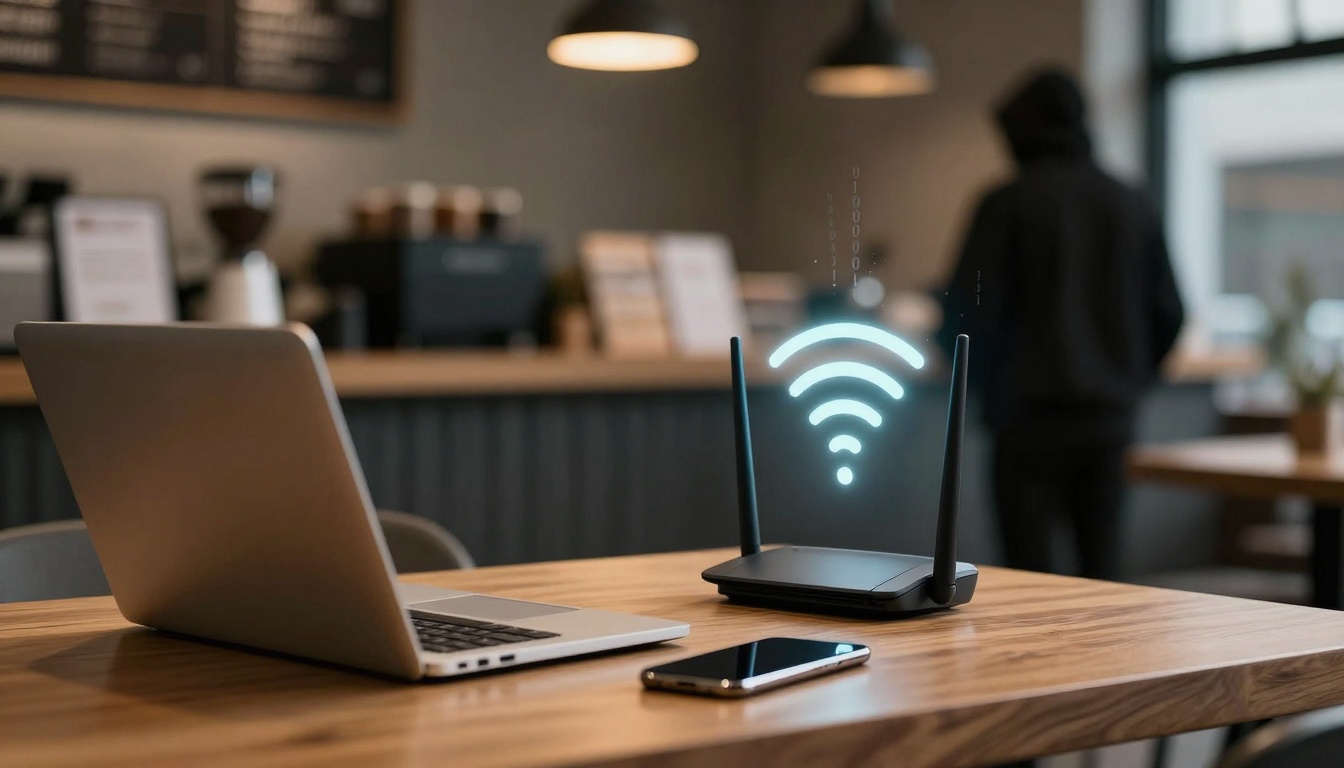
Picture this: you sit in a bustling café, the aroma of fresh coffee fills the air, and chatter buzzes around you. You pull out your phone, spot “Café_Free_WiFi”, and tap connect. Seconds later, you’re scrolling emails and checking news. Simple, right? But beneath that quick link lies a web of risks. Hackers lurk, ready to snatch your data.
In January 2026, MITM attacks on public spots have spiked, with reports showing thieves grab logins from coffee shops and airports daily. This post breaks it down: how your device chats with public Wi-Fi routers step by step, the clever ways hackers hijack those chats, and easy fixes to shield yourself. By the end, you’ll spot traps and keep your info safe, no tech degree needed.
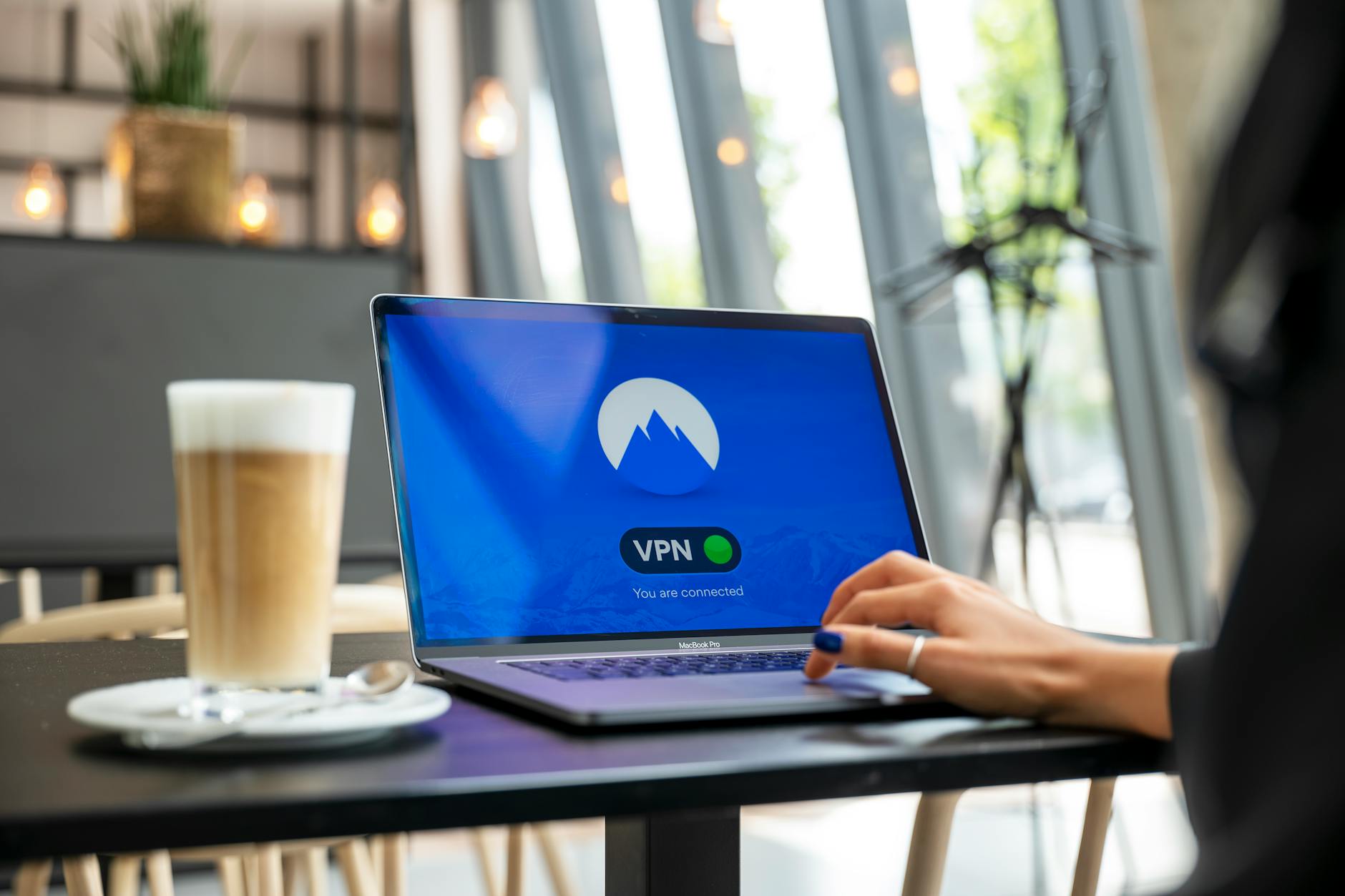
Photo by Stefan Coders
How Public Wi-Fi Links Your Device to the Internet
Your phone doesn’t just beam straight to the internet. It starts a back-and-forth with the café’s router, like neighbours shouting messages over a fence. First, it scans for signals. Then it picks one and shakes hands. Data flies as tiny packets on radio waves. All this happens in seconds, but each step opens doors for trouble.
Public setups vary. A small café might use one router. Airports run mesh networks with many nodes. Hotels hand out room codes. Most rely on Wi-Fi standards to keep things orderly.
The Step-by-Step Connection Dance
Your device wakes up and listens. It scans radio channels for networks broadcasting their name, or SSID. Strongest signal wins, often the one closest.
You tap to join. Association kicks in: your phone sends its ID, the MAC address, a unique label like a house number. The router replies, “Come on in.”
Next, authentication. Many public nets use a four-way handshake. You enter a password, or none at all. The router checks it and shares secret keys for encryption.
A captive portal might pop up. It forces a browser page for terms, login, or ads. You agree, and full access unlocks. Now data flows.
Packets, Channels, and Sharing the Airwaves
Data breaks into packets, like envelopes with sender and receiver labels. Each holds bits of your email or video stream, plus MAC addresses and checksums for errors.
These packets ride radio waves on set channels, think crowded FM bands. Devices share airtime with timers: one talks, others wait. If signals clash, packets resend.
Your phone tags packets for the router. It strips your info, adds its own, and forwards to the internet. Replies zip back the same path. In busy spots, delays build from all the chatter.
WPA2 and WPA3: The Locks on the Door
WPA2 guards most public nets. It scrambles data with a shared password, like a padlock on those envelopes. Weak passwords crack fast, though, and many cafés use “password123”.
WPA3 steps up. It ties encryption to your device alone, resists offline guesses. But rollout lags; few public spots use it yet. Open nets skip locks entirely, data in plain sight.
Sneaky Hacker Tricks on Open Networks
Hackers love public Wi-Fi. Crowds mean more targets, weak security invites them. Picture a van parked outside your café, antenna sniffing signals. In 2026, tools make it child’s play.
Real cases flood reports: thieves nab bank details at airports, emails in hotels. Orbital10 outlines two key threats like MITM and fakes that hit businesses hard. Trends show AI aids fake pages, but basics persist.
Man-in-the-Middle: The Invisible Spy
Hackers slip between you and the router. They spoof the access point, so your phone links to them instead. Traffic passes through: they read emails, steal logins, tweak sites.
At Starbucks, you join “Starbucks_WiFi”. Hacker broadcasts same name stronger from nearby. Auto-connect bites you. They log your Netflix password or bank site. Recent twists use stolen SSL certificates; padlocks appear fake.
One hacker grabbed dozens of sessions in minutes at a busy spot. Your unencrypted bits spill easy.
Evil Twin Hotspots: The Perfect Imposter
Hackers jam real signal, set up a twin with matching name. “Hotel_Guest_Free” looks legit, no password. You connect; all data routes to their laptop.
In hotels, they add room numbers for trust. Airports see “Free_Airport_WiFi”. Stronger signal pulls devices. Kaspersky explains evil twin Wi-Fi with clear steps hackers follow.
Your traffic? Captured whole. They push malware or phish credentials.
Packet Sniffing and DNS Tricks
On open nets, tools like Wireshark grab packets mid-air. Unencrypted emails, chats, files appear plain. Even HTTPS leaks site names.
DNS spoofing twists it worse. Hacker poisons lookups; “bank.com” leads to their fake page. You type details, gone. Kismet scans networks, picks weak ones. In 2026, packet hauls fuel phishing rings.
Smart Ways to Lock Down Your Connection
You can’t fix café routers. But you control your end. Start with a VPN; it wraps data in a tunnel hackers can’t peek. Apps like ExpressVPN or NordVPN encrypt everything end-to-end.
Pair with HTTPS checks. No padlock? Don’t enter info. LastPass details evil twin stops, stressing these basics.
Build habits: forget networks after use. Public Wi-Fi suits light browsing; save heavy tasks for home.
Fire Up a VPN and Stick to HTTPS
VPN blocks all tricks. MITM sees gibberish. Evil twins? Traffic stays locked. Pick one with kill switch; it cuts net if VPN drops.
HTTPS scrambles payloads. Sites without it scream risk. Browser flags help. In 2026, most banks force it, but emails lag.
Together, they neuter public threats.
Quick Device Fixes and Daily Habits
Toggle off auto-connect; pick networks manual. Disable file sharing, AirDrop. Update iOS or Android for patches.
Skip banking, shopping. Use phone hotspot for key tasks; data caps beat theft. Check SSID matches posted name.
Wi-Fi 7 speeds things, but VPN remains king. Scan with apps like Fing for rogues.
Stay Sharp on Public Wi-Fi
Public nets link fast but expose you to MITM spies, evil twins, and sniffers. VPNs tunnel safe, HTTPS hides payloads, smart settings block auto-traps.
Next airport wait or café stop, fire up protection. Check toggles now; your data stays yours.
Browse bold, stay private. You’ve got the tools.