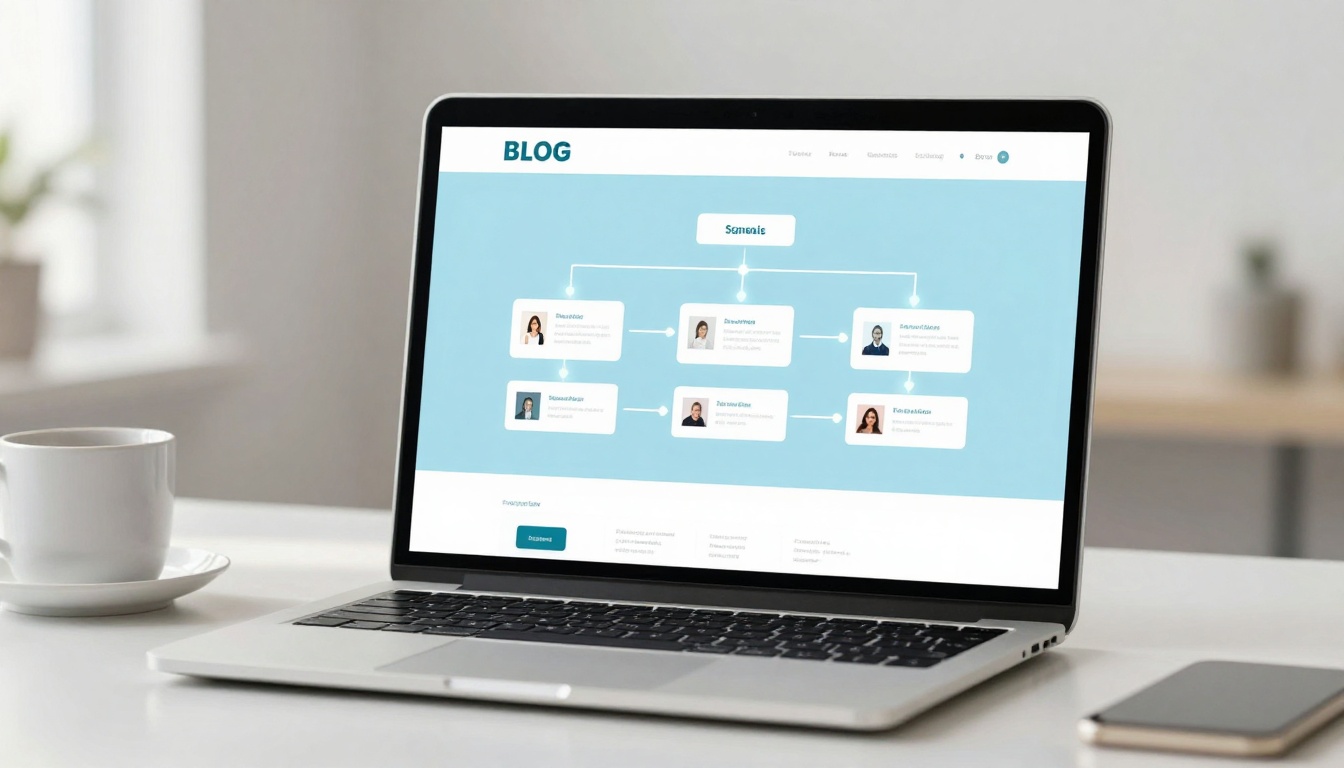

Listen to this post: How to Improve Internal Linking on Your Blog (A Practical System That Works)
Picture this. A reader lands on one of your posts from Google, finds the answer they needed, then hits a dead end. No clear next step, no helpful follow-up, no path deeper into your site. They leave, even though you’ve got ten other posts that would’ve helped them.
That’s what internal linking fixes. Internal links are the signposts inside your own blog. They guide readers to the next useful page, and they help search engines understand which pages matter most.
A good internal link feels like a natural recommendation, not a forced insert. For example: “If you’re new to this, start with my SEO basics guide, then come back to internal links.”
Start with a simple internal linking plan (so links don’t feel random)
Internal linking works best when it’s a system, not a last-minute chore you do right before publishing. If you only add links when you remember, you’ll end up with uneven coverage: some posts get all the love, others become invisible.
A simple plan gives you three wins:
- Readers stay longer because they can follow a clear trail.
- Your best pages get stronger because more posts point towards them.
- Google crawls faster because your site is easier to move through.
In January 2026, there hasn’t been a headline Google update that changed internal linking overnight. The basics still do the heavy lifting: clear structure, descriptive anchors, and keeping important pages easy to reach (often within about three clicks from the homepage).
Here’s a plan that stays manageable even if you publish weekly:
Step 1: Choose what “important” means on your blog.
Not every post is meant to rank. Some posts are timely, some are evergreen, some exist to support a bigger guide. Decide which pages you want to be your long-term magnets.
Step 2: Build paths, not piles.
A page with 30 random links feels like a messy noticeboard. A page with 5 to 8 well-placed links feels like a guided tour.
Step 3: Set a light rule for every new post.
For most blogs, a simple baseline works: each post links to 2 to 5 other relevant posts in the main body, not tucked away in a footer. If you run a news-heavy site like CurratedBrief, you can link explainers from breaking stories, then link those explainers back to category hubs (so readers can switch from “what happened” to “what it means”).
The key mindset shift is this: internal links are part of your writing. They’re not decoration. When you add them early, they stop feeling awkward.
Pick your pillar pages and supporting posts
A pillar page is a broad, evergreen guide that covers one topic end-to-end and links out to more detailed posts.
Think of a pillar page as the main station. Supporting posts are the local stops. The pillar gives the big picture; the supporting posts answer one tight question each.
A clean structure often looks like:
- 1 pillar page
- 6 to 12 supporting posts
Here’s a simple example for a blog that covers SEO news and explainers:
- Pillar: SEO basics
- Supporting posts: title tags, meta descriptions, internal links, technical SEO checks, topic clusters, SEO for news content, keyword intent
The point isn’t to force every post into a rigid box. The point is to stop treating every post as an island. When you build one strong “home base” page, you always know where to link back to.
A quick gut-check: if you removed your navigation menu, could a reader still find your pillar pages by following links in your posts? If not, the structure needs tightening.
Map your topics into clusters readers can follow
Topic clusters are like tidy shelves in a library. You don’t throw cookbooks, crime novels, and dictionaries into one heap. You group related things so people can browse without thinking too hard.
A basic cluster method:
- Choose one main theme (the pillar topic).
- List 6 to 12 subtopics that support it.
- Link each support post back to the pillar using clear anchor text.
- Cross-link support posts only where it genuinely helps (same stage, same intent, same reader problem).
This approach does two jobs at once. It helps readers keep going, and it helps Google understand context. When several pages consistently point to a pillar, the pillar starts to look like your “best answer” on that subject.
Keep it human. Ask yourself: “If I were reading this at midnight on my phone, what would I click next?” That’s usually your best link.
Add internal links that feel natural and earn clicks
A link that nobody clicks is still a link, but it’s not doing its full job. Great internal linking is less about quantity and more about timing, wording, and relevance.
You want links that feel like a helpful aside, the way a friend recommends a good article without making it weird.
Here are three rules that keep your links click-worthy:
1) Link to the next thought.
If you just defined something, link to the deeper explanation. If you just gave a checklist, link to a post that shows it in action.
2) Place links inside the main content.
Contextual links in paragraphs tend to get more attention than a long “Related posts” dump at the end. They also send stronger signals about what the linked page is about.
3) Keep important pages close.
If your best guide is buried six clicks deep, it’s easy for readers and crawlers to miss. Try to keep key pages reachable quickly through categories, hubs, and contextual links.
This is where many blogs wobble. They add links, but they don’t make them feel worth clicking. That’s usually an anchor text problem.
Use clear anchor text that matches the next page
Anchor text is just the words you click. Simple, but powerful. It tells readers what they’ll get, and it tells search engines how the pages relate.
Strong anchor text is specific, plain, and honest.
Good examples:
- “internal linking best practices” (clear topic)
- “how to fix orphan pages” (clear outcome)
- “SEO basics for beginners” (clear audience)
Weak examples:
- “click here” (says nothing)
- “read more” (still says nothing)
One small trick that improves both SEO and clicks: vary the phrasing without changing the meaning. If your target page is about internal linking, you can rotate anchors like “internal linking guide”, “improve internal links”, or “internal links for SEO”, as long as each one fits the sentence and points to the same idea.
Avoid anchors that feel stuffed with keywords. If you wouldn’t say it out loud, don’t write it as anchor text.
Place links where readers need them most
Internal links work best when they appear at moments of peak attention, not as an afterthought.
Three high-performing placements:
Near the top (when it fits).
After your first useful idea, add one link to a closely related “starter” page. This helps impatient readers who want the bigger picture right now.
Right after a useful tip or definition.
If you explain “orphan pages”, that’s the perfect time to link to a post about finding them. The reader’s brain is already holding that concept.
As a short next-step line after a section.
Example: “Next, tidy your anchor text so the links earn clicks.” One link here can feel like a natural handoff.
What to avoid: dumping a list of 10 links at the end and hoping something sticks. It looks like housekeeping, not guidance. If you do include end-of-post links, keep it tight and only include the most relevant two or three.
Also, don’t interrupt your own point. If a link breaks the flow of a sentence, move it to the end of the paragraph. The best links feel like doors, not detours.
Audit and improve your internal links in under an hour
Internal linking isn’t a “set it and forget it” job. Posts change, topics grow, and old content drifts out of date. The good news is you don’t need a huge project to keep things healthy.
A monthly internal link routine can fit into one focused hour. Put the kettle on, set a timer, and treat it like basic site maintenance.
Here’s the simple flow:
- Find pages that are hard to reach (or not linked at all).
- Fix links that don’t work.
- Improve anchors that don’t tell the truth.
- Add a few strong links towards your priority pages.
You can do a lot of this with your CMS search, your sitemap, and a crawl tool if you use one. Keep tool talk light. The point is the habit, not the software.
Find and fix orphan pages, broken links, and weak anchor text
An orphan page is a page with no internal links pointing to it, so it sits alone.
Orphans happen more than you think, especially on blogs that publish fast. A news post gets pushed out, then forgotten. A niche explainer never gets connected to the main guides. Over time, the site turns into a pile of loose sheets instead of a book.
Use this checklist:
- Every post links out to 2 to 5 relevant posts in the main content.
- Every important post has at least 3 internal links pointing to it.
- Fix broken links (404s) as soon as you spot them.
- Replace vague anchors like “here” with descriptive anchors that match the destination.
If you only do one thing, do this: pick your top 5 priority pages, then add fresh links to them from newer posts that already get traffic. It’s one of the fastest ways to pass attention and authority around your site.
Refresh older posts with new links as you publish
The easiest internal linking strategy is a publishing habit.
Each time you publish a new post:
- Link to 2 to 4 older posts that support the new one.
- Update 2 older posts to link back to the new post.
This creates two-way pathways, which is what readers want. It also stops older posts from going stale.
Use these “when to update” triggers:
- You publish a new guide that should become a pillar or support post.
- An older post starts ranking and you want to keep readers moving.
- A post has steady traffic but a high bounce rate (it answers one question, then drops people).
If you run a site with frequent updates, like a news brief, make it routine to link breaking stories to evergreen explainers. Then add a small “latest updates” section on the explainer that points back to the newest coverage. Readers get context and recency, without hunting.
Conclusion
Internal linking shouldn’t feel like busy work. It’s just good hosting. You’re showing readers where the useful rooms are, instead of leaving them in the hallway.
Keep it simple with a three-part approach: plan your pillars and clusters, write natural links with clear anchor text, then maintain it with quick monthly audits. Small changes add up because they compound across your whole archive.
Pick one pillar page today, then add five helpful internal links that guide a reader to the next step. After that, do it again next week. Your blog will start to feel less like a stack of posts, and more like a place people can actually explore.