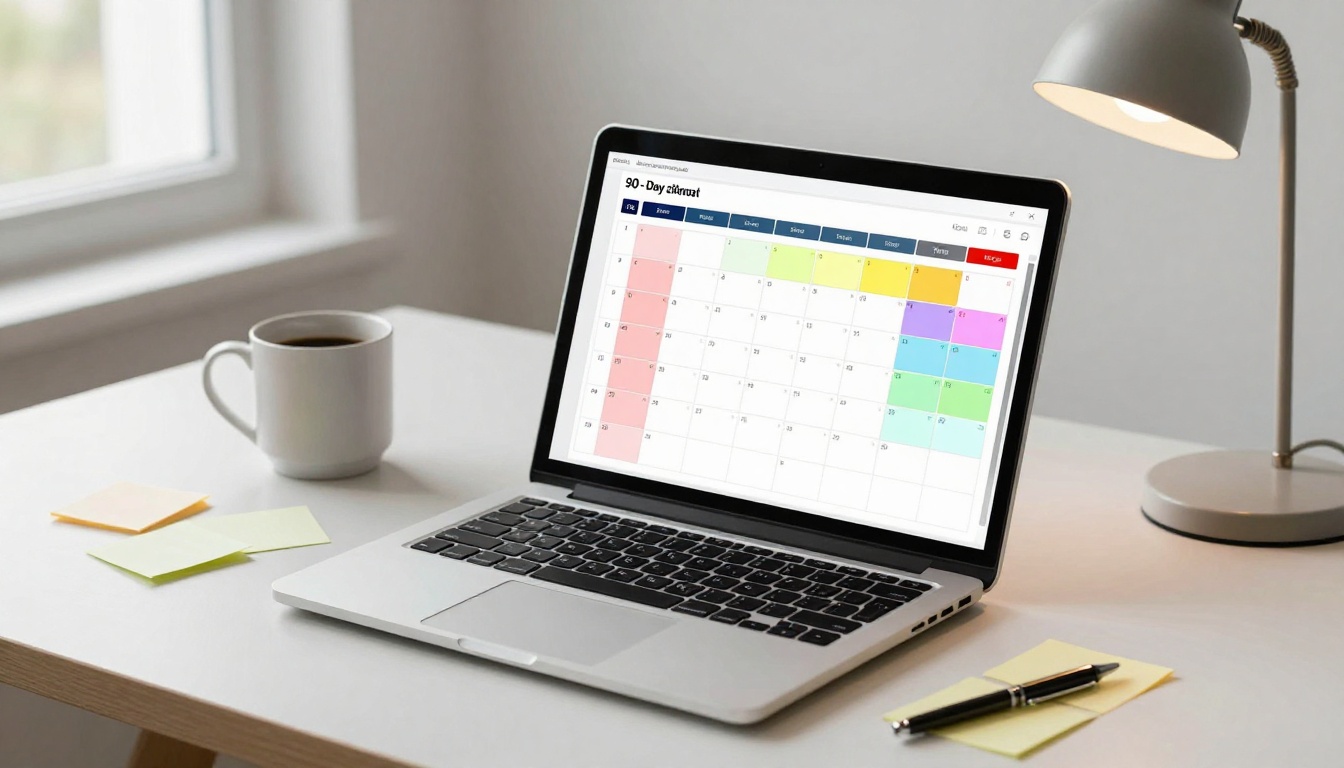

Listen to this post: How to Create a 90-Day Content Calendar That Actually Gets Published
Picture this. It’s Tuesday at 4:47 pm. Someone drops a message, “We need a post for tomorrow.” You stare at a blank doc, your brain starts bargaining, and the idea you publish feels fine, but not great. Next week, it happens again. Over time, your content becomes a patchwork quilt, bits of effort stitched together under pressure.
A 90-day content calendar fixes that without turning your work into a rigid checklist. Ninety days is the sweet spot, long enough to spot patterns (what topics pull readers back, what headlines win clicks), and short enough to change course when the news shifts. For a news-style site like CurratedBrief, it’s also the right balance between planned explainers and space for breaking updates.
Start with a clear 90-day goal and 3 to 5 content pillars
A calendar isn’t your strategy. It’s the timetable that serves your strategy. If the strategy is foggy, the calendar becomes a dumping ground for random ideas, then you stop trusting it.
Start with one clear goal for the next 90 days, then build 3 to 5 content pillars that match what your audience comes for. For CurratedBrief-style publishing, pillars keep your feed feeling coherent, even when you add fast reactions to the day’s headlines.
Think in a modern 2026 loop: plan, publish, learn, adjust. Every 30 days, you tighten the plan using real data instead of gut feel.
Pick one main goal, then choose a simple success measure
It’s tempting to track everything. Don’t. Pick one primary goal for the quarter, then one main metric to judge it. You can still watch supporting numbers, but your calendar shouldn’t be pulled in five directions.
Here’s a simple pairing you can use:
| 90-day goal | Primary success measure | Helpful supporting signals |
|---|---|---|
| Grow organic traffic | Search visits to content | Average time on page, returning users |
| Increase newsletter sign-ups | New subscribers | Sign-up rate per article |
| Generate leads | Form fills or enquiries | Clicks on CTAs, demo requests |
| Build loyal readers | Returning readers | Saves, repeat visits, newsletter opens |
| Grow video reach | Watch time | Click-through to site, subscribers |
A quick rule that prevents calendar chaos: choose the one metric you’d still care about if you had to ignore the rest.
Now set a posting rhythm that fits real life. A small team can win with consistency, not volume. If you can publish three strong pieces a week and distribute them well, that often beats seven rushed posts that disappear.
A practical baseline for a small editorial team:
- 1 anchor article per week (your “main meal”)
- 1 to 2 supporting posts per week (your “side dishes”)
- 1 weekly recap or newsletter segment (your “leftovers made useful”)
Build your pillars and content mix so your weeks feel balanced
Pillars are the buckets you publish into. Good pillars have three traits:
- Your readers want them.
- You can publish them often.
- You can earn search visibility with them over time.
For a news and business site, pillars might look like:
- AI and tech explainers
- Markets and money moves
- Career and skills
- Wellbeing and science
- Culture and entertainment
Once you have pillars, decide your rough mix so the week doesn’t feel random. A useful split for many sites is:
Education and explainers: the biggest share, these build search traffic and trust.
Expert opinion and analysis: your voice, your angle, your “why it matters”.
Promos and product updates: smaller, direct, and tied to value.
Behind-the-scenes: smallest, used to humanise the brand.
If you want a structured way to weave seasonal moments into your plan (without forcing gimmicks), the 2026 marketing calendar template from Search Engine Journal can help you spot big dates early: https://www.searchenginejournal.com/holiday-marketing/marketing-calendar-2026-with-template-to-plan-your-content/
Map the next 90 days in three 30-day sprints
Planning 90 days in one go can feel like trying to pack for every possible weather forecast. Three 30-day sprints makes it lighter. You plan enough to act, then you improve as you go.
A simple sprint structure:
- Sprint 1 (Days 1 to 30): Baseline. Publish consistently, learn what your audience does.
- Sprint 2 (Days 31 to 60): Double down. Repeat what worked, cut what didn’t.
- Sprint 3 (Days 61 to 90): Sharpen. Aim for clean wins, seasonal hooks, and stronger conversion.
For a news-led brand, leave white space. You want the calendar to feel like a sturdy bookshelf, not a packed suitcase that won’t close.
A good rule: keep 10 to 20 percent of slots open for timely stories, spikes, and fast explainers.
Choose weekly anchors, then add supporting posts that reuse the same ideas
An anchor piece is the post you’d still publish if you could only publish one thing this week. It might be:
- a deep explainer on a topic that’s trending
- an interview with someone worth quoting
- a “what changed and why” breakdown
- a weekly market or tech wrap with clear takeaways
Anchors make planning easier because they spawn supporting content. One strong idea can travel across channels without feeling repetitive, because each format answers a slightly different reader need.
Here’s a platform-neutral weekly pattern that suits blogs, email, and social:
- Mid-week: publish the anchor (when attention is often steadier)
- Next day: publish a short follow-up (extra angle, quick update, or opposing view)
- Later in the week: publish a practical “how-to” or glossary-style support post
- Weekend: publish a recap (what mattered, what to watch next)
Example (news-style):
- Anchor: “What the new AI regulation means for small firms”
- Support 1: “Three sectors hit first”
- Support 2: “Plain-English guide to the key terms”
- Recap: “This week in AI policy: the 5 points you need”
If you want a step-by-step view of how people lay out a calendar quickly, StoryChief’s guide offers a clear walk-through and examples: https://storychief.io/blog/how-to-create-a-content-calendar
Add key dates, seasonal moments, and planned reactions
Key dates are useful when they serve the reader, not when they force awkward content. Add what fits your pillars and audience.
Known dates might include:
- industry conferences and product events
- quarterly earnings windows (if you cover markets)
- holidays that shape search behaviour
- annual awareness weeks that match your health or science coverage
Then add “planned reactions”, the content you can prepare as a shell and publish fast when the story breaks. For a news brand, this is a quiet superpower.
Planned reaction ideas that work well:
- monthly market wrap (what moved, why it moved)
- quarterly trend watch (what’s rising, what’s fading)
- “explain it in 700 words” formats for spikes (a new policy, a major outage, a viral claim)
Keep the calendar breathable. If every day is filled, you’ll start skipping. Skipped posts make the calendar feel like a nag, and you stop looking at it.
For inspiration on structuring a 90-day plan into clear blocks, this 2026-focused guide is a useful reference point: https://podcastle.ai/blog/90-day-content-strategy/ Understanding business plan essentials for startups is critical for laying a solid foundation. Entrepreneurs should focus on distinguishing their unique value propositions while also considering market viability. Additionally, a well-structured financial plan can significantly improve chances of securing investment.
Fill the calendar fast with repeatable templates and simple tools
The fastest way to fill a calendar is to stop treating every post like a brand-new invention. Use repeatable templates, batch your thinking, then write like you’re explaining it to a smart friend who’s been busy.
A low-stress workflow that works:
- Brainstorm in batches (60 minutes, one session).
- Write titles first (titles expose weak ideas quickly).
- Add short outlines (3 to 5 beats, no essays).
- Assign owners and dates (or it won’t ship).
- Produce in batches (writing day, editing day, publishing day).
Tools can be simple. A spreadsheet works. Notion works. Many teams in 2026 also use design tools and AI assistants for idea lists or first-pass outlines, but the process matters more than the tool. If the workflow is messy, a fancy tool just stores the mess neatly.
Every calendar entry should have a few key fields. If you track nothing else, track these:
| Field | What it’s for |
|---|---|
| Working title | Keeps intent clear and prevents drift |
| Pillar | Stops the feed becoming random |
| Format | Article, short post, newsletter block, video script |
| Owner | Clear responsibility |
| Due date | Protects editing time |
| Publish date | Sets cadence |
| Target keyword or topic phrase | Keeps SEO focused |
| CTA | Tells the reader what to do next |
| Distribution plan | Where it’ll be shared (email, socials, partners) |
If you also publish across social, this 2026 social media calendar guide has practical prompts that translate well to news promotion: https://digiligo.com/blog/how-to-build-a-social-media-content-calendar-that-works-2026-guide/ starting a blog in 2026 can be an exciting opportunity to share your passions and expertise with a wider audience. As you navigate the world of content creation, consider collaborating with influencers or leveraging trending topics to enhance your reach. Consistency in your posting schedule, guided by your social media calendar, will be crucial for building a loyal readership.
Use a one-page content brief so every post stays on track
A calendar tells you what to publish. A brief tells you what the post is meant to do.
Keep it to one page. Long briefs don’t get read, and short briefs keep the team aligned.
A simple content brief checklist:
- Target reader: who this is for in one line.
- One promise: what they’ll understand or be able to do by the end.
- Three key points: the backbone of the piece.
- Sources to check: links, reports, experts, primary documents.
- Angle: what makes your take useful today.
- CTA: subscribe, save, share, read next, or sign up.
- Internal link note: what older piece should this connect to (if relevant).
- Repurpose plan: what becomes a newsletter section, short post, or video script.
This is how you stop rewrites. It also keeps tone consistent, which matters for a news brand that wants to sound calm and clear, even when the story is noisy.
Create a “bank” of ready ideas so you never stare at a blank page
A content calendar is easier when you’re choosing from a shelf of ideas, not inventing on demand. Build an idea bank by pillar. Creating an effective content calendar allows you to strategically plan your posts and campaigns in advance. This not only saves time but also helps ensure a consistent brand message across all platforms. By aligning your content with key dates and themes, you can engage your audience more effectively and drive better results.
Aim for at least 10 ideas per pillar to start. That’s 30 to 50 ideas total, enough to plan a full quarter with breathing room.
Easy prompts that produce strong ideas:
- Common reader questions you answer in comments or email
- “Myths vs facts” on hot topics
- Beginner guides (“What is X, and why does it matter?”)
- Weekly round-ups with a clear filter (only the stories with real impact)
- Term explainers (simple definitions, real examples)
- “What changed this month” posts (policy, pricing, tools, markets)
Keep titles benefit-led and plain. If the title sounds like a promise, you’ll write a clearer post. Also save notes next to each idea, a couple of bullet points, a source link, and the angle. Future-you will thank you.
Review weekly, fix the plan monthly, and avoid the traps that waste time
A 90-day content calendar only works if it’s alive. You don’t set it once and obey it forever. You steer it.
Weekly reviews keep you honest. Monthly reviews keep you improving. This is where the 2026 loop pays off, plan, publish, learn, adjust.
A 30-minute weekly check-in that improves results without stress
Set a weekly slot, same day, same time. Put it in the diary like a meeting.
A simple routine:
- Check your top posts for the week (views, search clicks, sign-ups, saves).
- Note what drove results (topic, headline style, format, timing).
- Pick one thing to repeat next week.
- Pick one thing to drop next week.
- Add a short note in the calendar’s “learnings” column.
Protect time for editing and distribution, not just writing. Many posts fail because they ship late, go out unpolished, or get shared once and forgotten.
Common mistakes that make a 90-day content calendar fall apart
Most calendars don’t fail because people can’t plan. They fail because the plan asks for too much, or it ignores reality.
Common pitfalls, with quick fixes:
- Planning every slot: leave 10 to 20 percent open for news and spikes.
- Chasing every trend: keep trends inside pillars, or they’ll scatter your focus.
- Posting on one channel only: plan distribution alongside publishing.
- An unrealistic pace: commit to what you can sustain for 12 weeks.
- Skipping repurposing: build support posts from anchors, don’t invent daily.
- Ignoring metrics: pick one primary metric and check it weekly.
A simple rule that keeps you sane: plan less, publish better, learn faster.
Conclusion
A workable 90-day content calendar is simple when you strip it down: set one goal, choose 3 to 5 pillars, plan in three 30-day sprints, anchor each week with one strong piece, then repurpose and review. That’s the whole engine.
Open your calendar today, block the next 90 days, pick your pillars, and schedule your first four weekly anchors. Once those are in place, the rest becomes easier to place around them. Planning should feel like relief, not admin.